Radioddity Extended manual for Radioddity DB25-D, DB40-D & GD-88 v3.0
© Radioddity 2023 page 49 of 252
Function description and applications
Power switch /
Volume control
1) Turn the radio On/Off
2) Choose the proper volume level for your needs
1) For external accessories connection, such as
earpiece, speaker.
2) Connect the programming cable here to get
connection with the PC for data programming.
Speak to the microphone when pressing the [PTT]-key
to transmit (3-5 cm away from the mouth)
[A/B]
CTRL (VFO A/B)
selection / Back
key / Edit key
1) ln standby, short press to choose the desired VFO
A or B (CTRL will be displayed on the left in the
middle line of the corresponding VFO.
2) ln menu operation, use as the return key.
3) ln standby, long press to enter the settings of the
currently selected channel.
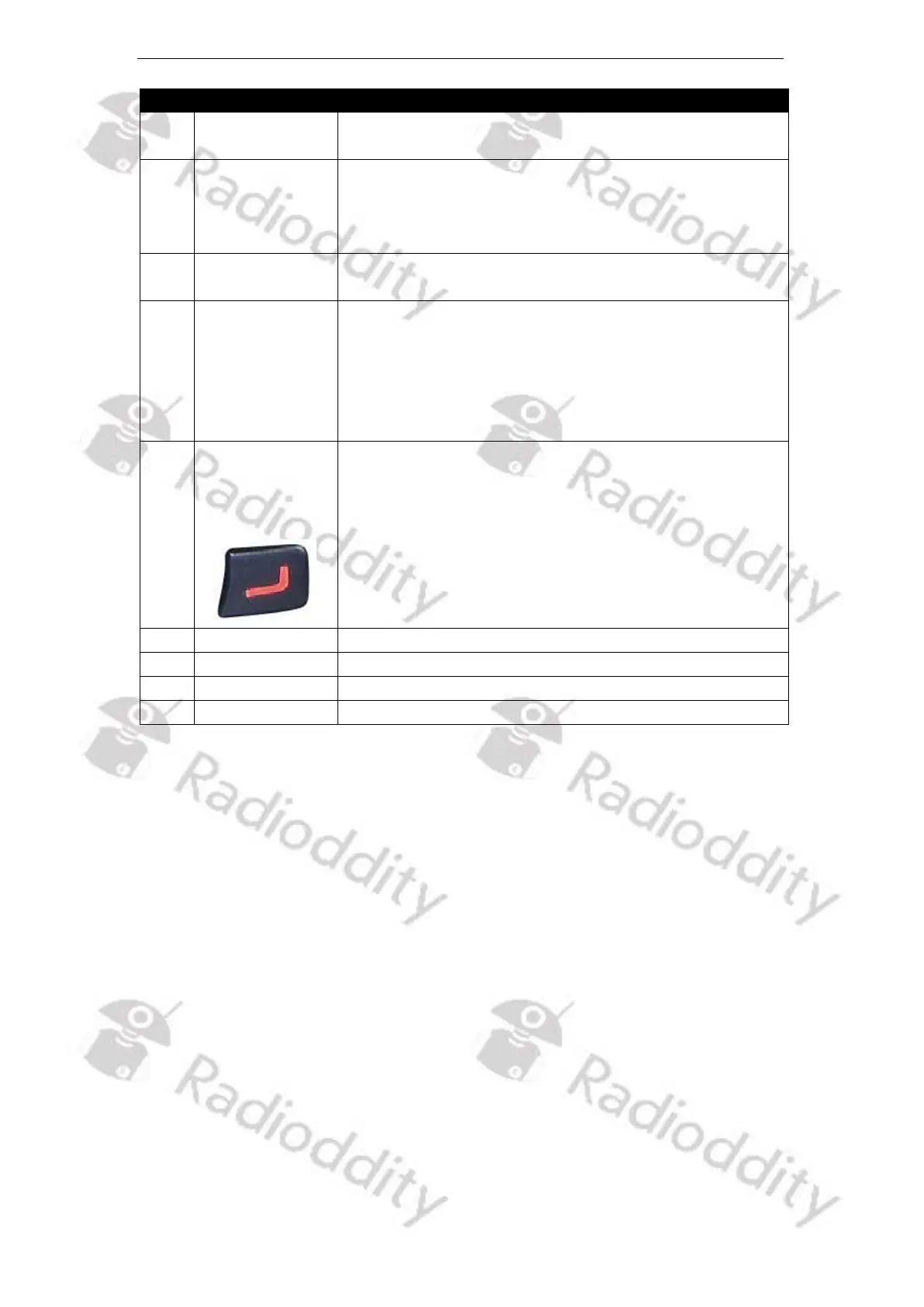
[VFO
A/B TX
selection]
Key
1) ln standby, short press to choose the desired VFO
A or B for transmitting. ‘PTT’ will be displayed on
the left in the bottom line of the VFO selected for
transmitting
2) ln standby, long press to switch between Channel
Display Mode and VFO Mode for the current
operating VFO (indicated by ‘CTRL’ on the left in the
middle line of that VFO)
Decrease (Down) the frequency, channel, menu, etc.
Used to clamp the radio to a belt
Used to provide power to the radio
Used to fasten the battery to the radio unit



 To Next Page