Radioddity Extended manual for Radioddity DB25-D, DB40-D & GD-88 v3.0
© Radioddity 2023 page 69 of 252
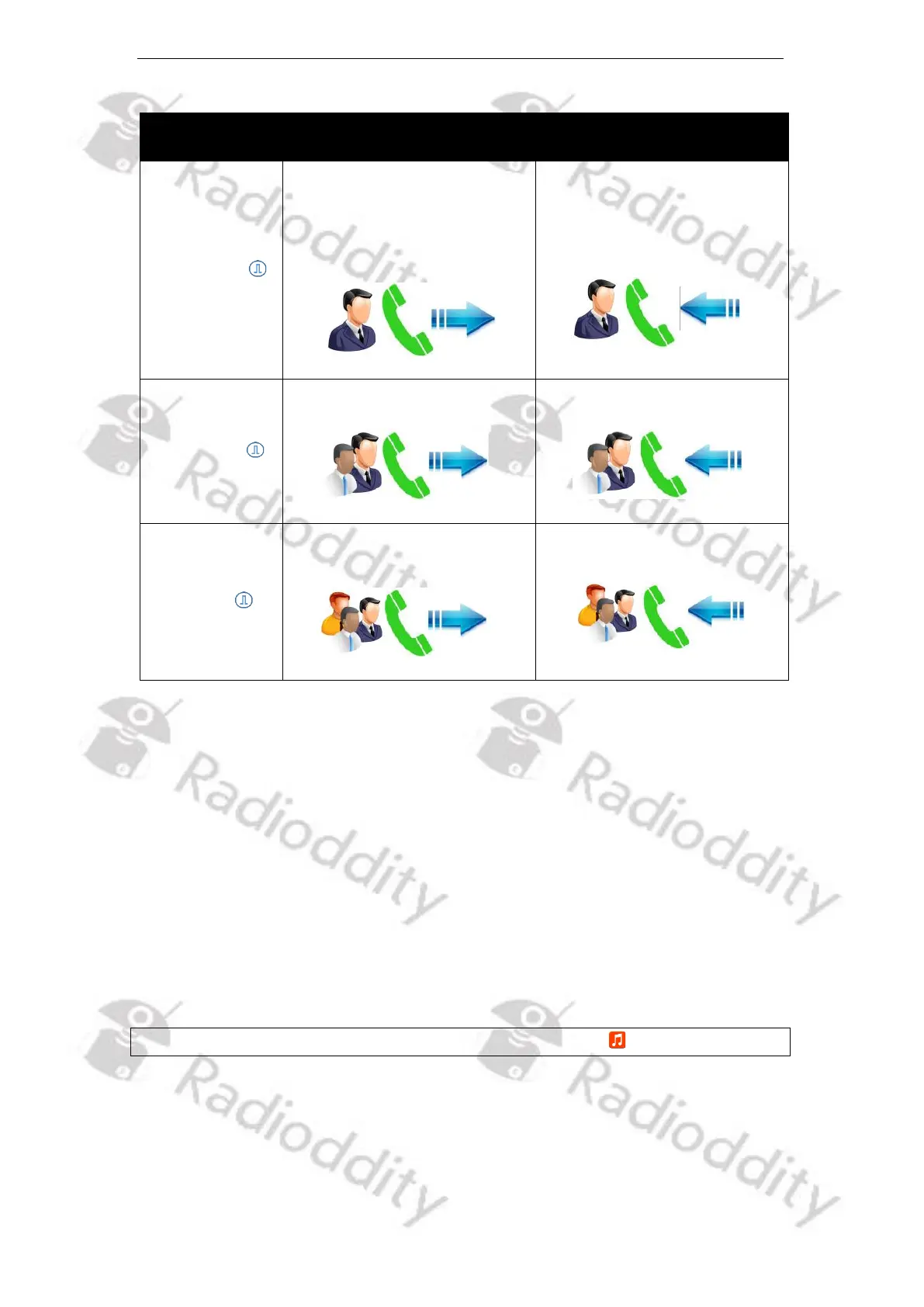
In Standby Mode, press the
[PTT]-key to initiate the call.
When a Private Call is
initiated, the screen displays:
*) Not used within amateur radio networks
If the ‘Tx Begin Tone’ and ‘TX End Tone’ for Private and Group Calls are activated
(currently only possible at the radio itself), when pressing the [PTT]-key of the
Speaker-Microphone to make a call, a short prompt tone will be heard indicating
that the call is in progress. You can speak into the MIC. Upon release of the [PTT]-
key, a short beep sound will be heard indicating that your radio is now is ready
for receiving.
If ‘Rx Begin Tone’ and ‘Rx End Tone’ for Private and Group Calls are activated
(currently only possible at the radio), when the other station transmits, you will
hear a short prompt tone indicating that the current channel is in receiving mode.
As soon as the other station ends its transmission, you will hear a short beep,
indicating that the channel is now idle again and waiting for your answer.
Notes: For more details, please check chapter 10.8 Tone Set on page 100.



 To Next Page