Installing firmware and software updates
R&S
®
TSMA6
112User Manual 4900.8057.02 ─ 11
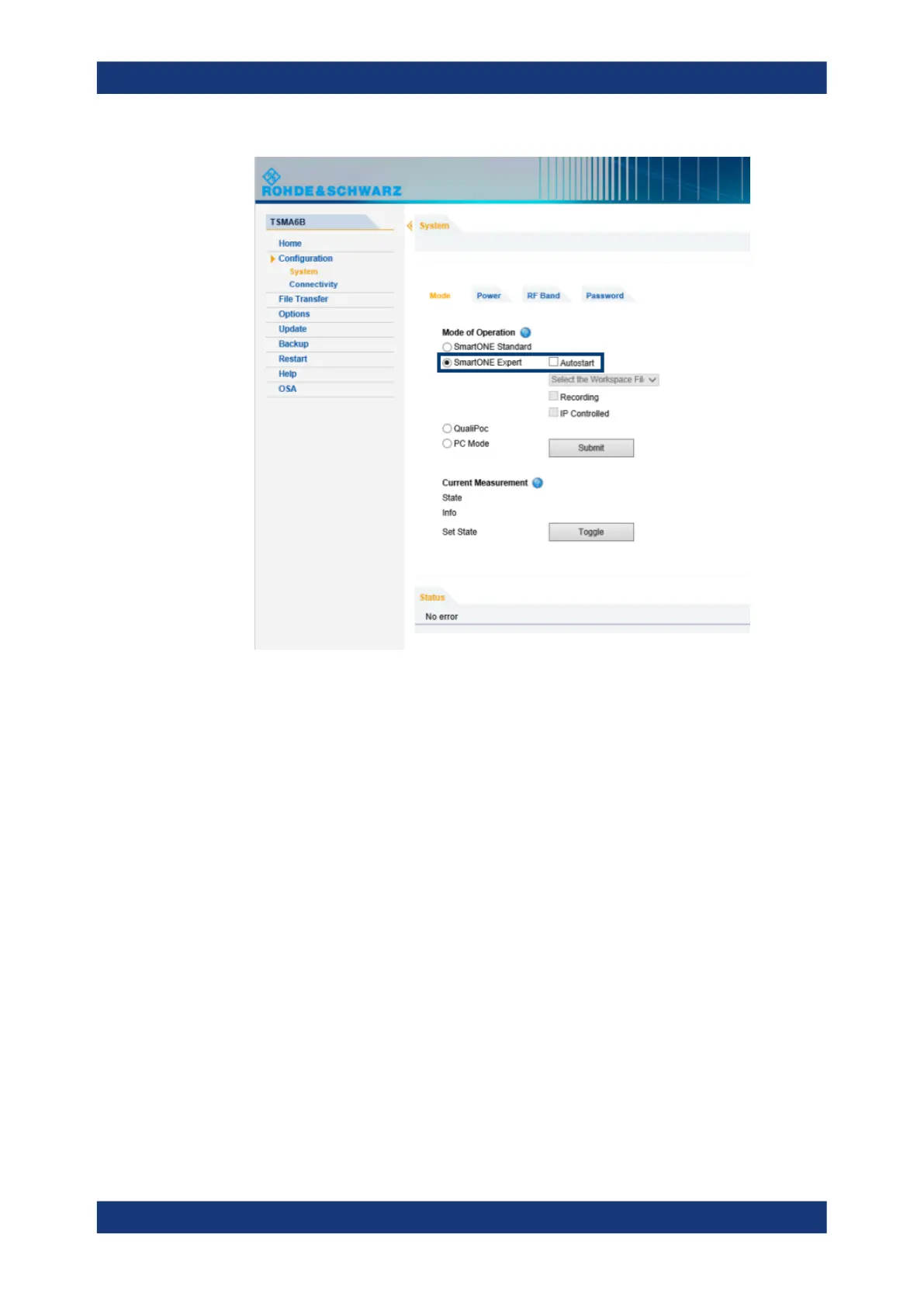
4. Select "Submit".
After starting R&S ROMES, configure the following settings.
1. In the "Romes Technology Selector", select the technologies to be supported by
your ROMES installation.
Software update - details


 To Next Page