DATA OVERWRITE SECURITY UNIT (B735)
B291/B295/B296/B297 SM
1-72
Seal Check and Removal
!CAUTION
TURN OFF THE MAIN POWER SWITCH AND DISCONNECT THE POWER SUPPLY CORD.
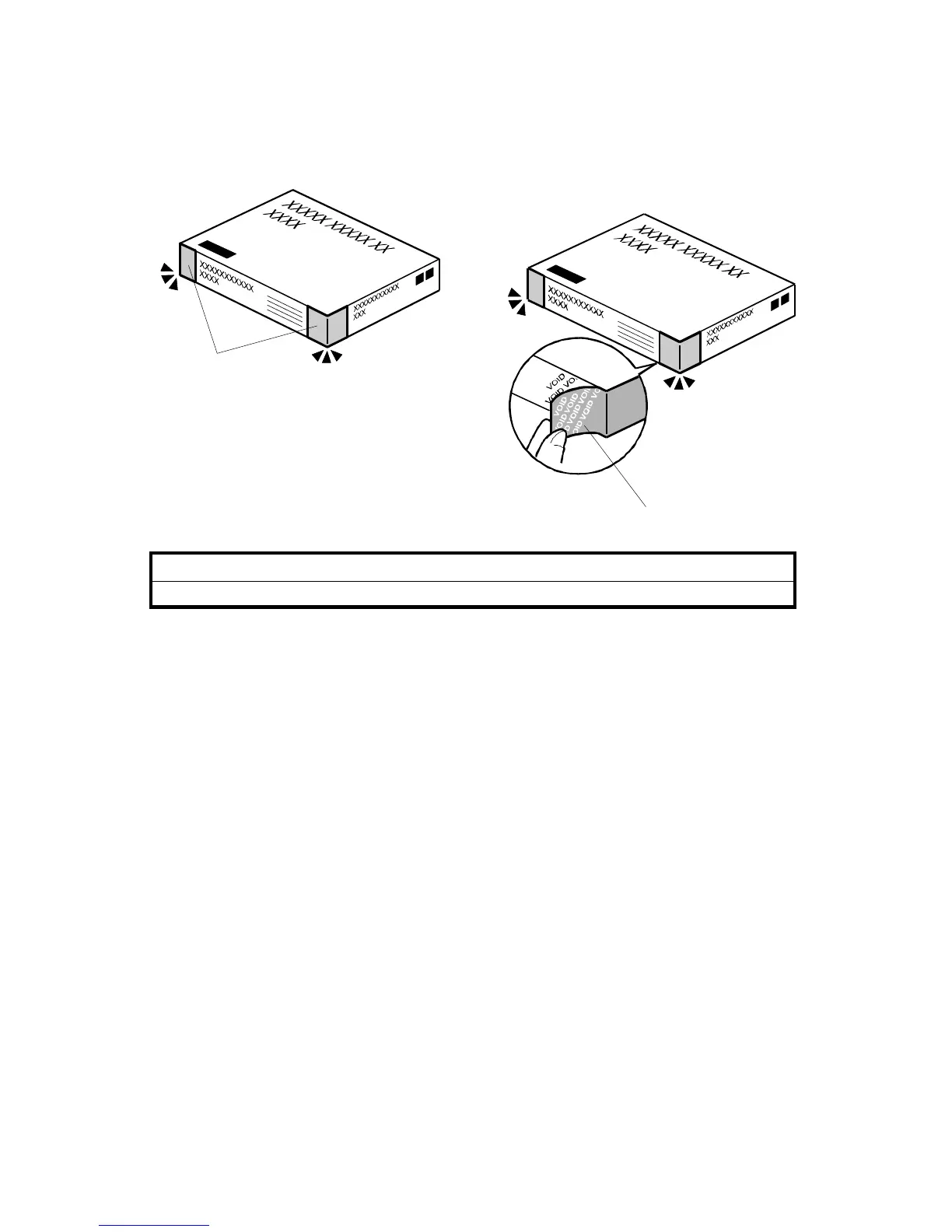
1. Check the box seals [A] on each corner of the box.
• Make sure that a tape is attached to each corner.
• The surfaces of the tapes must be blank. If you see “VOID” on the tapes, do
not install the components in the box.
2. If the surfaces of the tapes do not show “VOID”, remove them from the corners
of the box.
3. When you remove each seal, the “VOID” marks [B] can be seen. In this
condition, they cannot be reattached to the box.
B735I901.WMF
B735I903.WMF
[B]
[A]












 To Next Page