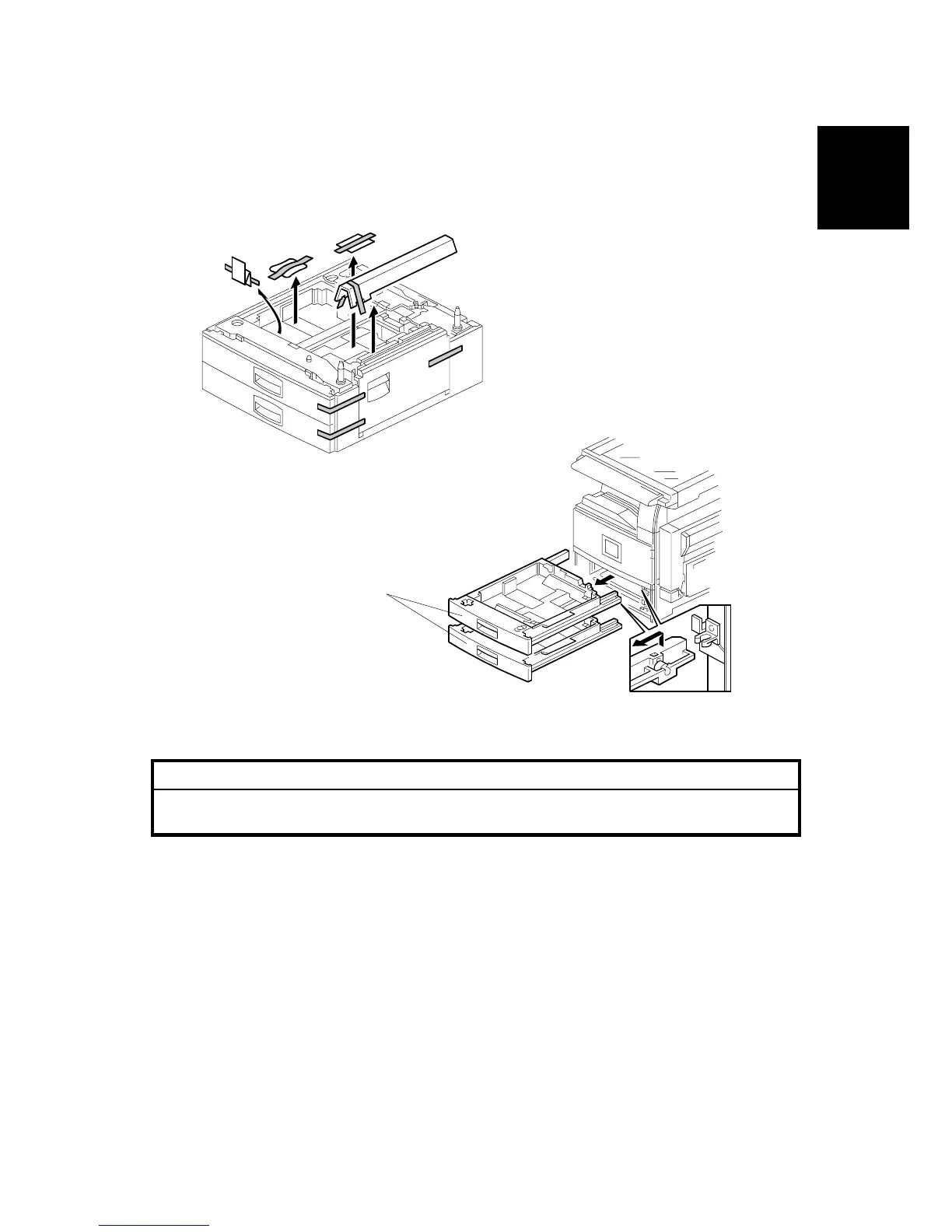
PAPER TRAY UNIT INSTALLATION (B542)
SM B291/B295/B296/B297
1-21
Installation
1.4.2 PAPER TRAY UNIT INSTALLATION PROCEDURE
!CAUTION
Unplug the main machine power cord before starting the following
procedure.
1. Unpack the paper tray unit.
2. Remove all tape and shipping materials.
3. Remove the paper trays [A].
B542I112.WMF
B542I557.WMF
[A]












 To Next Page