OVERVIEW
SM 1 D315
Printer/
Scanner Unit
D315
1. INSTALLATION
1.1 OVERVIEW
This section describes the installation procedures for printer, scanner, and other
options for B291/B295/B296/B297 Series machines.
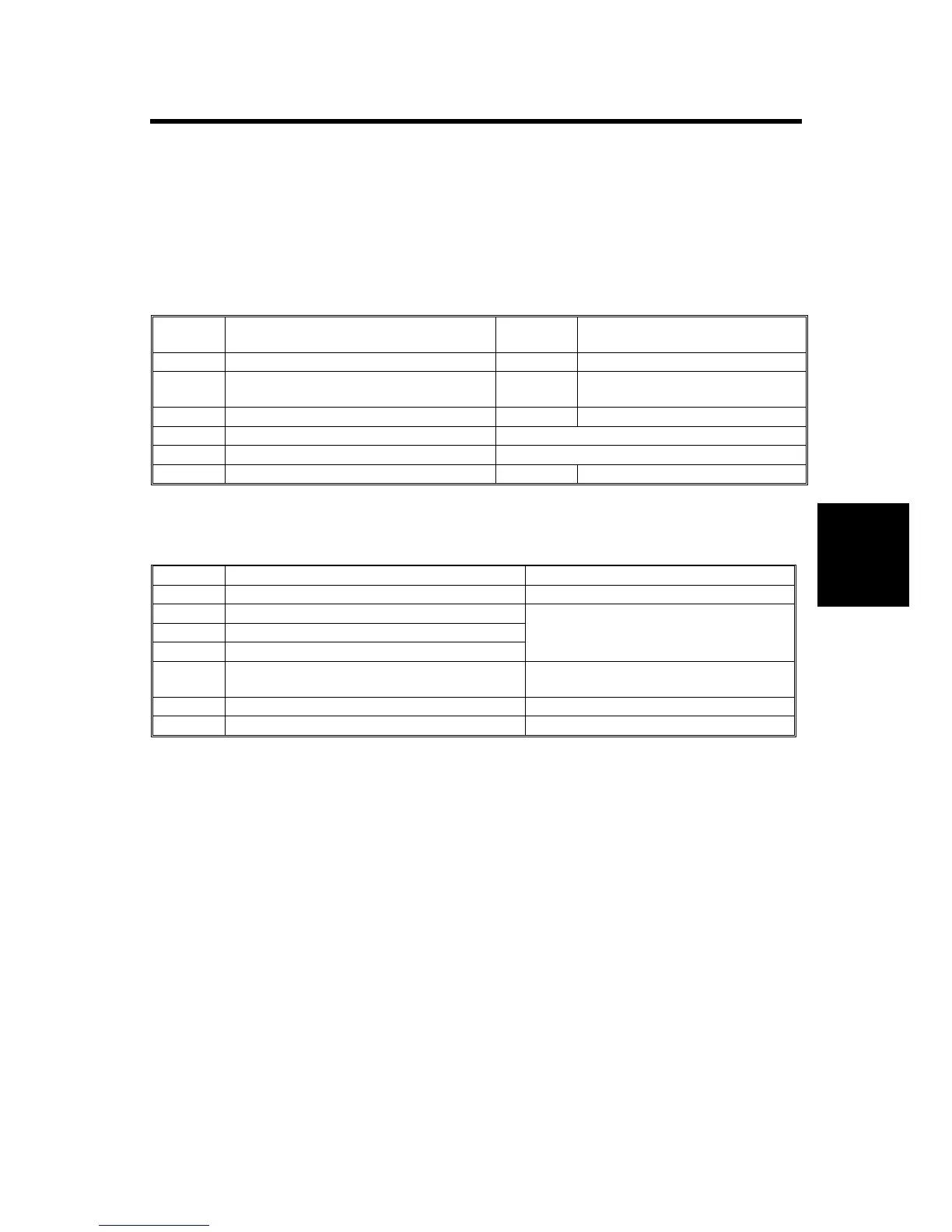
Printer/Scanner Options
The options listed in the table below are for B291/B295/B296/B297 machines only.
No. Item SD Card
Slot
Merge Options
D315 Printer/Scanner Unit Type 4500 C1 DOS
D317 RPCS Printer Unit Type 4500 C1 DOS, Scanner Enhance, Printer
Enhance
D319 PostScript3 Unit Type 4500 C2 None
D319 Printer Enhance Option Type 4500 Merge: C3 Æ C1
D319 Scanner Enhance Option Type 4500 Merge: C3 Æ C1
Network Enhance Kit Type 4500P C1 Merge: C3 Æ C1
Other Options
The options listed in the table below are used both B195/B198/B264/B265 Series
machines as well as B291/B295/B296/B297 Series machines.
No. Item Slots
B609 File Format Converter Type B Board Slot 1 or 2.
B826 Bluetooth Interface Unit Type 3245
G813 IEEE 802.11b Interface Unit Type H
B679 IEEE 1284 Interface Board Type A
Board Slot 1 or 2. Only one of these
boards can be installed at one time.
B735 Data Overwrite Security Unit Type D SD card slot C1, or merge to SD Slot
C1.
B720 Browser Unit Type A SD card slot C3 (Install, then remove)
G818 Memory Unit Type E 256 MB Controller Board
NOTE:
• IEEE1394 (FireWire) can be used with the B195/B198/B264/B265 Series
machines only. (The B291/B295/B296/B297 Series machines do not support the
use of this option.
• For more details about merging applications from SD card slot C3 to C1, see
page 11 .












 To Next Page