UPLOADING/DOWNLOADING NVRAM DATA
SM 5-125 B291/B295/B296/B297
Service
Tables
5.4 UPLOADING/DOWNLOADING NVRAM DATA
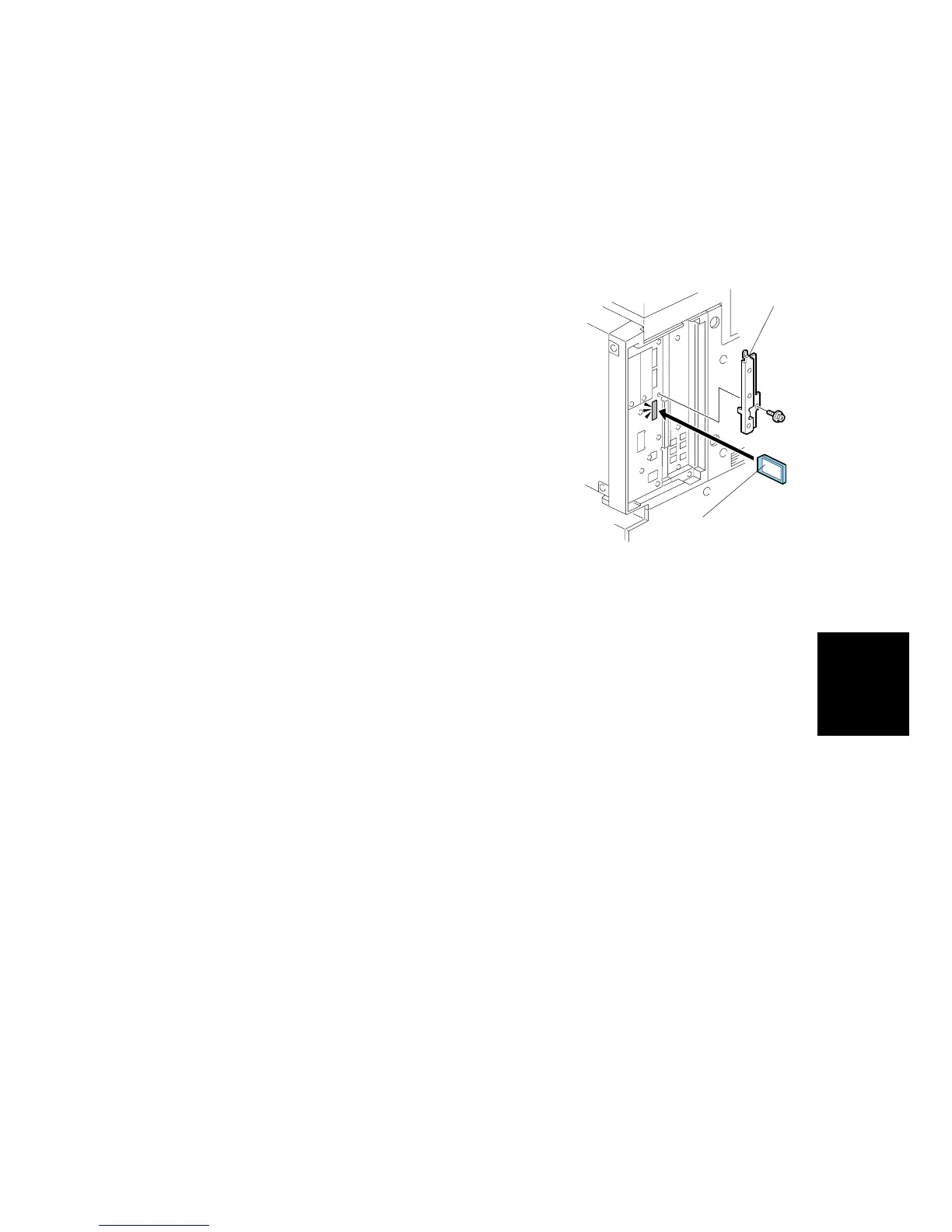
The content of the NVRAM can be uploaded to and downloaded from an SD card.
5.4.1 UPLOADING NVRAM DATA (SP5-824)
1. Turn off the main switch.
2. Remove the SD card cover [A].
3. Insert the SD card [B] into SD card slot C3.
4. Turn on the main switch.
5. Execute SP5-824.
6. Press to start uploading the NVRAM data.
B195S905.WMF
[A]
[B]












 To Next Page