PRINTER AND P/S OPTIONS
SM 13 D315
Printer/
Scanner Unit
D315
1.2.5 APPLICATION MERGE MAPS
SD Application Merge Maps
The tables below map all the possible configurations for the installation of the SD
card options.
This is the key for the abbreviations in the tables.
RPCS RPCS Printer Unit Type 4500
P/S Printer/Scanner Unit Type 4500
PEO Printer Enhance Option Type 4500
SEO Scanner Enhance Option Type 4500
NEO Network Enhance Option Type 4500P
DOS Data Overwrite Security Type D
PS3 PostScript 3 Unit Type 4500
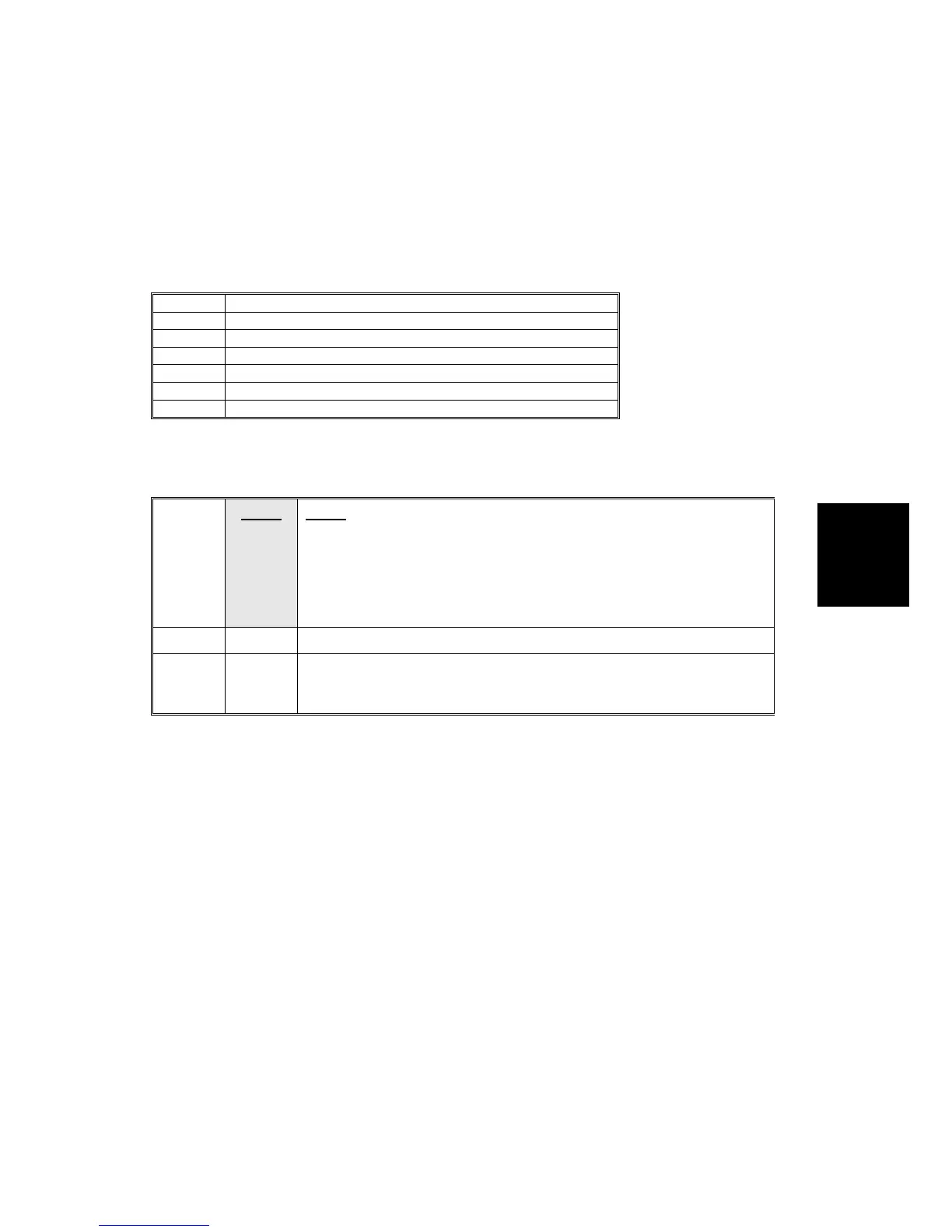
How to Read the Tables
The shaded areas in the "Slot 1" rows indicate which applications must be merged
with the underlined SD cards. The merge operation must be done with SP5873.
C1
RPCS RPCS Printer Unit SD card must reside in C1.
↑PEO
↑SEO
The Printer Enhance Option (PEO), Scanner Enhance Option (SEO),
or Network Enhance Option (NEO) must be merged with the RPCS SD
card in C1 using SP5873 001.
Important: Where 2 or more merge operations are required with
SP5873 001, the merges can be done in any order.
C2
PS3 The PostScript 3 Unit must reside in C2.
C3
Reserved for firmware update and application merge. During the
merge execution with SP5873 001, the application on the SD card in
C3 is copied to the SD card in Slot 1.












 To Next Page