PRINTED CIRCUIT BOARDS
B291/B295/B296/B297 3-84 SM
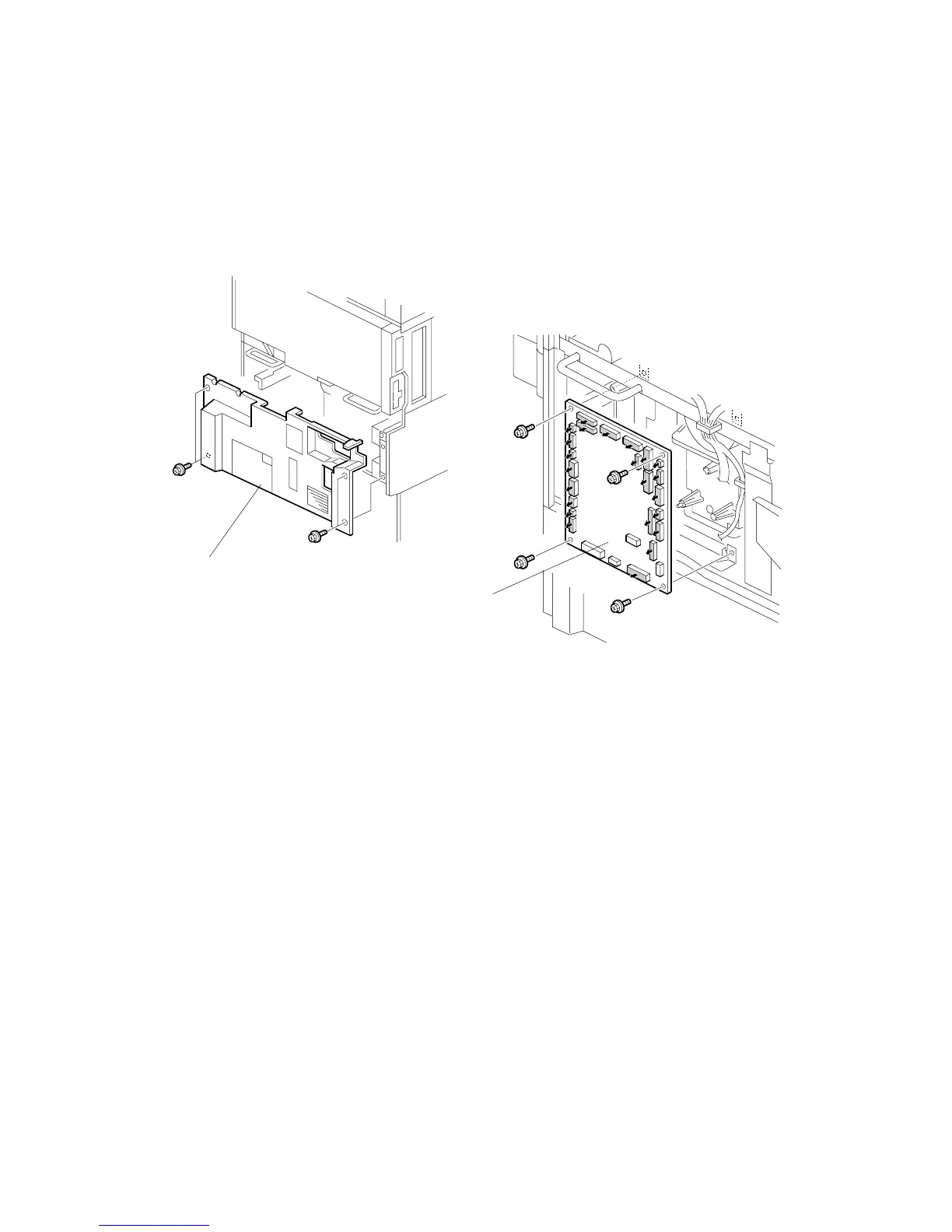
3.19.3 IOB
1. Remove the rear lower cover [A] (! x 4).
2. Remove the IOB [B] (" All, ! x 4, Ribbon cable x 1).
3. The IOB is identical for the B291/B295/B296/B297. However, the DIP switches
are set differently for each machine. Check the DIP switches then adjust
settings as required. (See next page.)
B195R821.WMF
B195R822.WMF
[B]
[A]












 To Next Page