COPY ADJUSTMENTS: PRINTING/SCANNING
B291/B295/B296/B297 3-90 SM
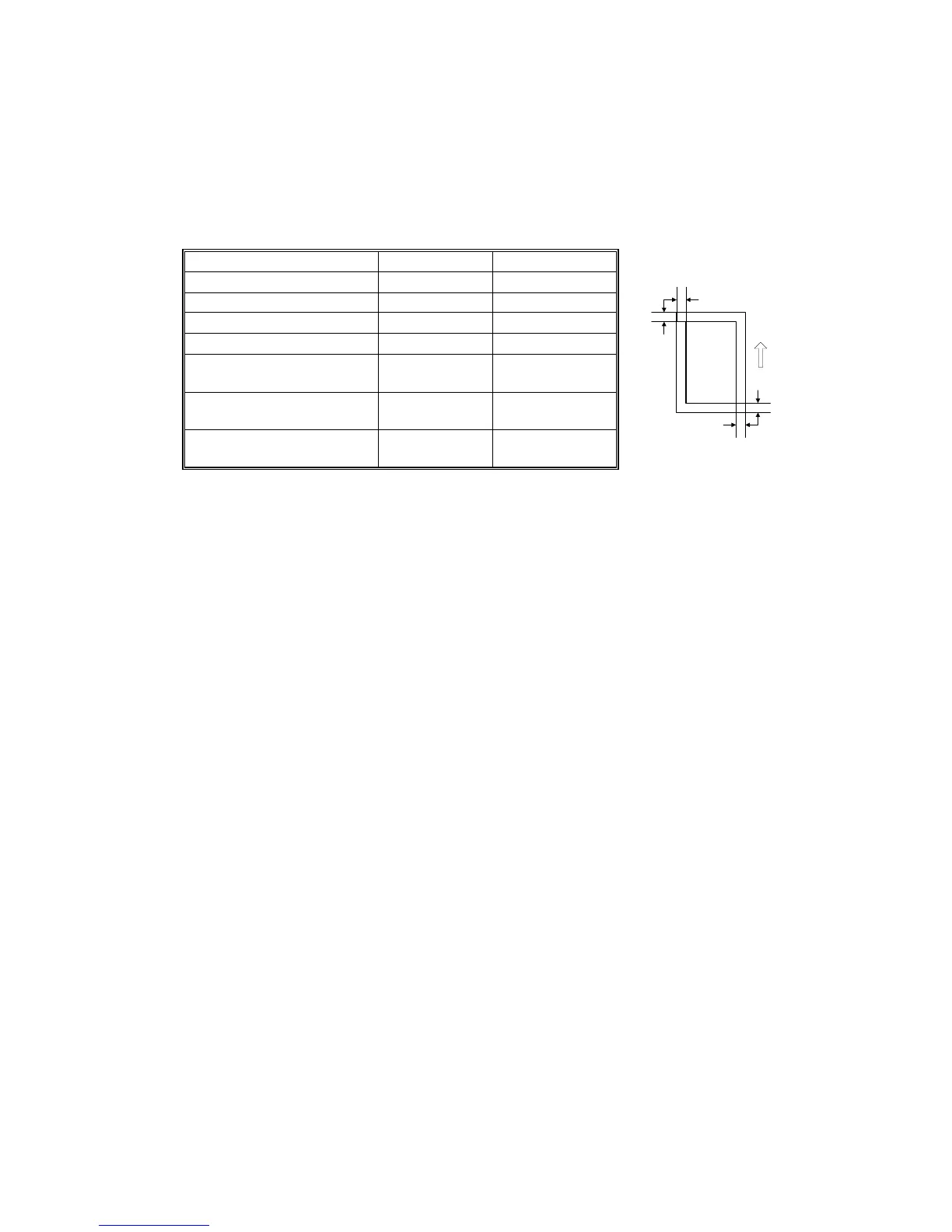
Blank Margin
NOTE: If the leading edge/side-to-side registration cannot be adjusted within
specifications, adjust the leading/left side edge blank margin.
1. Check the trailing edge and right edge blank margins, and adjust them with the
following SP modes.
SP mode Specification
Trailing edge SP2-101-2
3 ± 2 mm
Right edge SP2-101-4 2 +2.5/-1.5 mm
Leading edge
SP2-101-1
3 ± 2 mm
Left edge
SP2-101-3
2 ± 1.5 mm
Trailing edge (duplex
copy, 2
nd
side)
SP2-101-5
1.2 ± 2 mm
Right edge (duplex copy,
2
nd
side)
SP2-101-6
0.3 ± 1.5 mm
Left edge (duplex copy,
2
nd
side)
SP2-101-7
0.3+2.5/-1.5
mm
Main Scan Magnification
1. Use SP2-902-3, 5(Grid Pattern) to print a single dot pattern.
2. Check magnification, and then SP2-909-1 (Main Scan Magnification: Copy) to
adjust magnification if required. Specification: ±2%.
D
C
B
A
B195R828.WMF
: Trailing edge blank margin
B: Right edge blank margin
C: Leading edge blank margin
D: Left edge blank margin












 To Next Page