DEVELOPMENT
B291/B295/B296/B297 3-42 SM
7. Reassemble the development unit
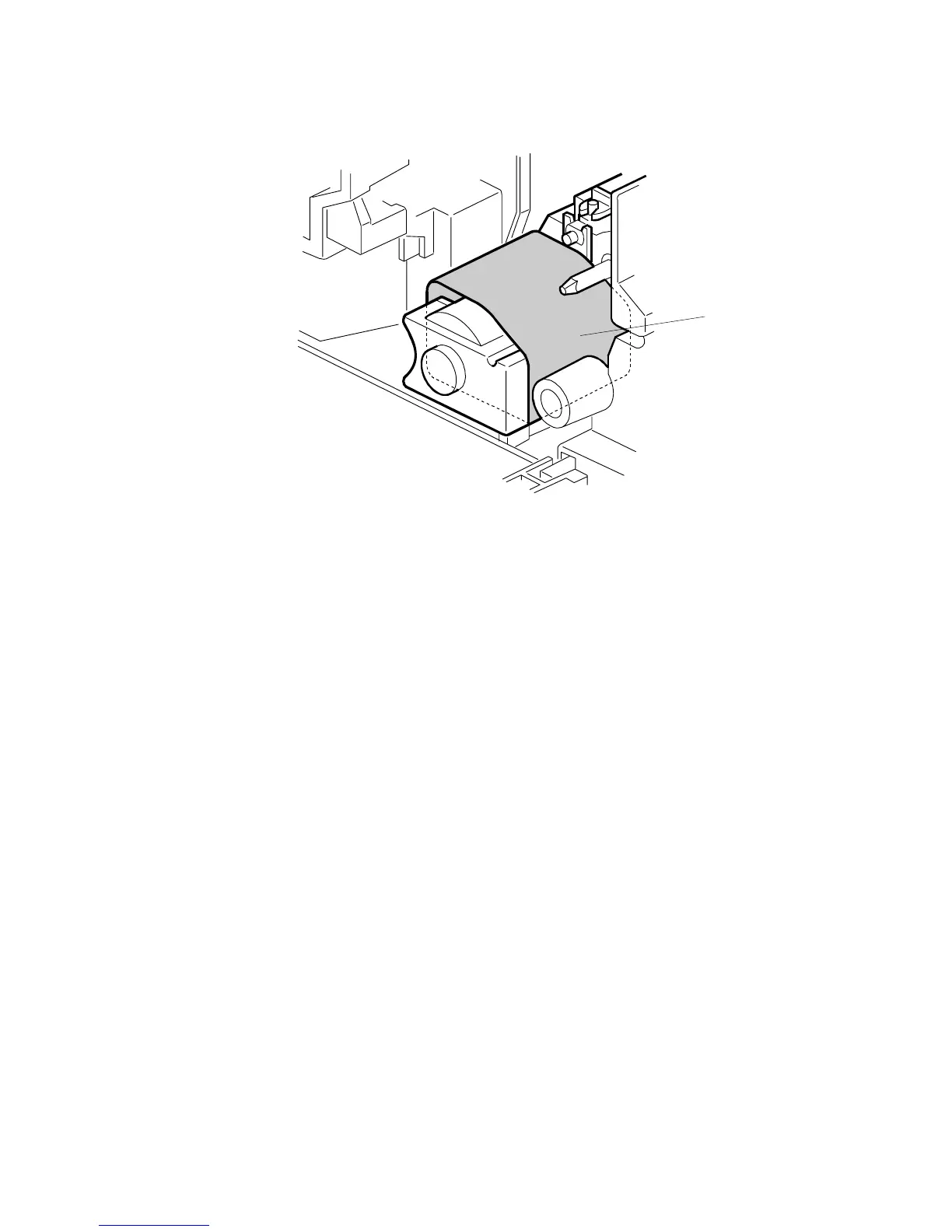
8. Cover the toner entrance hole [A] with a piece of paper.
9. Install the development unit in the machine.
10. Turn on the main power switch, and wait for the machine to warm-up.
11. Do SP2801 to initialize the TD sensor and enter the developer lot number.
NOTE: When performing this setting, cover the toner entrance hole with a
piece of paper. This prevents used toner falling from the PCU into the
development unit during the TD sensor initial setting and interfering
with the Vref setting (toner density reference voltage).
12. After performing the TD sensor initial setting, remove the sheet [A] from the
development unit.
B195R949.WMF
[A]












 To Next Page