SERVICE PROGRAM MODE TABLES
SM 5-21 B291/B295/B296/B297
Service
Tables
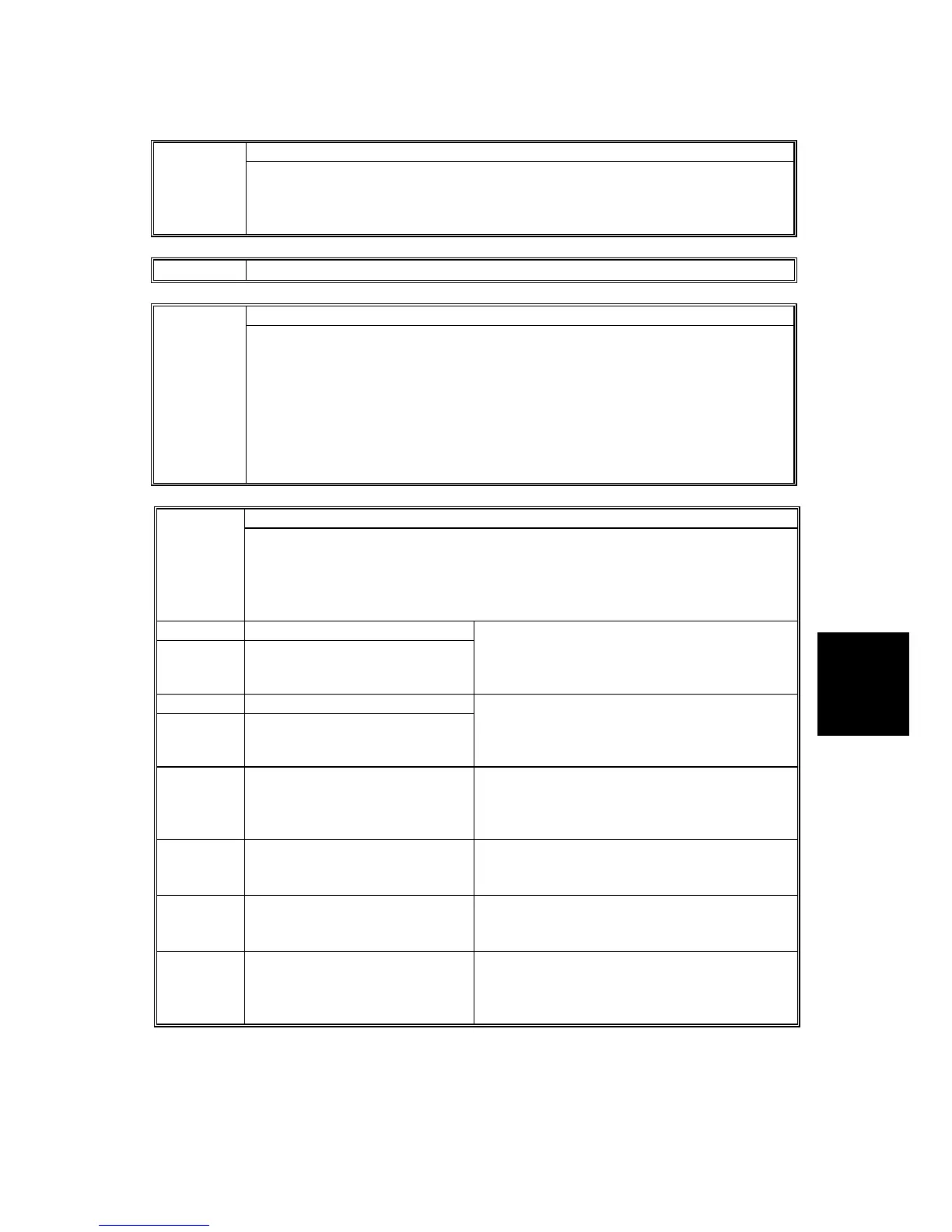
APS Sensor Output Display 4307*
Determines whether or not the original size is detected while the exposure lamp
lights during initialization.
0: Original size detection at power on disabled.
1: Original size detection at power on enabled
4428 A456B24 DFU
Scanner Evaluation Mode DFU 4495*
This SP is used to test the operation of the scanner in the book (platen) mode and
ARDF mode.
[0~2/0/1]
0: Normal mode
1: Contact Glass Check. Exposure glass (book mode) evaluation mode with
image through processing
2: DF Glass Check. Scanning glass (ARDF mode) (Lamp on> Shading> F-Gate
assert at read position> Image through processing
Scanner: Text: Print 4550*
These SP codes set the MTF (Modular Transfer Function*
1
) for text printed after
scanning.
Note:
• As a general rule, adjust the level (coefficient) before adjusting the strength.
• Raising the brightness or contrast level may increase the occurrence of moiré
4550 1 MTF Filter Level: Main Scan
4550 2 MTF Filter Level: Sub Scan
Set the MTF coefficient for main/sub scan
directions.
[0~15/8/1]
0: Weakest Å 8: Default Æ 15: Strongest
4550 3 MTF Filter Strength: Main Scan
4550 4 MTF Filter Strength: Sub Scan
Set the MTF strength for main/sub scan
directions.
[0~7/4/1]
0: Weakest Å 4: Default Æ 7: Strongest
4550 5 Smoothing Filter Selects the level of smoothing for originals that
contain dithered images.
[0~7/0/1]
0: Default (Off) Æ 7: Strongest
4550 6 Brightness Sets the overall brightness of the image.
[1~255/128/1]
1: Weakest Å 128: Default Æ 255: Strongest
4550 7 Contrast Sets the overall contrast of the image.
[1~255/128/1]
1: Weakest Å 128: Default Æ 255: Strongest
4550 8 Isolated Dot Removal Sets the level of independent dot erasure to
improve the appearance of background.
[0~7/0/1]
0: Default (Off) Æ 7: Strongest
*1 When the CCD converts the original image to electrical signals, the contrast is reduced due to
the influence that adjacent white and black pixels have on one another as a result of lens
properties. Typically, you will see very narrow width and spacing between black and white areas.
MTF corrects this problem and emphasizes image detail.


 To Next Page
 Loading...








