MAIN MACHINE INSTALLATION
SM B291/B295/B296/B297
1-9
Installation
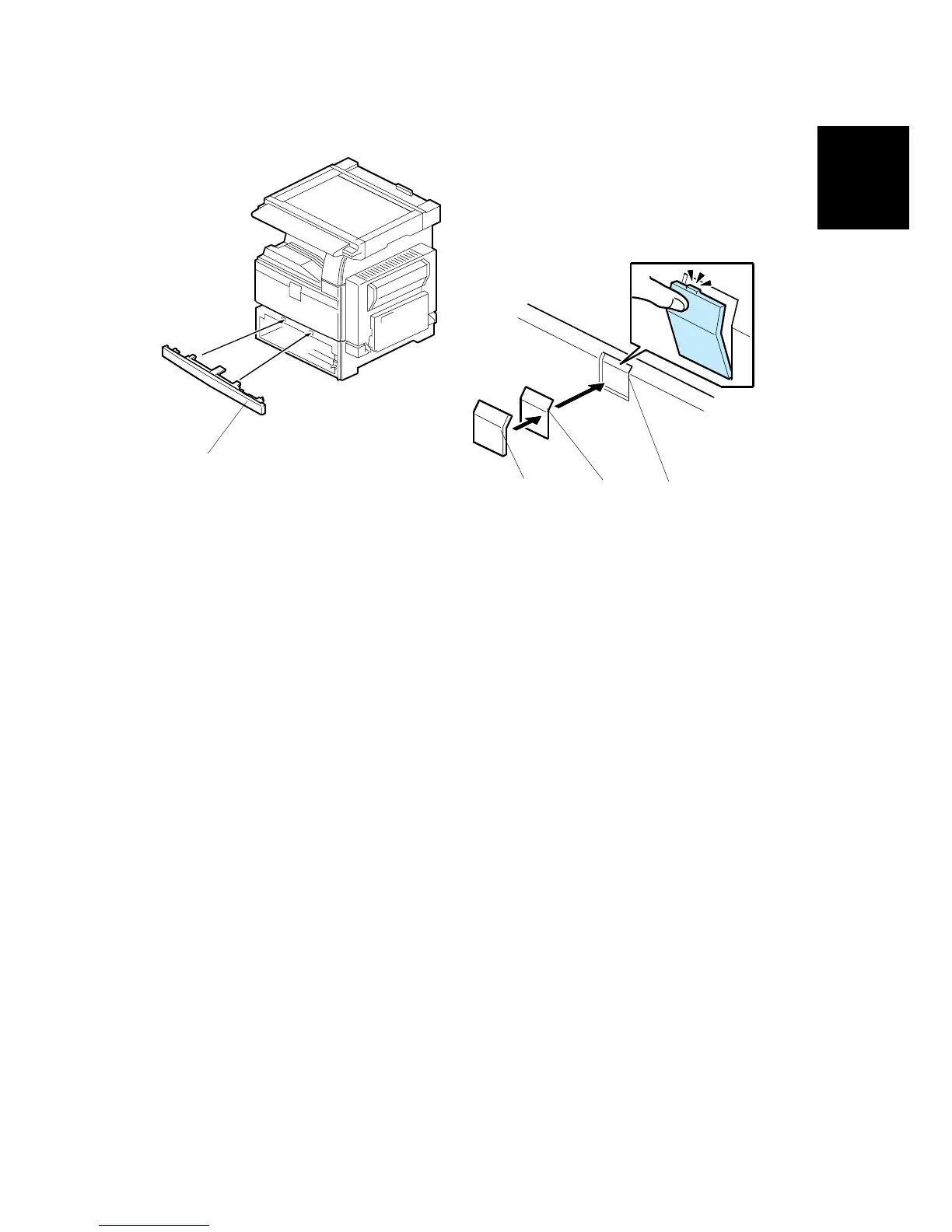
8. If the paper tray unit is not to be installed, install the middle front cover [A]
(provided in the second paper tray).
9. Attach the emblem [B] and panel [C] to the front cover [D].
10. Push the panel in until the emblem and panel move into their positions with an
audible click.
B195I101.WMF
B195I103.WMF
[A]
[B]
[C]
[D]












 To Next Page