KEY COUNTER INSTALLATION
SM B291/B295/B296/B297
1-65
Installation
9. Attach the double-sided tape to the key counter bracket.
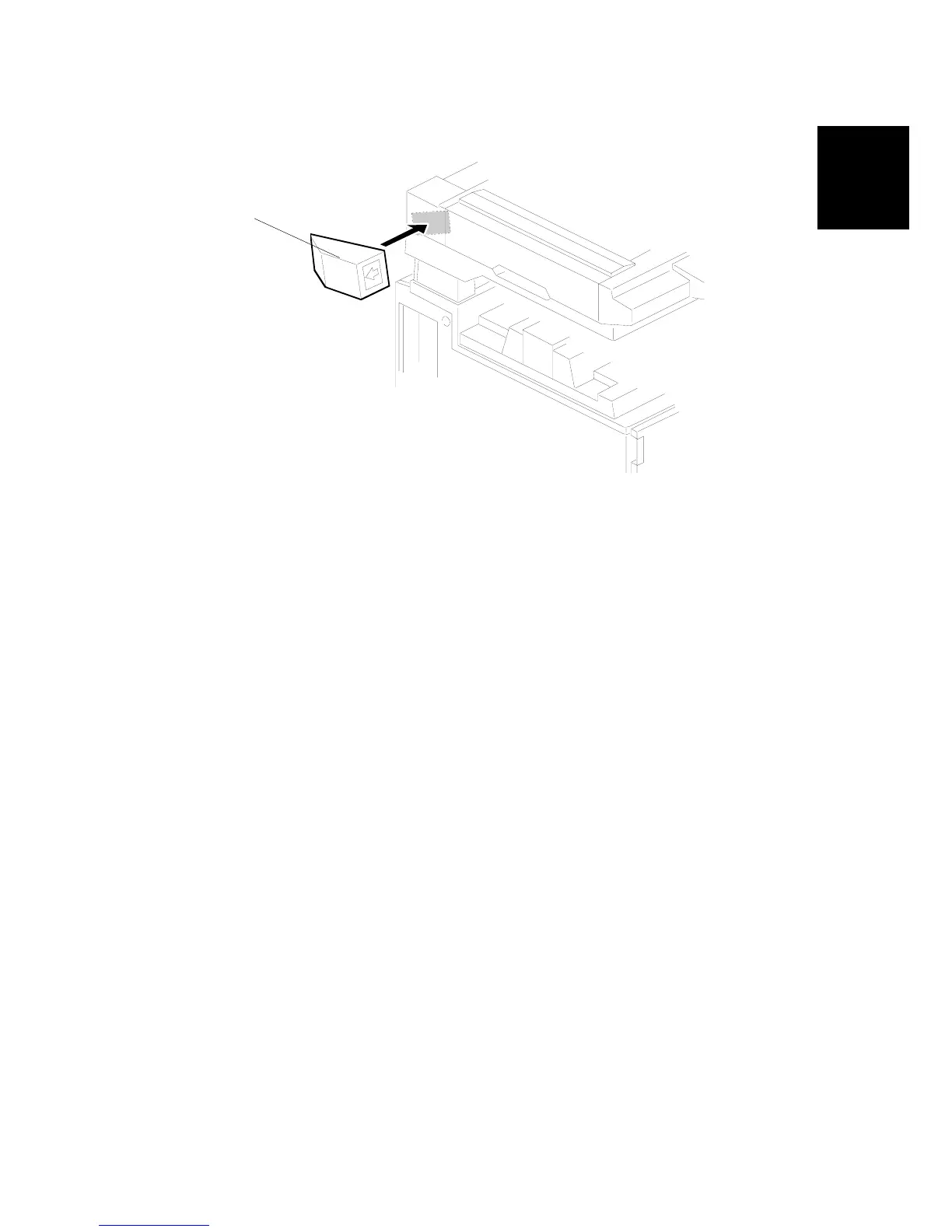
10. Peel off the backing of the double-sided tape then attach the key counter
assembly [A] to the left side of the scanner unit.
NOTE: When attaching the key counter assembly, press the assembly hard
against the scanner cover. Otherwise, the key counter assembly may
come off easily.
11. Push [User Tools]> "System Settings"> “Key Counter Management”.
12. Set the following key counter functions to ON or OFF as necessary.
• Copier
• Document server
• Facsimile
• Scanner
• Printer
A683I965.WMF
[A]












 To Next Page