Page 134
STAT
IM
2000/2000S Service Guide
96-108639 Rev 3.0
6. Cover Assembly
#;;
Armature gasket
0;;
Fascia
Cover
52,9:;
STATIM 2000/2000S/2000 G4 Service Guide
Removing and Replacing the STAT
IM
2000 G4 Armature Gasket
To remove the armature gasket, remove the cover to access the inside of the fascia and peel
the existing armature gasket from the fascia.
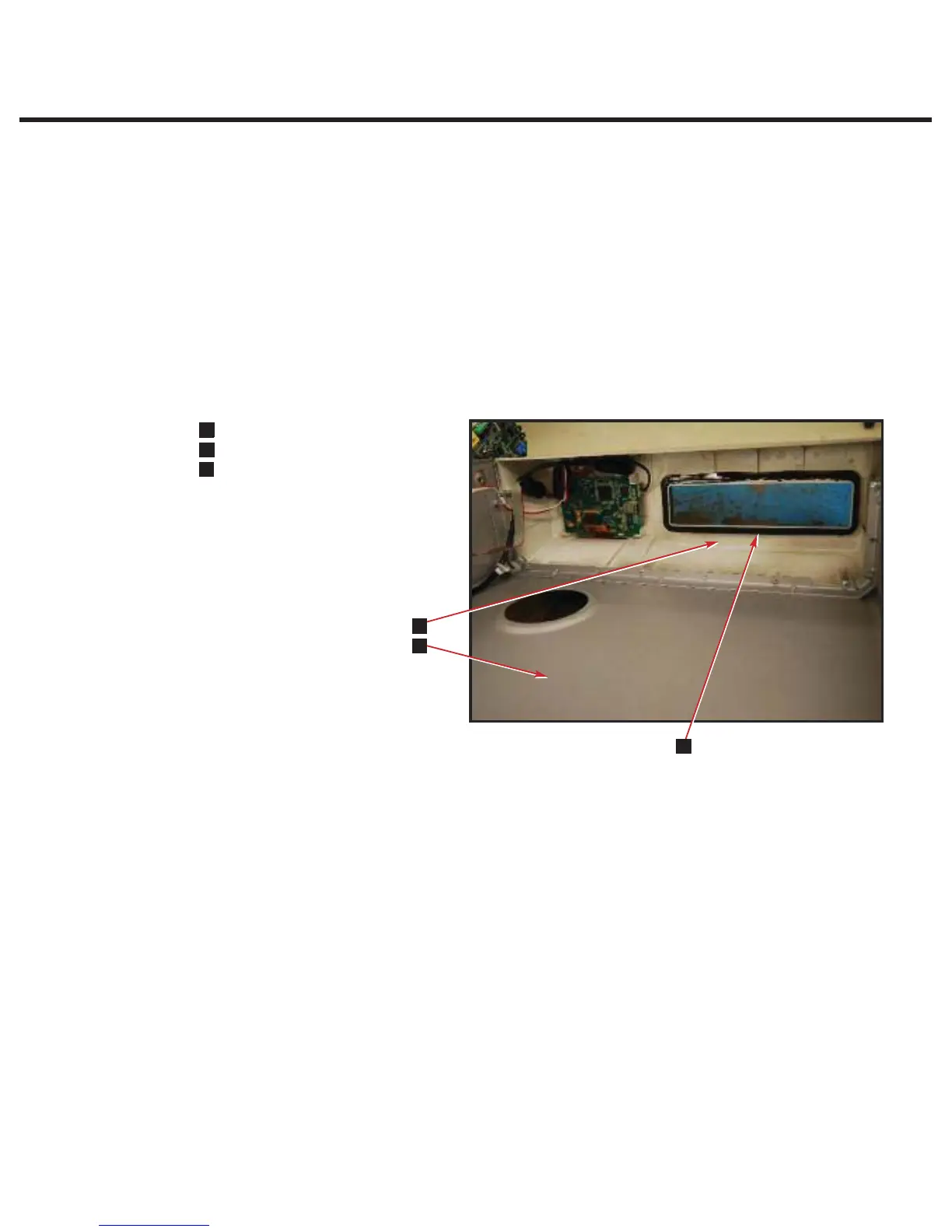
To replace the armature gasket follow these steps (see Figure 6).
1. Remove all traces of the gasket (1) and gasket adhesive from inside the fascia (2). The fascia
is manufactured of polycarbonate plastic. DO NOT USE AROMATIC SOLVENTS ON THE
FASCIA. This will damage the fascia. To prepare for installation of the new gasket, roughen
the inside surface of the fascia using a fine grit sandpaper.
2. Leave the carrier paper on the adhesive side of the gasket and perform a trial fit. Note that
the widest part of the gasket fits at the bottom of the opening and that the gasket does not
protrude into the opening.
3. Remove the carrier paper from the adhesive side of the gasket. Carefully install the gasket
making sure it is seated firmly in place.
Figure 6



 To Next Page