Page 247
STAT
IM
2000/2000S Service Guide
96-108639 Rev 3.0
12. Printer and Data Logger
STATIM 2000/2000S/2000 G4 Service Guide
Removing Paper Jams
NOTE: If paper jams in the printer and cannot be removed by pressing the paper advance
button, the printer must be disassembled. Do not pull the paper backwards through the printer.
Never put utensils or tools into the paper exit slot.
When paper is jammed in the printer, proceed as follows (see Figure 3):
1. Turn the host unit power OFF.
2. Make sure the printer power button (18) is in the OFF position and disconnect the printer cable
(2) (Figure 1) from the STATIM printer connector port and the STATprinter.
3. Using scissors, cut the paper between the roll and the paper feed slot (20).
4. Remove the three screws (6) from the printer housing (7) and set them aside for use in
reassembling the printer. Remove the housing.
5. Note the orientation of the exposed printed wiring board and the paper roll arm assembled on
the printer door (10). Remove the paper roll arm (9) from the clips (11).
6. Gently lift the printed wiring board (8) upwards and away from the printer door (10).
Be careful when handling the board. The printer is integral to the wiring board. Do not place
strain on the connections of the ribbon cable soldered to the board. Do not remove the
connector of the flexible cable (16) from the connector header on the board.
The paper drive mechanism on the underside of the wiring board is now exposed.
7. Using a pair of tweezers or fine needle-nosed pliers, carefully remove the paper from the
mechanism.
8. When the paper is removed, proceed as described in Replacing the Printer.
External Serial Printers
(for use on Rev. 7.x controller boards ONLY)
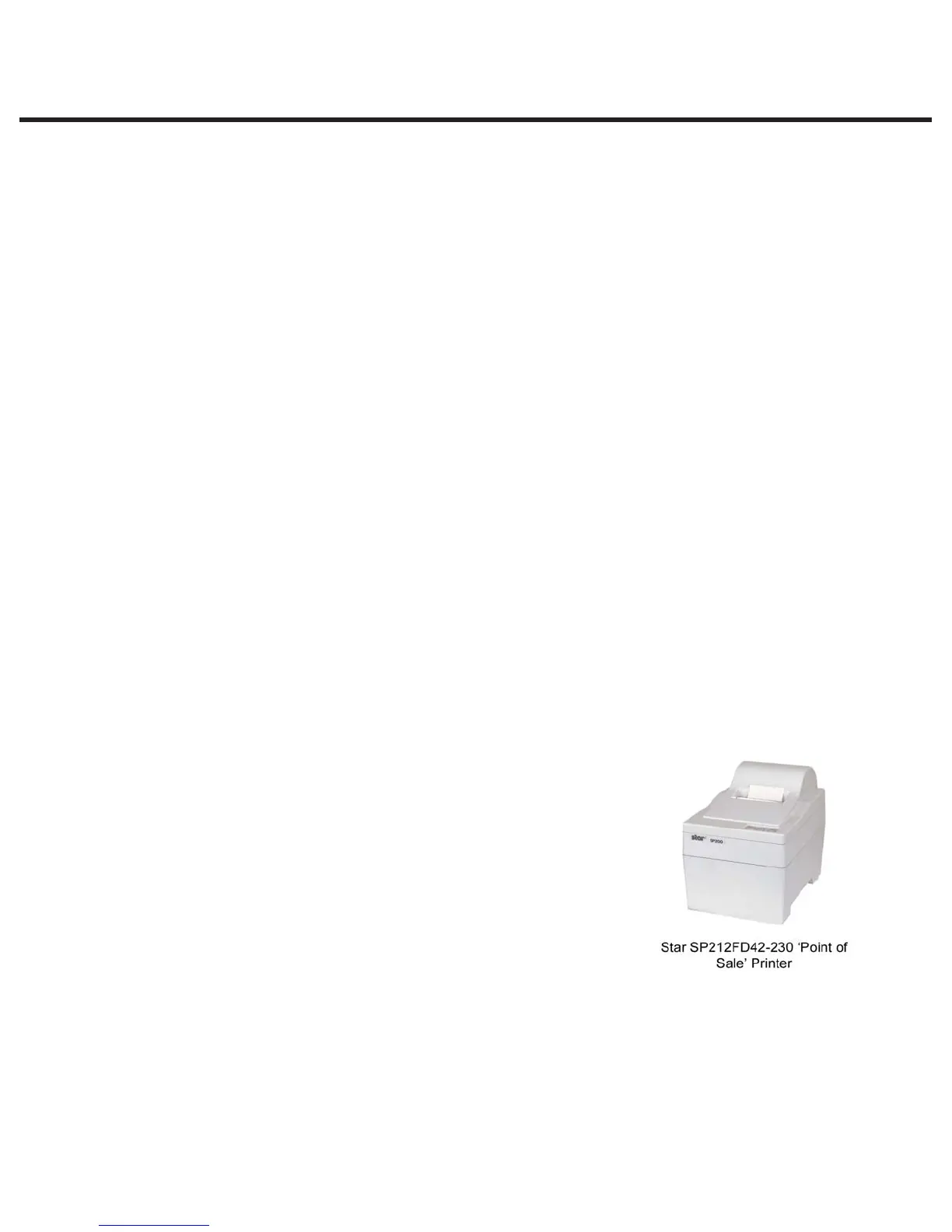
When fitting an external printer to a STATIM unit it is
recommended that a ‘till roll’, ‘point of sale’ or ‘receipt’ style
printer is used similar to the example shown:
Note that these printers are NOT sold by SciCan and should be
purchased in the relevant territory by the user or the dealer for
fitting. They are readily available (typically over the internet).
These printers do not normally come with a cable as standard
and a Serial Null Modem Cable DB9F – DB25M will be required.



 To Next Page