Page 251
STAT
IM
2000/2000S Service Guide
96-108639 Rev 3.0
12. Printer and Data Logger
STATIM 2000/2000S/2000 G4 Service Guide
Installing the SciCan Data Logger
Locate the printer port (9 or 25 pin) on the rear of the unit and proceed as follows:
Installation on 9 pin revision 7 STATIM units
(2000 or 5000). (Note: these units will have a user and service menu)
For this operation the Null Modem Serial Cable DB9F – DB25M is required
Setting the STATIM unit
1. Ensure the STATIM is powered OFF
2. Press and hold the STOP button and power ON the STATIM
unit to access the USER menu.
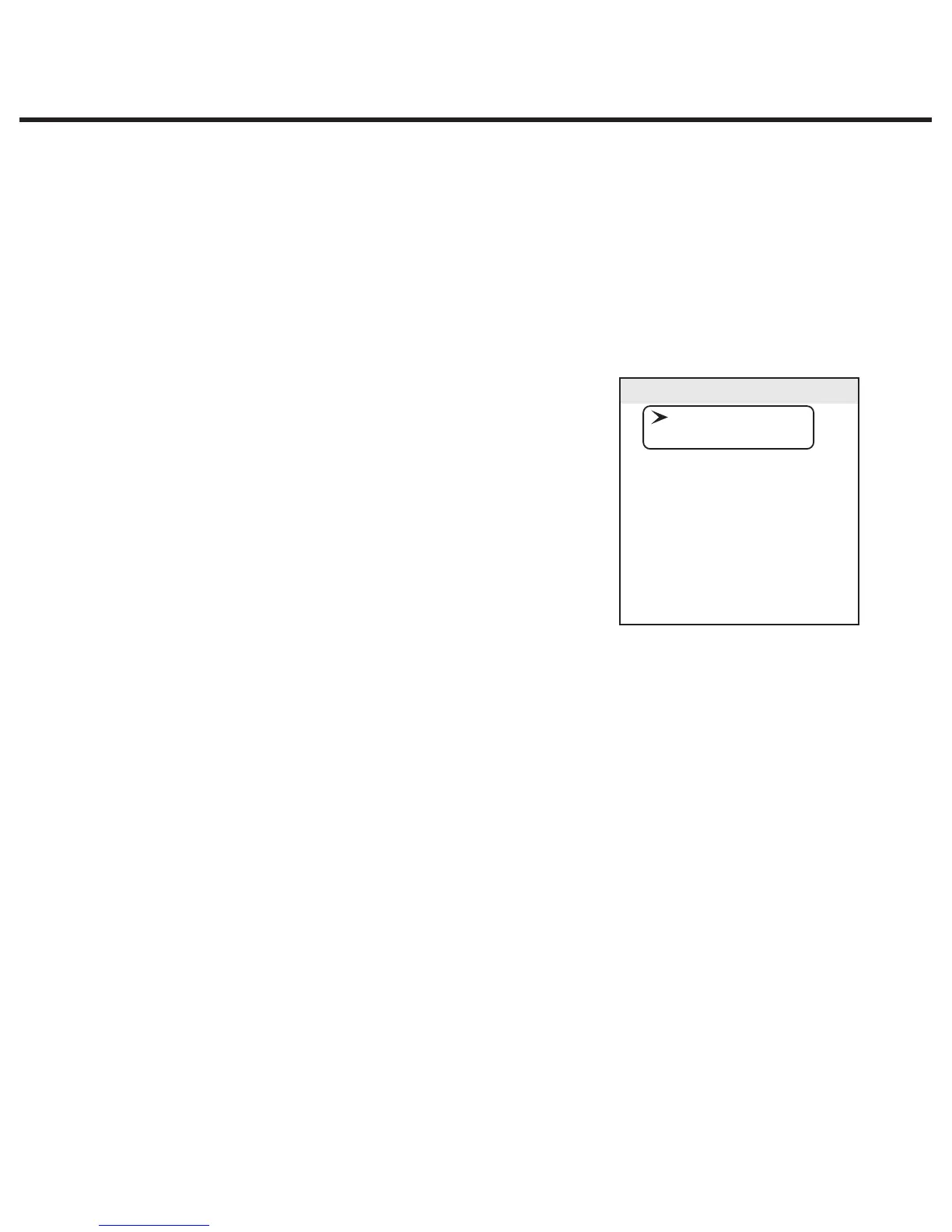
The following menu is now available and the display on the
LCD screen should be as highlighted.
3. Using the UNWRAPPED and WRAPPED buttons, scroll until
the cursor is next to “RS232” and select it by pressing the
RUBBER & PLASTICS button.
4. You should now have the option of “N/A”, “USB/Flash MSD” or “Serial Printer” which can be
scrolled through by using the UNWRAPPED and WRAPPED buttons.
5. Scroll to “USB/Flash MSD” and press the RUBBER & PLASTICS button to select and return to
the user menu.
6. Using the UNWRAPPED and WRAPPED buttons, scroll until the cursor is next to “Serial Port
Bitrate” and press the RUBBER & PLASTICS button to access the options.
7. Using the UNWRAPPED and WRAPPED buttons, scroll (if required) to the Bitrate value of 9600
appears in the display and then press the RUBBER & PLASTICS button to select and return to
the user menu.
6TJOHUIF6/83"11&%BOE83"11&%CVUUPOTTDSPMMVOUJMUIFDVSTPSJTOFYUUPi1SJOUFSVTFT
char” and press the RUBBER & PLASTICS button to access the options.
9. Using the UNWRAPPED and WRAPPED buttons, scroll (if required) to the Hex value of 32
[0x20] appears in the display and then press the RUBBER & PLASTICS button to select and
return to the user menu. Important note: the UNWRAPPED button will increase the displayed
value by 1, and the WRAPPED button will increase that displayed value by ten.
User Mode
Time/Date Setup
Language Setup
Unit ID Setup
Last Printout
RS232
End Of Line CR/LF
Serial Port Bitrate
Printer user ° char
Save and Exit
Exit



 To Next Page