Page 138
STAT
IM
2000/2000S Service Guide
96-108639 Rev 3.0
6. Cover Assembly
rrectly.
52,9:;
!;;
7L<NK
.;;
.DJGMHMNOGFKN=G
.;;
/74OFLIMKLDDNKO:LJKCO
Removing and Replacing the STAT
IM
2000 G4 Fascia
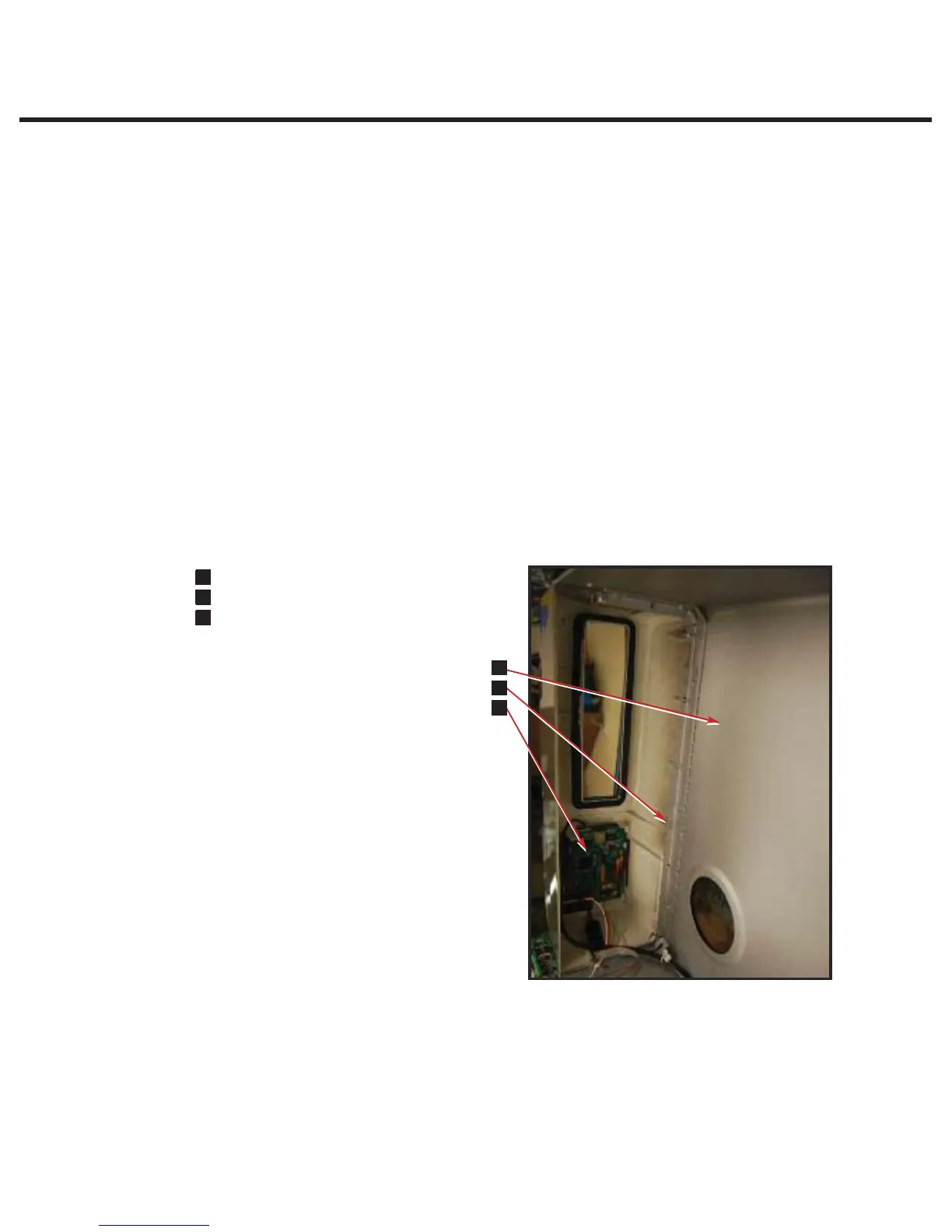
To remove the fascia, follow these steps (see Figure 9):
1. Place it right side up on a worksurface and remove the LCD overlay and the colour LCD
touchscreen (see Removing LCD overlay and removing Colour LCD touchscreen)
2. Turn the cover upside down and remove the colour LCD controller board, speaker, Ethernet
port and USB port (See removing LCD controller board, speaker, Ethernet port and USB port).
3. The fascia is attached to the cover (1) using seven plastite screws (2). Remove and retain the
screws.
4. A bead of silicone was used to provide a water-tight seal between the fascia and cover during
manufacturing. Remove the fascia and any silicon residue remaining on the cover.
5. Discard the old fascia. The fascia is made of recyclable polycarbonate. Please recycle
wherever possible.
To replace the fascia, follow these steps (see Figure 8):
1. Apply a bead of silicon between the fascia and cover (1) to provide a water-tight seal.
2. Install the new fascia using the seven screws (2) retained from the disassembly procedure.
3. Reinstall the colour LCD touchscreen and LCD overlay.
4. Turn it upside down and reinstall the colour LCD controller board, speaker, USB and Ethernet
ports.
5. Reinstall the cover.
6. Verify that the colour LCD functions correctly.
Figure 9
STATIM 2000/2000S/2000 G4 Service Guide



 To Next Page