ITC Operating mode
5.5 Assigning device parameters
ITC V3, ITC V3 PRO
Operating Instructions, 03/2024, A5E42761061-AF
109
• With "Character encoding", you specify the character set that is used by the web browser if
a web page does not provide any information about the character set to be used. The
character set "UTF-8" is set by default. You can have the appropriate character set
determined "automatically". If characters are represented incorrectly, you can also change
to "ISO-8859-1".
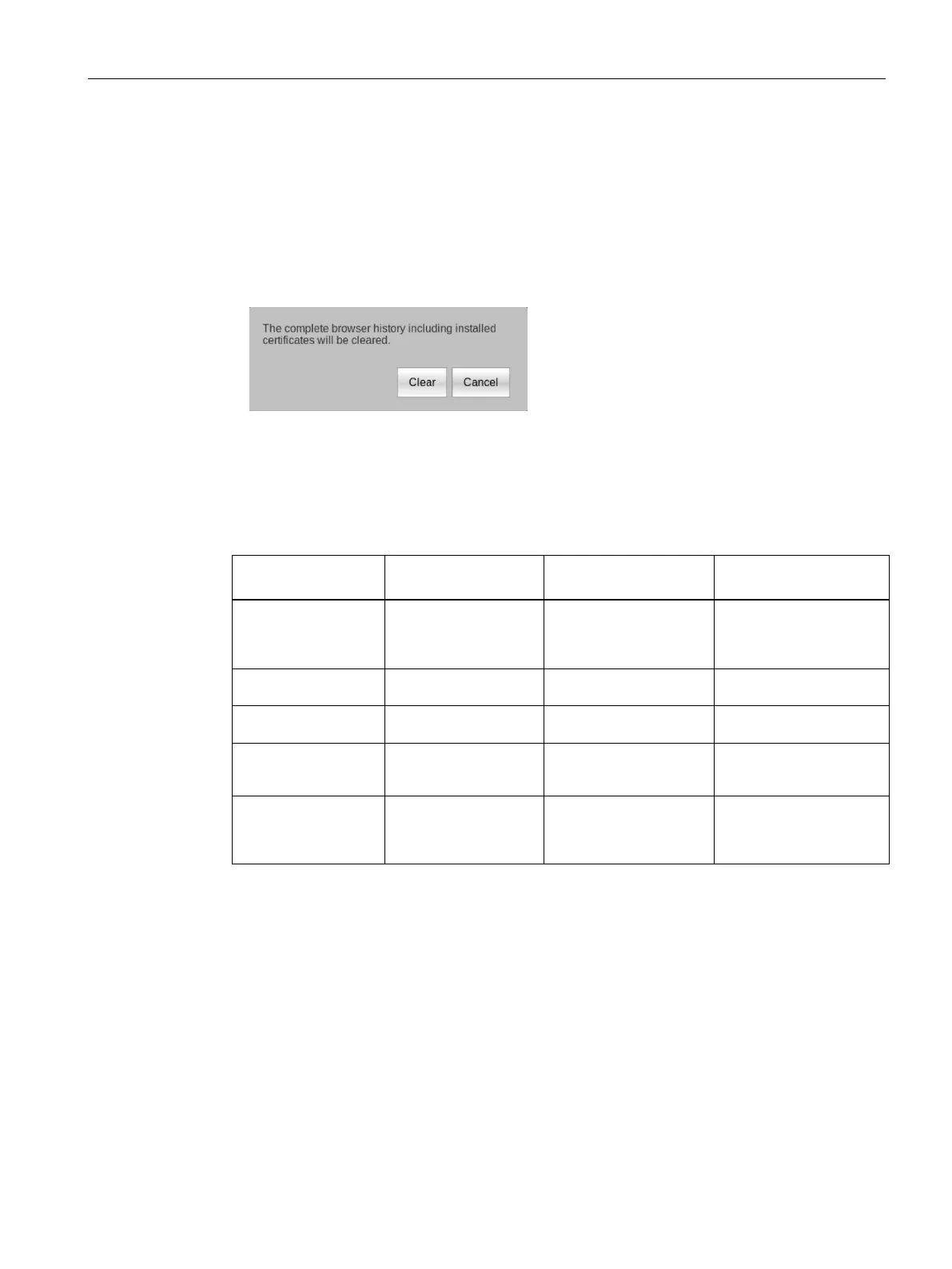
• When the "Browser history" has been enabled, the web browser saves data such as
websites visited, certificates and cookies. If this function is subsequently disabled, the
following dialog is displayed:
The saved data is deleted again with the "Clear" button.
The "Enable history" function is disabled in the delivery state of the Industrial Thin Client.
Proxy bypass
You can make the following entries in the "No proxy for" field:
Object for which no
Content of the input
Example Comments
siemens.com"
Both suffix variants must
be entered in order to
exclude an entire
Host name
Host name only "MyWinPC" Excludes "MyWinPC".
the IP address
Closes all devices with an
IP address ranging from
"192.168.1.0" to
Placeholder characters are not permitted, e.g. "*" or "192.168.*.*".
No entries are set as default.
The "localhost" and "127.0.0.1" objects are always excluded. No proxy is used for these
objects.
Adjusting the display in the web browser
You can enlarge or reduce the display in the web browser:
• Use the key combination <CTRL><+> to enlarge the display.
• Use the key combination <CTRL><-> to reduce the display.










 To Next Page