13.1.3.3 Restoring data from an encrypted backup le
Requirement
• You have an encrypted backup le of the source converter on your operating unit.
• Congured drive password:
– You know the drive password of the source converter with which the drive data in the
backup le were encrypted.
– You know the drive password of the target converter.
Only applicable if the drive password of the target converter deviates from the drive
password of the source converter.
• Rights required for active user management (UMAC):
– "Create backup or load drive data to Startdrive"
Procedure
1. Call menu "Backup and restore" in the web server.
2. Navigate to the "Restore drive data from backup le" area.
3. Use the "Click to select le, or drag and drop le here" button to select the backup le.
4. To restore the drive data, proceed as described below depending on the specic application.
This step is included in the following diagrams as step 3.
Corrective maintenance
13.1Service and maintenance for the converter
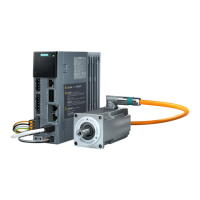
SINAMICS S200 PROFINET servo drive system with SIMOTICS S-1FL2
596 Operating Instructions, 11/2023, FW V6.3, A5E51646752B AB



 To Next Page