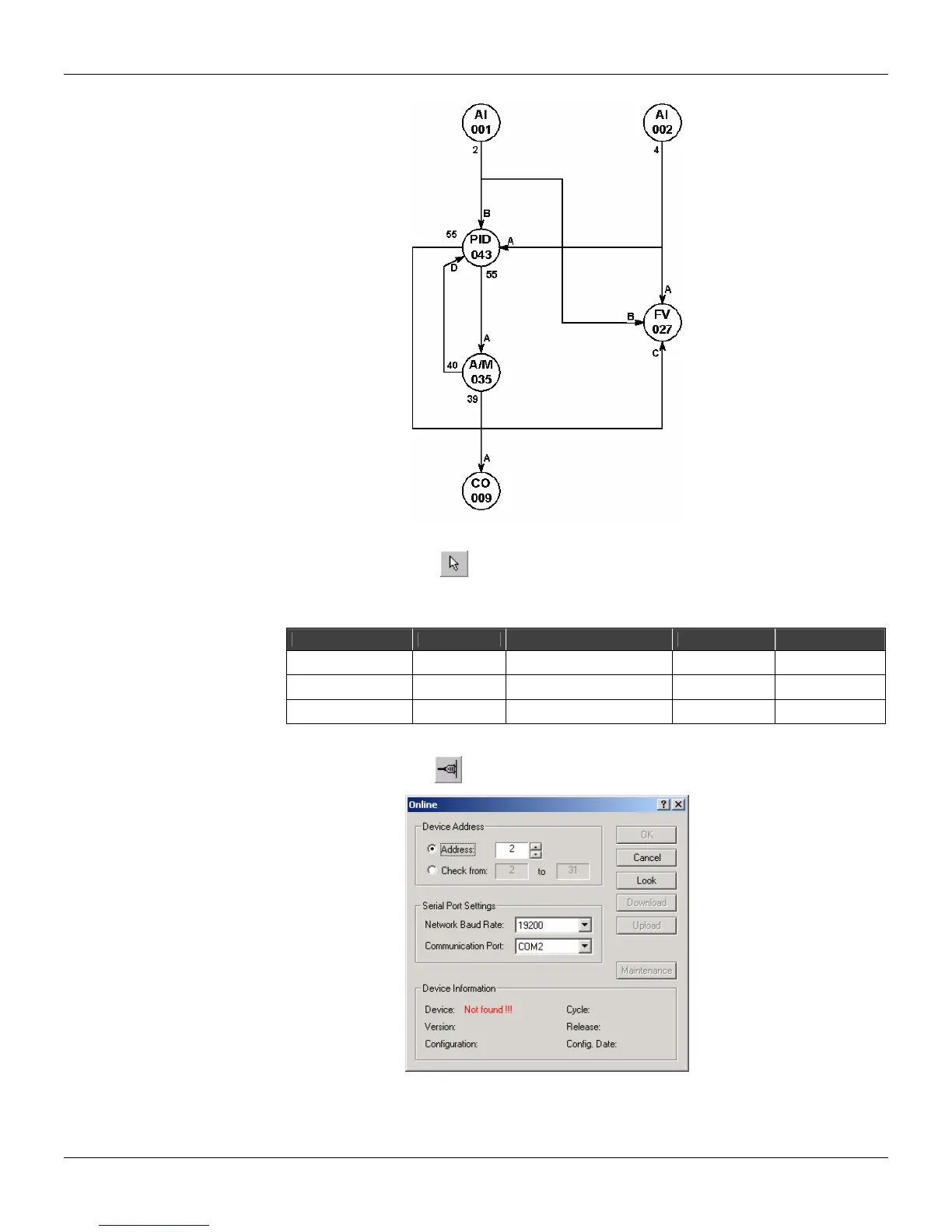
Programming
3.5
E) Editing the parameters:
• Click on the Select tool,
, and right click on the block for the popup menu to appear. Select
the option Edit Parameters to open the dialog box of each block and adjust the parameter values
as indicated in the following table:
Function Block Parameters Description Default Value New Value
PID (043) AKp Proportional Gain 0.30 1.20
PID (043) ATr Reset Time (min/cycle) 10.00 2.00
AI (001) CSQR Square Root 0.00 1.00
F) Initializing the communication:
• Click the Online button,
, to open the Online dialog box .
• Select the identification address number in the Address box and click in Look. The CONF600
Plus will search for devices connected to the PC.



 To Next Page