14215700-IG, Edition 8.0
April 2018, Original document
211
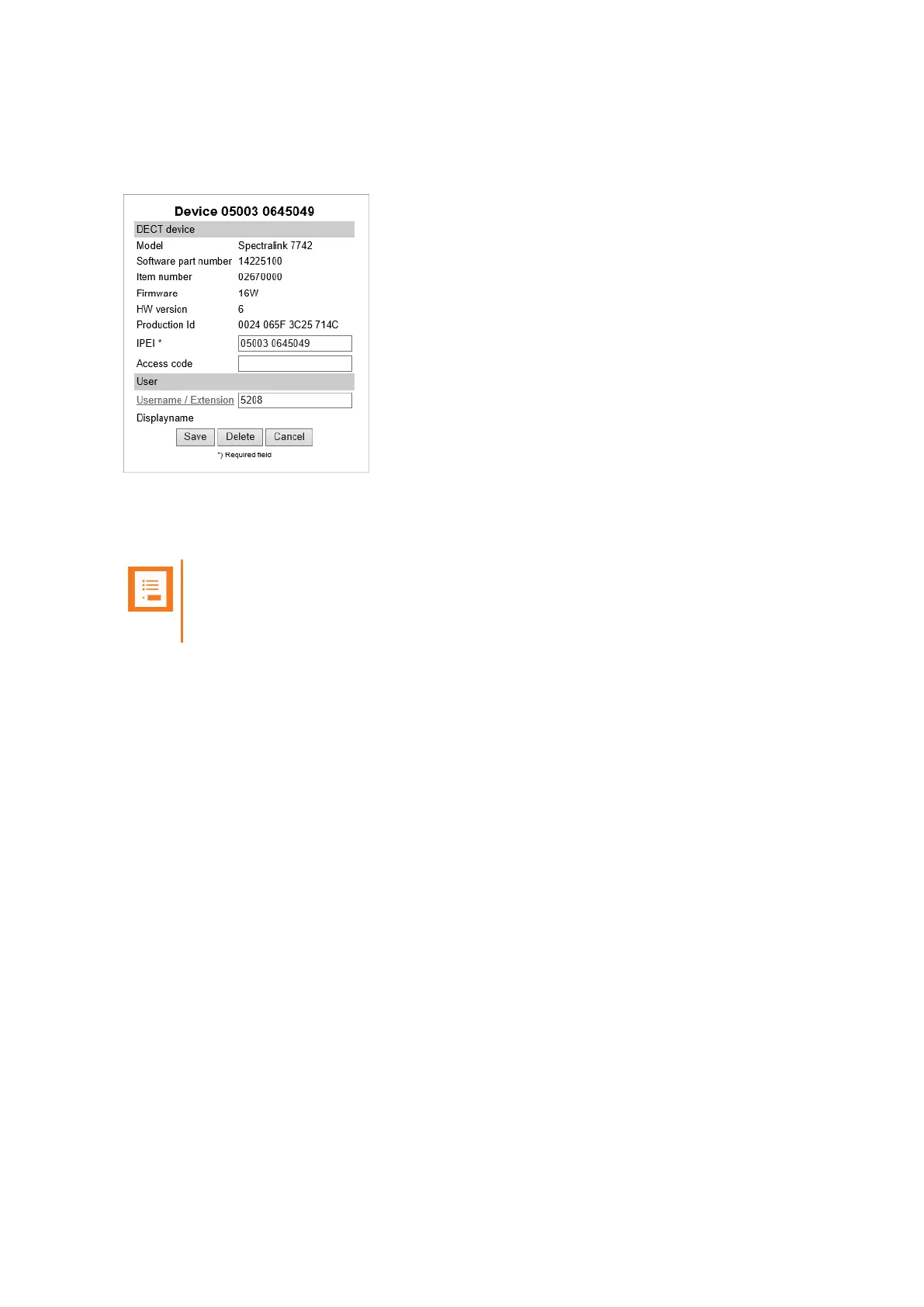
On the Device profile, notice the Username / Extension link. If the handset is linked to a specific
user, the text field will hold the extension number of that user and the Username / Extension link is
active.
Clicking on Username / Extension the link will take you to the User profile of the linked handset.
And when clicking on the IPEI link from the User profile, that will take you to the Device profile of the
linked handset.
Note:
If the user is not linked to a handset, this Username / Extension link is inactive and there
is no extension number in the associated text field.
For examples of handset sharing, see "Handset Sharing Setup Examples" on page213.
Spectralink IP-DECT Server 200/400/6500 Installation and Configuration Guide



 To Next Page