Stonex R2 PLUS Total Station - User Manual 107
22.6 File Copy
It is possible to copy the job from current internal memory to SD card, or copy known data from
SD card to internal memory.
【Procedure of JOB copy】
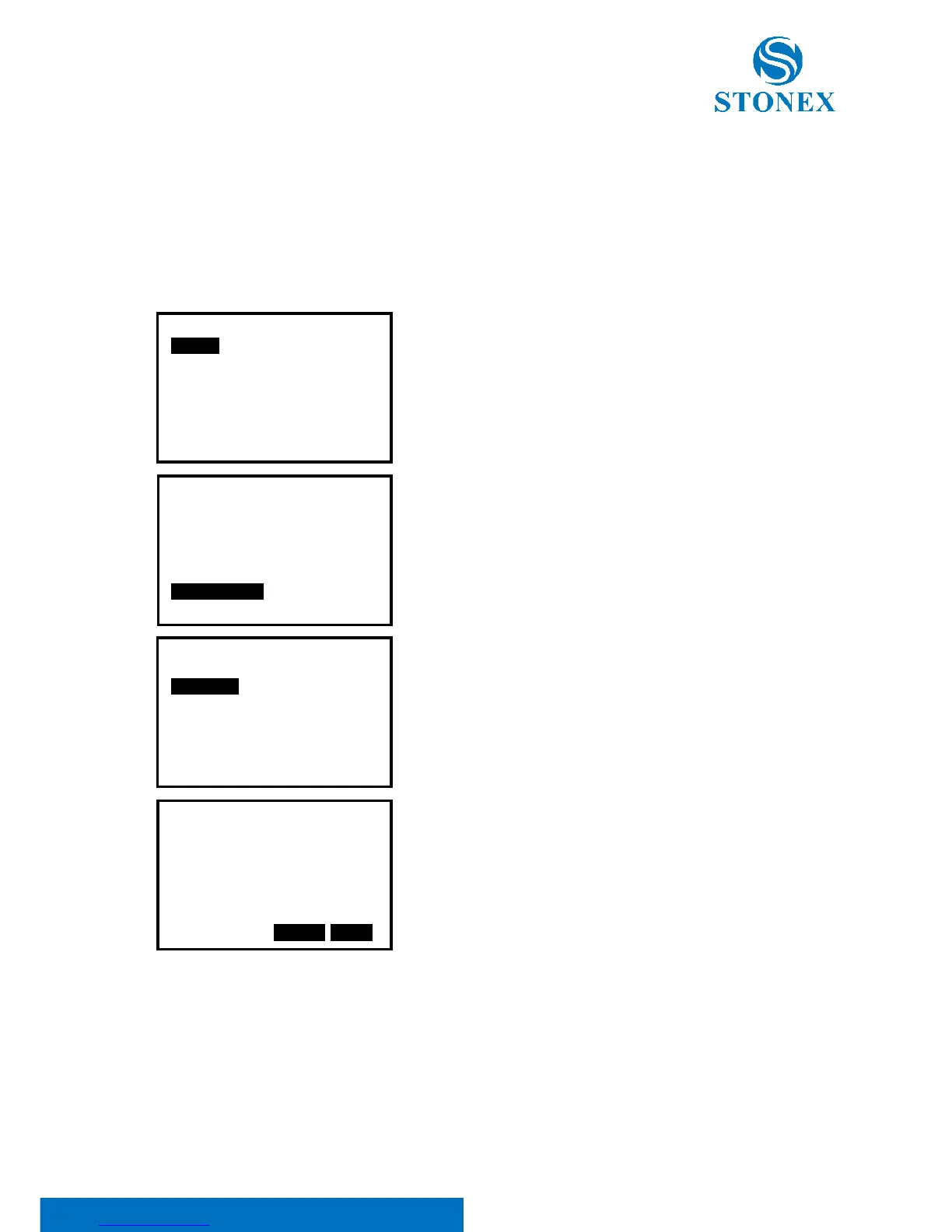
1. Select MEM/1.JOB/6.File Copy.
2. Select “6. File Copy”, the job list for current memory will
display.
3. 20 JOBs display on three pages, select one job you want
to copy. And press [ENT] key to confirm.
4. Press F3: [NO] to give up or press F4: [YES] to copy.
5. For more information, please read the Help file of
STONEX Exhange on chapter “2.3 Data transfer via SD card”.



 To Next Page