Stonex R2 PLUS Total Station - User Manual 20
3.8 How to Configure
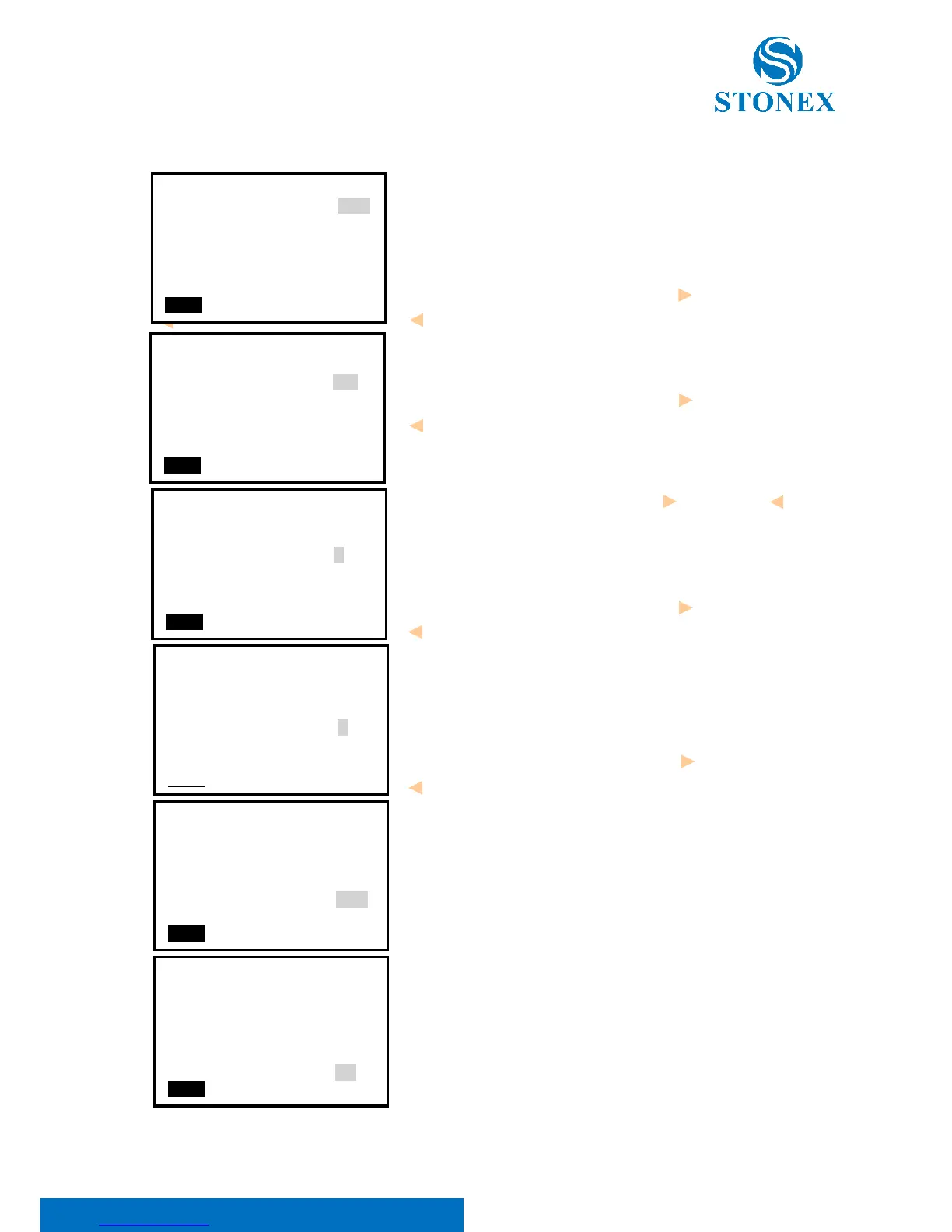
Press key {★} on panel directly to enter into in any status,
and do some basic settings.
1. Backlight
Press numeric key {1}, then press left key { } or right key
{ } to turn on or not.
2. Laser pointer on/off
Press numeric key {2}, then press left key { } or right key
{ } to turn no/off to turn on/off telescope laser pointer.
3. LCD contrast
Press numeric key {3}, tn press left key { } or right key { }
to adjust it.
4. Reticle Level
Press numeric key {4}, then press left key { } or right key
{ } to telescope illumination on reticle. If the value is
zero, the illumination is turned off.
5. Key beep
Press numeric key {5}, then press left key { } or right key
{ } to turn on key beep or not, if you select NO, you will
not hear the beep voice when press any key.
6. EDM returned Signal
Aim at a target, then press numeric key {6} and the
instrument will beep, the EDM returned signal value will
display simultaneously.
7. EDM setting menu
Press function key {F1} to open the EDM setting menu.



 To Next Page