Stonex R2 PLUS Total Station - User Manual 115
24.2 Clear all Codes
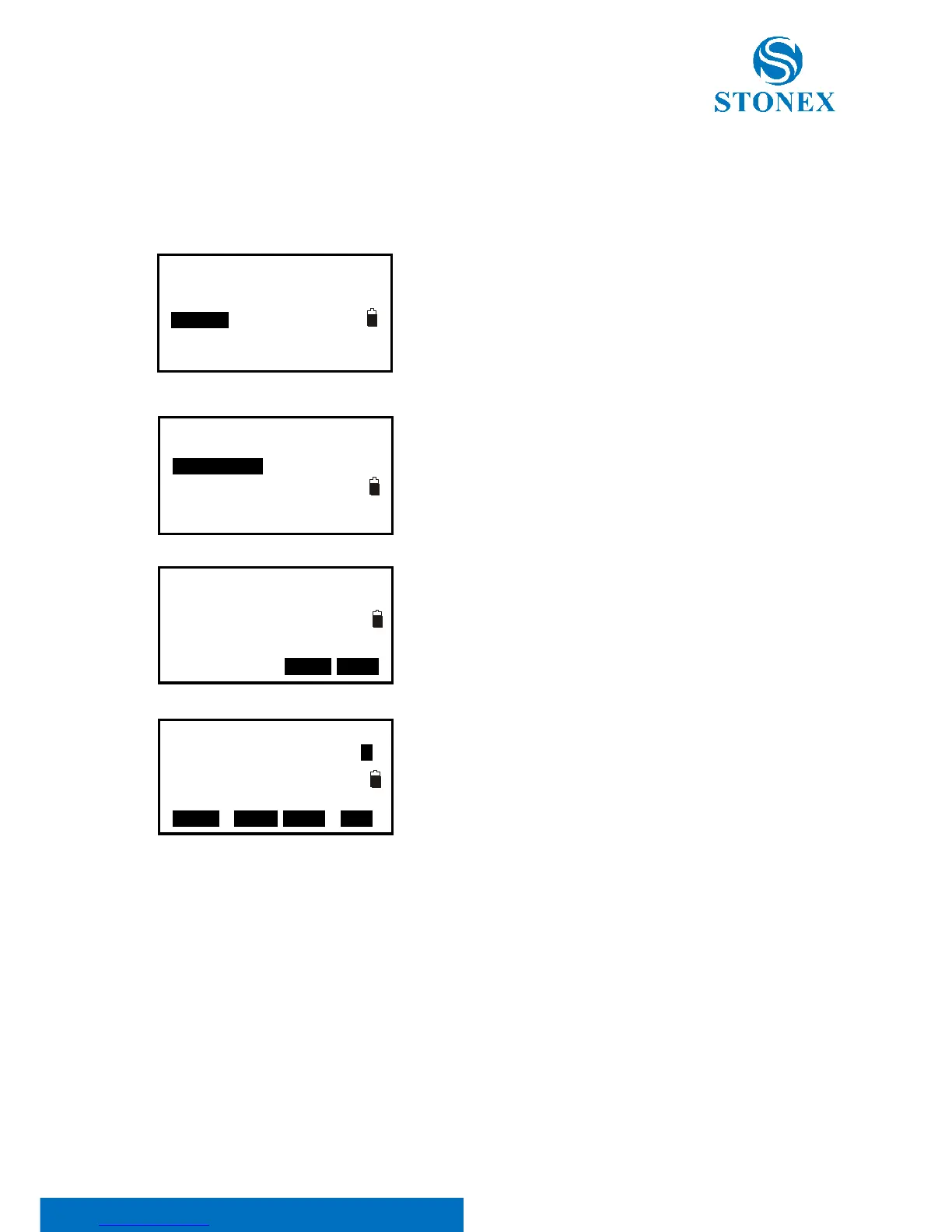
【Procedure of clearing all codes】
1. Press F3: [MEM] in the status mode to enter into
memory management.
2. Select “3.Code” to enter into code management.
3. Select “2.Clear list”.
4. Press F3: [NO] back to previous mode;
Press F4: [YES] to delete all codes recorded in memory of
all JOBs completely.
5. If you select “1.Code Edit”, you will find no code inside.



 To Next Page