Stonex R2 PLUS Total Station - User Manual 49
9.3 Dual-Distance Offset Measurement
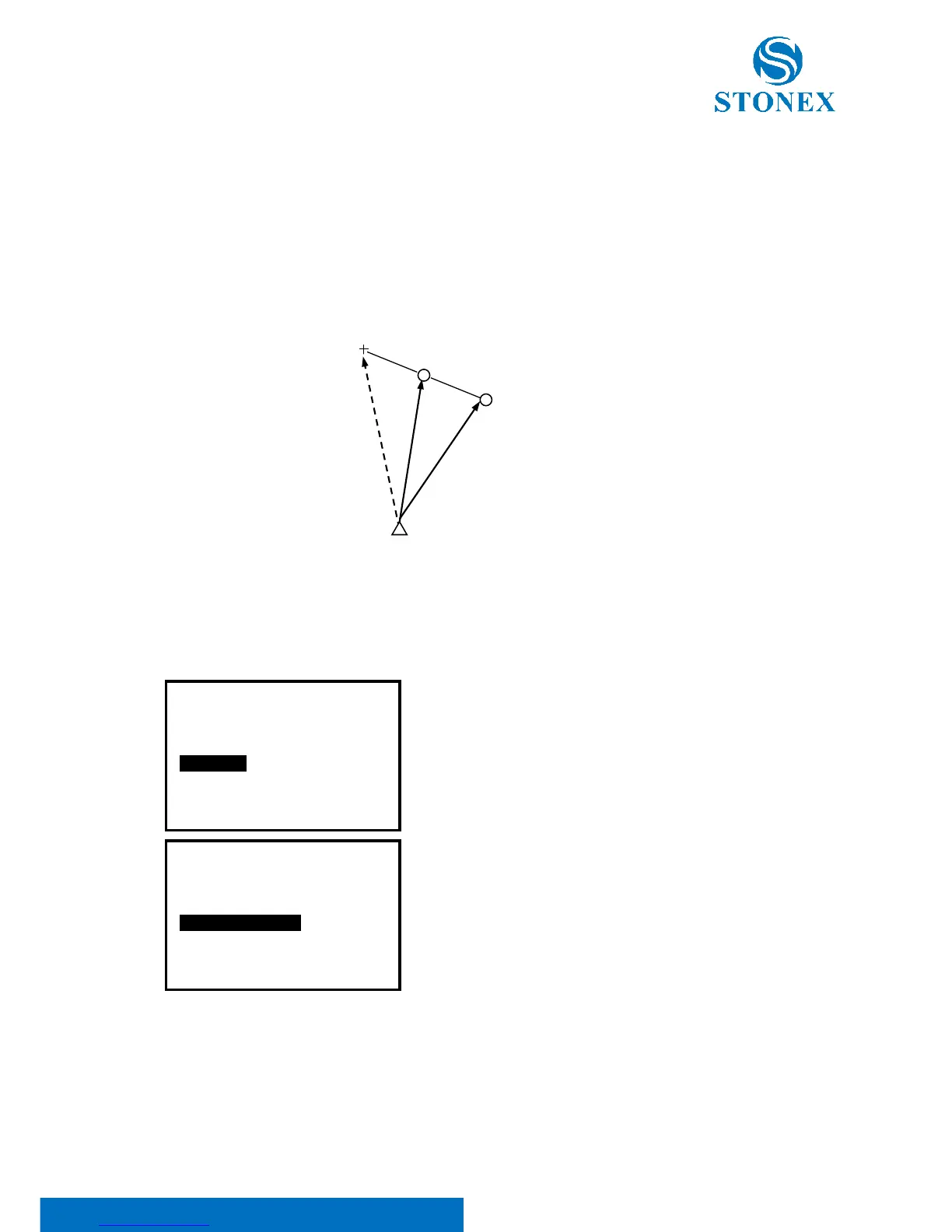
By measuring the distance between the target point and the two offset points. Set two offset
points (1st target and 2nd target) on a straight line from the target point, measure the 1st and
2nd target, then input the distance between the 2nd target and the target point to find the target
point.
【Procedure of dual-distance offset measurement】
1. Set two offset points (1
st
target, 2
nd
target) on a straight
line from the target point and use the offset points as
target.
2. Select [MENU] at P2 in measure mode, and then select
“4. Offset”, or press F3: [OFST] at P3 directly.
3. Select “4. Offset/2Dist” after inputting the instrument
occupied data, see “§6.1 Input the occupied point data”.



 To Next Page