Stonex R2 PLUS Total Station - User Manual 51
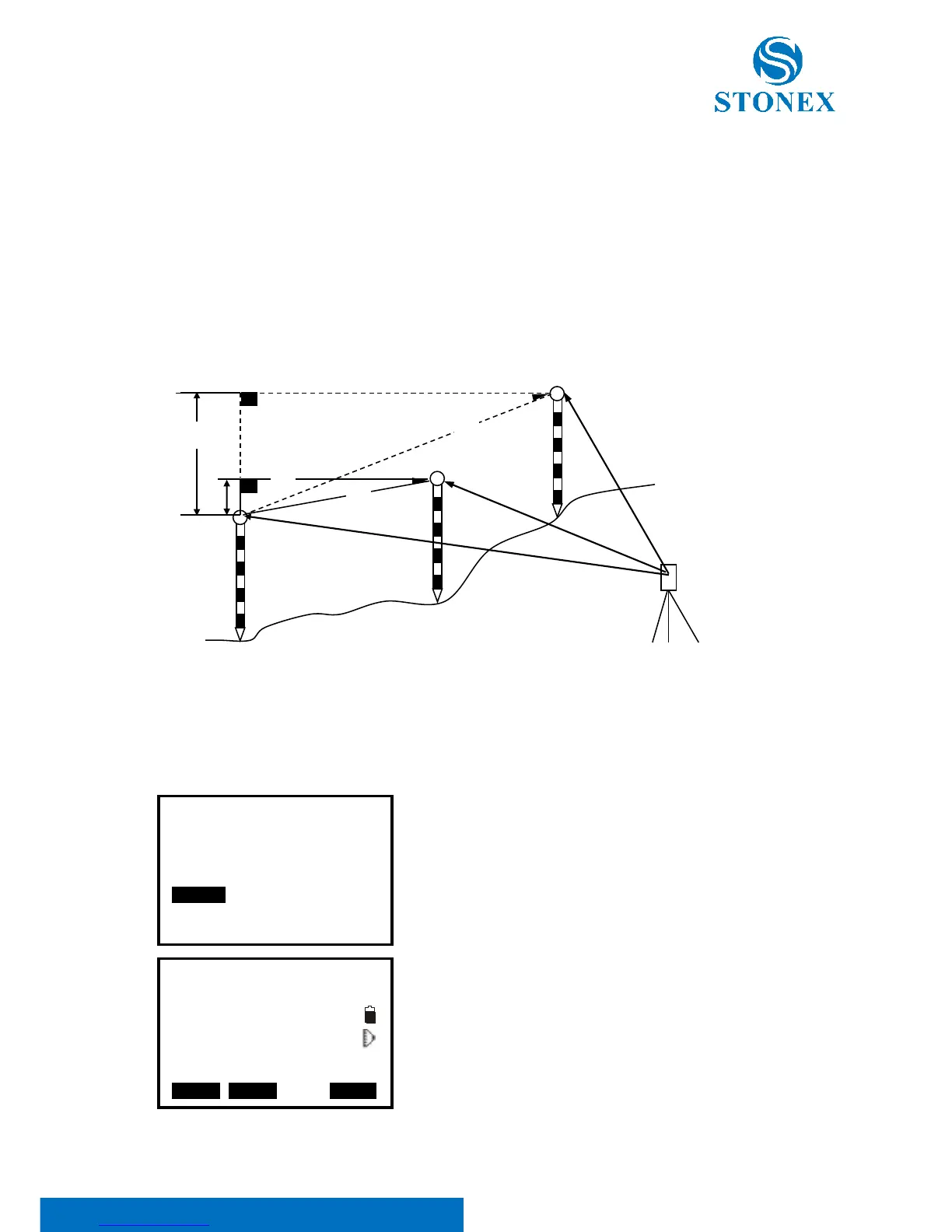
10. MLM
MLM is used to directly measure slope distance, horizontal distance and the height difference
from one base point to other points without moving the instrument.
NOTE:
The last measured data could be set as the base point for the next starting operation.
The height difference between one point and the base point could be displayed as grade
mode.
10.1 Measuring Distance between Two or More Points
【Procedure of measuring】
1. Press F2: [MENU] at P2 in the measure mode.
Select “5. MLM”.
2. Aim at the start point P1, then press F4: [MEAS] and the
measured data will display.
3. Aim at the target point P2 and press F1: [MLM] to begin
measure, SD, HD, VD will display.



 To Next Page