Stonex R2 PLUS Total Station - User Manual 57
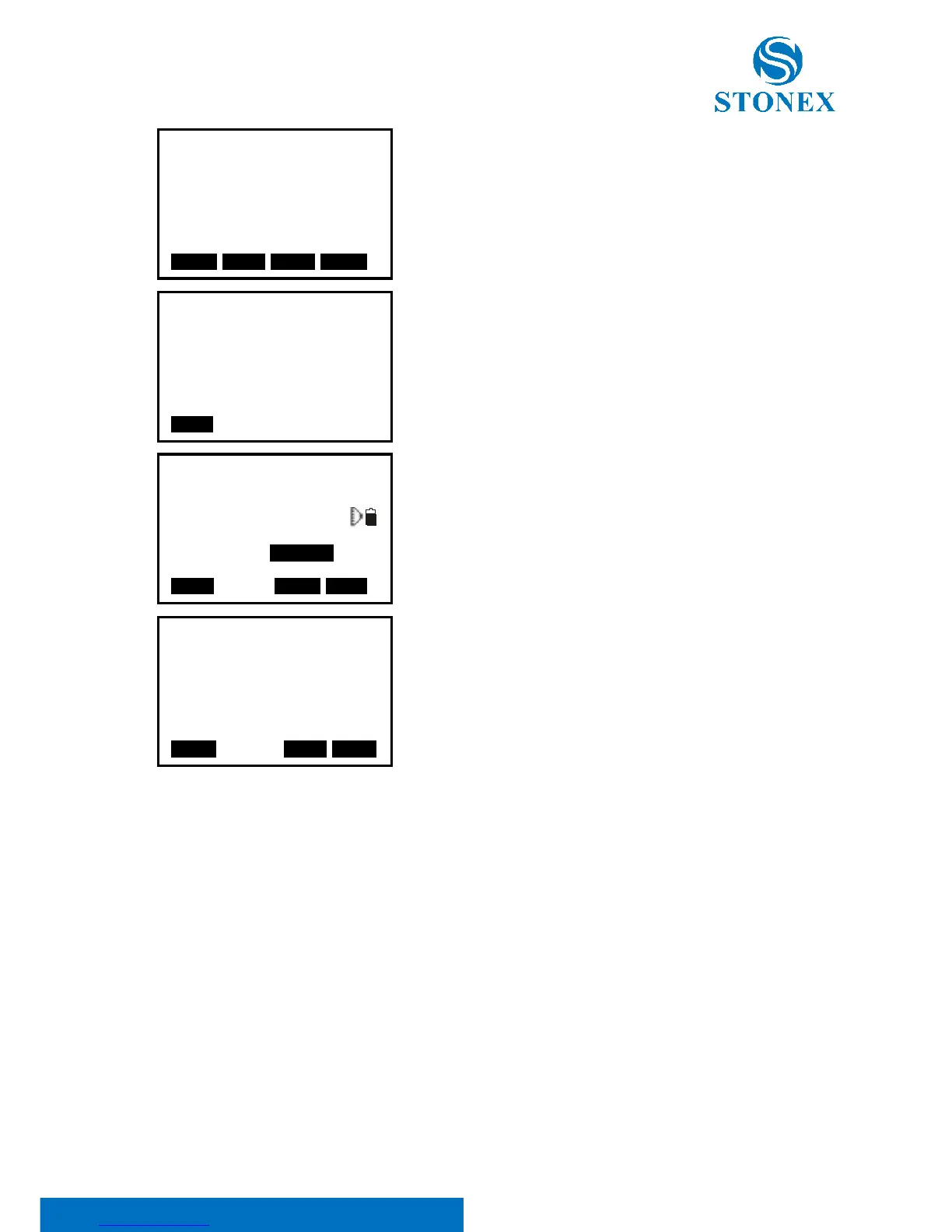
3. After setting the elevation for the first known point,
press F3: [NEXT] to set the second point data.
4. After all known points data have been set, press F4:
[MEAS].
Press F1: [READ] to read existed coordinate data.
5. Sight the first known point and press F1: [DIST] to begin
measurement. The measured data are displayed.
6. Press F4: [YES] to use the measured data of the first
known point data.
Press F3: [NO] to re-measure the point. You can also input
target height here.
After finishing two measurements, [CALC] will be displayed.
6. Press F1: [CALC] to calculate. Instrument occupied
elevation and standard deviation are displayed.
7. Press F1: [NEXT] to add other known points.
Press F3: [REC] to record the calculated result.
Press F4: [OK] to finish elevation resection.
Only Z (elevation) of the instrument occupied
coordinate is set.
N and E values would not be overwritten.



 To Next Page