Stonex R2 PLUS Total Station - User Manual 66
Offline: A positive value indicates the point is on the right of the baseline and a negative value
indicates it is on the left.
Cut: indicates that the point is below the baseline.
Fill: indicates that the point is above the baseline.
Length: distance along the baseline from 1
st
point to the measured point.
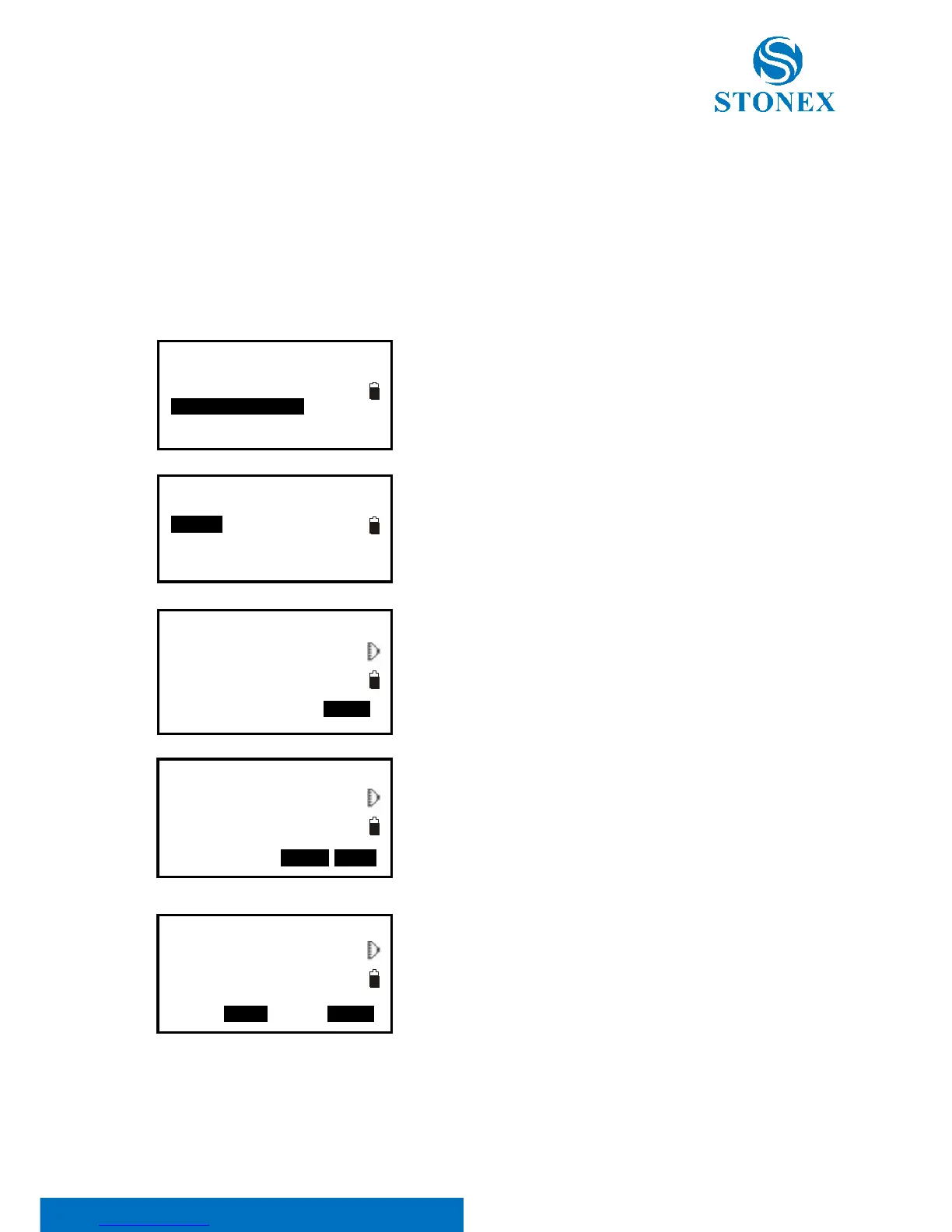
【Procedure of stake out line/line】
1. Select “3. Stake out line” after defining a baseline.
2. Select “2.Line”.
3. Input offset value: the horizontal move distance of
baseline, right side indicates positive value and left side
indicates negative value. Go to step 4 without inputting.
4. Aim at the target and press F4: [MEAS] to measure. The
measured results are displayed.
5. Press F3: [NO] to re-measure the target.
Press F4: [YES] to use the measured values. The difference
between the measured data and the baseline displays:
Offline: A positive value indicates the point is on the right
of the baseline and a negative value indicates it is on the
left.
“Cut” indicates that the point is below the baseline.
“Fill” indicates that the point is above the baseline.
Length: Distance along the baseline from the first point to
the measured point.
6. Aim at the next target and press F4: [MEAS] to
continue the measurement.



 To Next Page