Stonex R2 PLUS Total Station - User Manual 82
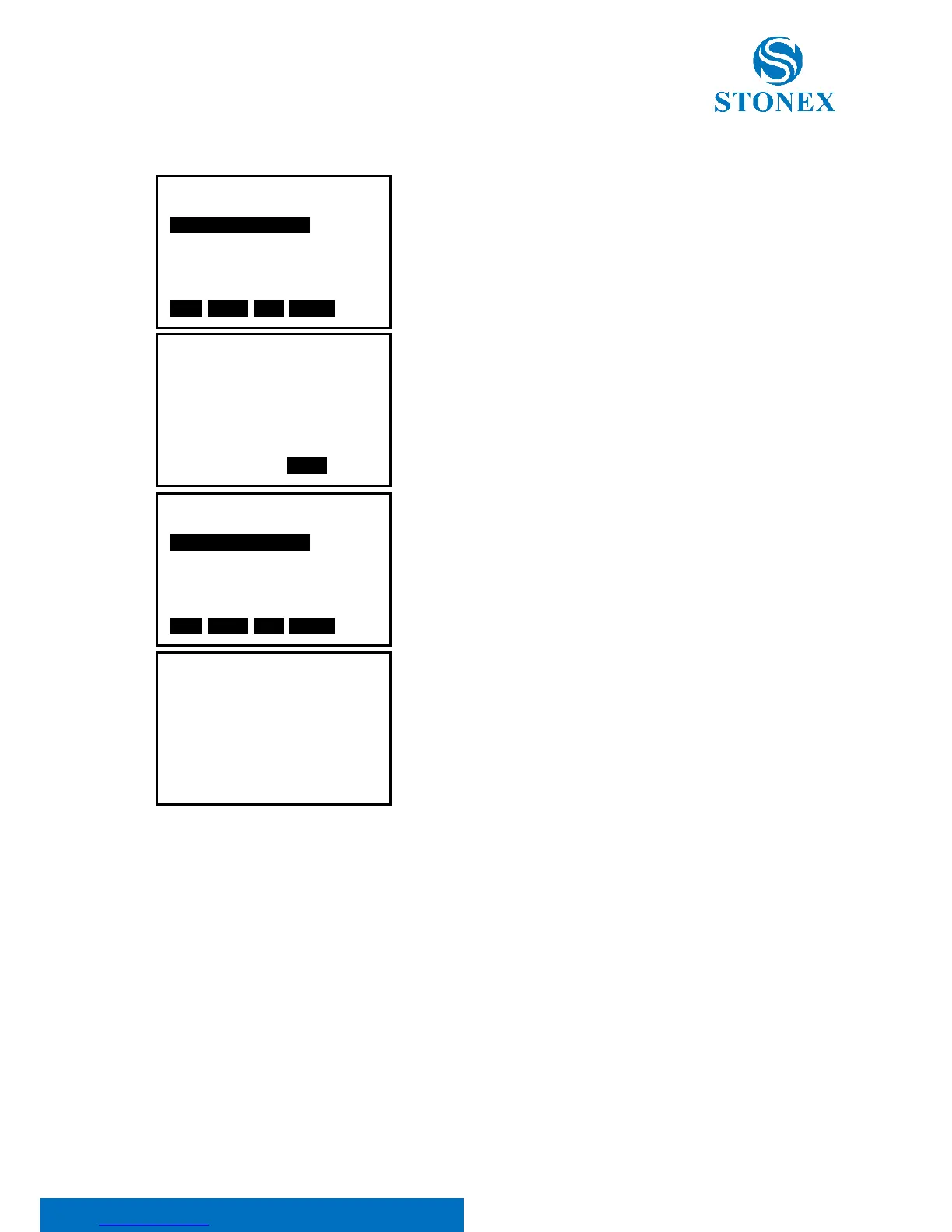
● Edit horizontal element
1. Move ▲ or ▼ key, the cursor will move to different
element.
2. Press ENT key to edit the selected element.
3. Press F4:[ENT] key to confirm, other elements following
the edited one will upgrade automatically.
4. After all the horizontal elements are confirmed, press
[ESC] key back to previous menu.



 To Next Page