Model 100E Instruction Manual Operating Instructions
045150102 Rev XB1 107
These default Data Channels can be used as they are, or they can be customized from
the front panel to fit a specific application. They can also be deleted to make room for
custom user-programmed Data Channels.
Appendix A-5 lists the firmware-specific iDAS configuration in plain-text format. This text
file can either be loaded into APICOM and then modified and uploaded to the instrument
or can be copied and pasted into a terminal program to be sent to the analyzer.
NOTE
Sending an iDAS configuration to the analyzer through its COM ports will
replace the existing configuration and will delete all stored data. Back up any
existing data and the iDAS configuration before uploading new settings.
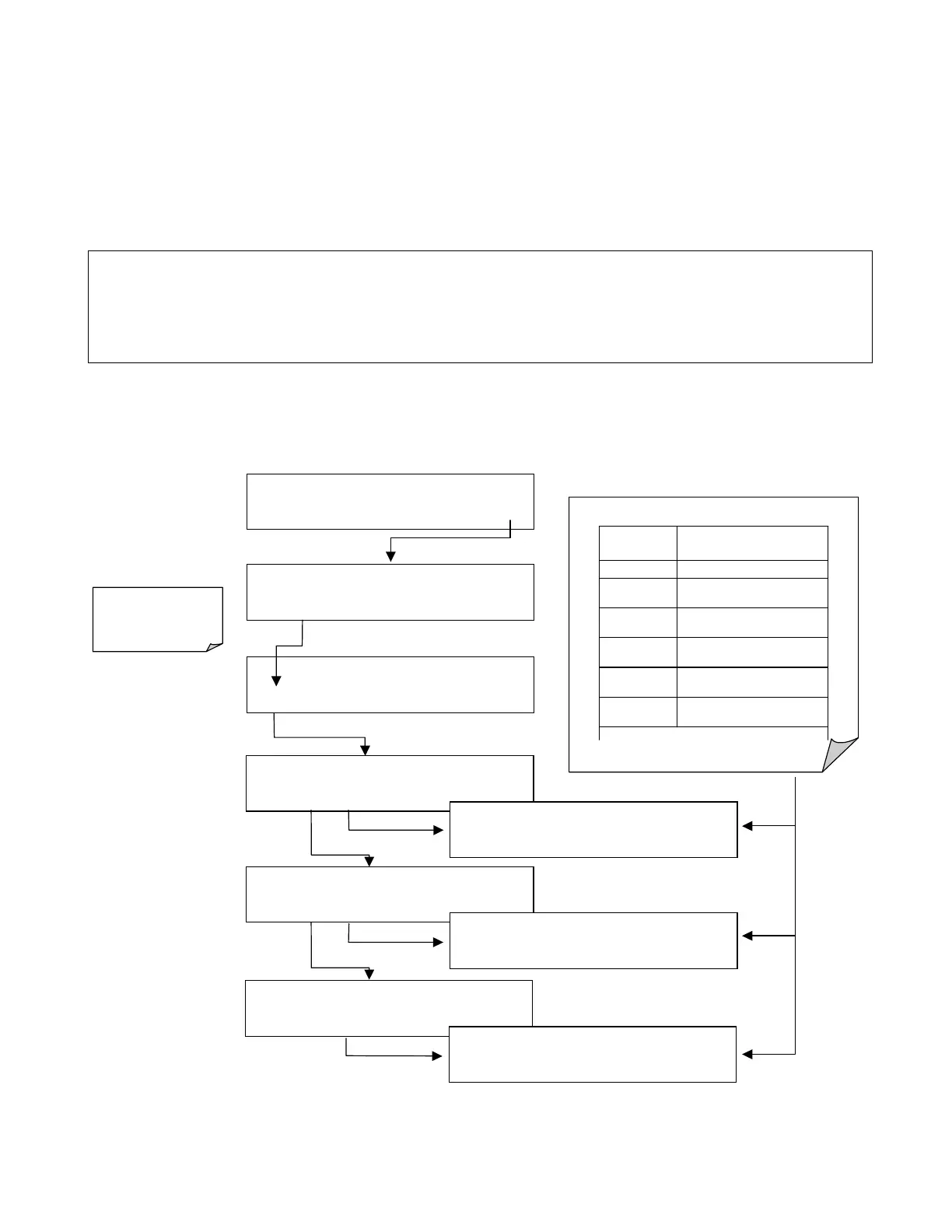
6.10.2.1. Viewing iDAS Data and Settings
iDAS data and settings can be viewed on the front panel through the following keystroke
sequence.
SAMPLE* RANGE = 500.000 PPB SO2 =X.XXX
< TST TST > CAL
SETUP
SETUP X.X
CONC
: DATA AVAILABLE
NEXT
VIEW
EXIT
SETUP X.X
ENGDAT
: DATA AVAILABLE
PREV
NEXT
VIEW
EXIT
SETUP X.X
CALDAT
: DATA AVAILABLE
PREV
VIEW
EXIT
SETUP X.X
00:00:00 NXSLP1=0.000
PV10 PREV
<PRM
PRM>
EXIT
SETUP X.X
00:00:00 NXCNC1=0.0 PPM
PV10 PREV
NEXT NX10
<PRM
PRM>
EXIT
SETUP X.X
00:00:00 SMPFLW=000.0 cc / m
<PRM
PRM>
EXIT
SETUP X.X DATA ACQUISITION
VIEW
EDIT
EXIT
SETUP X.X
PRIMARY SETUP MENU
CFG
DAS
RNGE PASS CLK MORE EXIT
VIEW KEYPAD FUNCTIONS
KEY FUNCTION
<PRM Moves to the next Parameter
PRM>
Moves to the previous
Parameter
NX10
Moves the view forward 10
data points/channels
NEXT
Moves to the next data
point/channel
PREV
Moves to the previous data
point/channel
PV10
Moves the view back 10 data
points/channels
Ke
s onl
a
ear as needed
EXIT
will return to the
main
SAMPLE
Display.



 To Next Page