Model 100E Instruction Manual Operating Instructions
045150102 Rev XB1 65
6.5.2. Reporting Range Modes
The M100E provides three analog output range modes to choose from.
• Single range (SNGL) mode sets a single maximum range for the analog output. If
single range is selected (see Section 6.5.3) both outputs are slaved together and
will represent the same measurement span (e.g. 0-50 ppm), however their
electronic signal levels may be configured for different ranges (e.g. 0-10 VDC vs.
0-.1 VDC – See Section 6.7.4.1).
• Dual range (DUAL) allows the A1 and A2 outputs to be configured with different
measurement spans (see Section 6.5.4) as well as separate electronic signal levels
(see Section 6.7.4.1).
• Auto range (AUTO) mode gives the analyzer to ability to output data via a low
range and high range. When this mode is selected (see Section 6.5.5) the M100E
will automatically switch between the two ranges dynamically as the concentration
value fluctuates.
Also, in this mode the RANGE Test function displayed on the front panel during
SAMPLE mode will be replaced by two separate functions, range1 & range2.
Range status is also output via the External Digital I/O Status Bits (see Section
6.8.1).
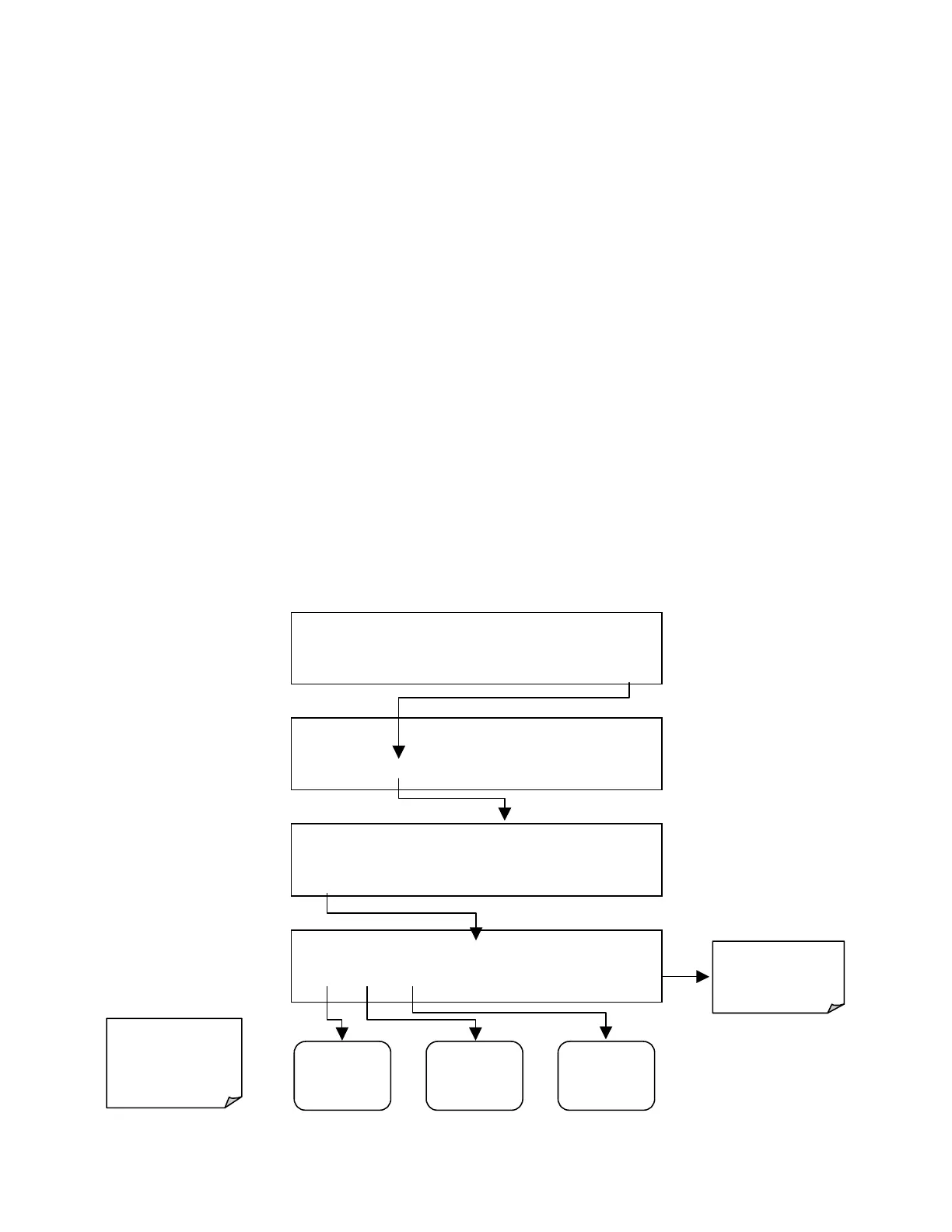
To select the Analog Output Range Type press:
SAMPLE* RANGE = 500.000 PPB SO2 =X.XXX
< TST TST > CAL
SETUP
SETUP X.X
CFG DAS RNGE PASS CLK MORE EXIT
SETUP X.X RANGE CONTROL MENU
MODE SET UNIT EXIT
SETUP X.X RANGE MODE: SNGL
SNGL DUAL AUTO
ENTR EXIT
EXIT Returns
to the Main
SAMPLE
Display
Go To
Section
6.5.3
Go To
Section
6.5.4
Go To
Section
6.5.5
Only one of the
range modes may
be active at any
time.



 To Next Page