Model 100E Instruction Manual Operating Instructions
045150102 Rev XB1 113
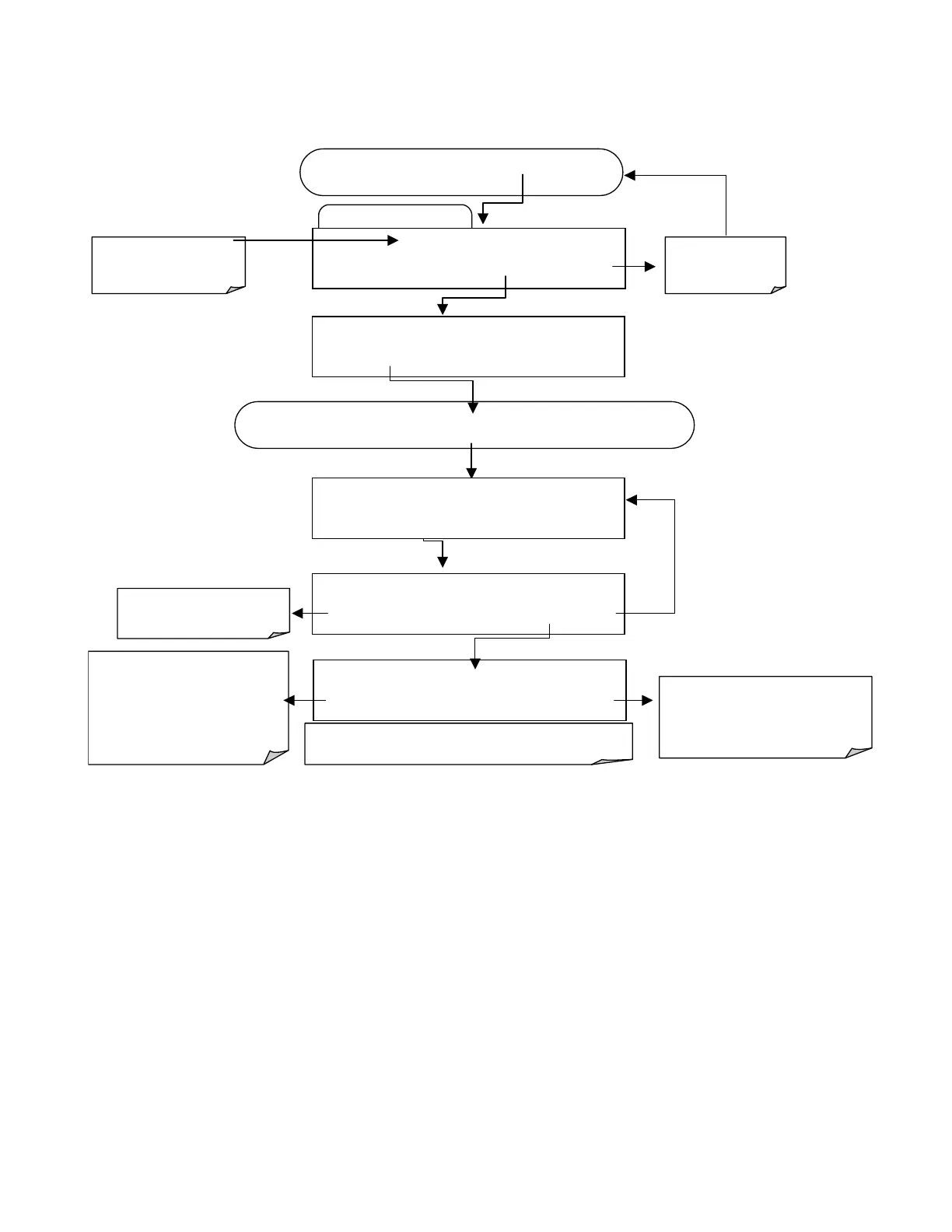
To define the REPORT PERIOD, follow the instruction shown in section 6.10.2.2 then
press:
Edit Data Channel Menu
SETUP X.X
0)
CONC: ATIMER, 2, 900
PREV NEXT INS DEL
EDIT
PRNT
EXIT
FROM THE DAS PASSWORD MENU
Exits to the main
Data Acquisition
menu.
SETUP X.X
NAME:CONC
<SET
SET>
EDIT
PRINT EXIT
Press
SET>
key until you reach
REPORT PERIOD
…
SETUP X.X
REPORT PERIODD:DAYS:0
0 0 0 ENTR EXIT
ENTR
accepts the new string and
returns to the previous menu.
EXIT
ignores the new string and
returns to the previous menu.
Press keys to set hours
between reports in the format :
HH:MM (max: 23:59). This is a
24 hour clock . PM hours are 13
thru 23, midnight is 00:00.
Example 2:15 PM = 14:15
Set the number of days
between reports (0-366).
IIf at any time an illegal entry is selected (e.g., days > 366)
the ENTR key will disappear from the display.
SETUP X.X
REPORT PERIODD:TIME:01:01
0 1 0 0 ENTR EXIT
Use the PREV and NEXT
keys to scroll to the data
channel to be edited.
SETUP X.X
REPORT PERIOD:000:01:00
<SET SET>
EDIT
PRINT EXIT
6.10.2.6. Number of Records
The number of data records in the M100E is limited to about a cumulative one million
data points in all channels (one megabyte of space on the disk-on-chip). However, the
actual number of records is also limited by the total number of parameters and channels
and other settings in the iDAS configuration. Every additional data channel, parameter,
number of samples setting etc. will reduce the maximum amount of data points
somewhat. In general, however, the maximum data capacity is divided amongst all
channels (max: 20) and parameters (max: 50 per channel).
The iDAS will check the amount of available data space and prevent the user from
specifying too many records at any given point. If, for example, the iDAS memory space
can accommodate 375 more data records, the ENTR key will disappear when trying to
specify more than that number of records. This check for memory space may also make
an upload of an iDAS configuration with APICOM or a Terminal program fail, if the



 To Next Page