Operating Instructions Model 100E Instruction Manual
110 045150102 Rev XB1
6.10.2.4. Editing iDAS Parameters
Data channels can be edited individually from the front panel without affecting other data
channels. However, when editing a data channel, such as during adding, deleting or
editing parameters, all data for that particular channel will be lost, because the iDAS can
store only data of one format (number of parameter columns etc.) for any given channel.
In addition, an iDAS configuration can only be uploaded remotely as an entire set of
channels. Hence, remote update of the iDAS will always delete all current channels and
stored data.
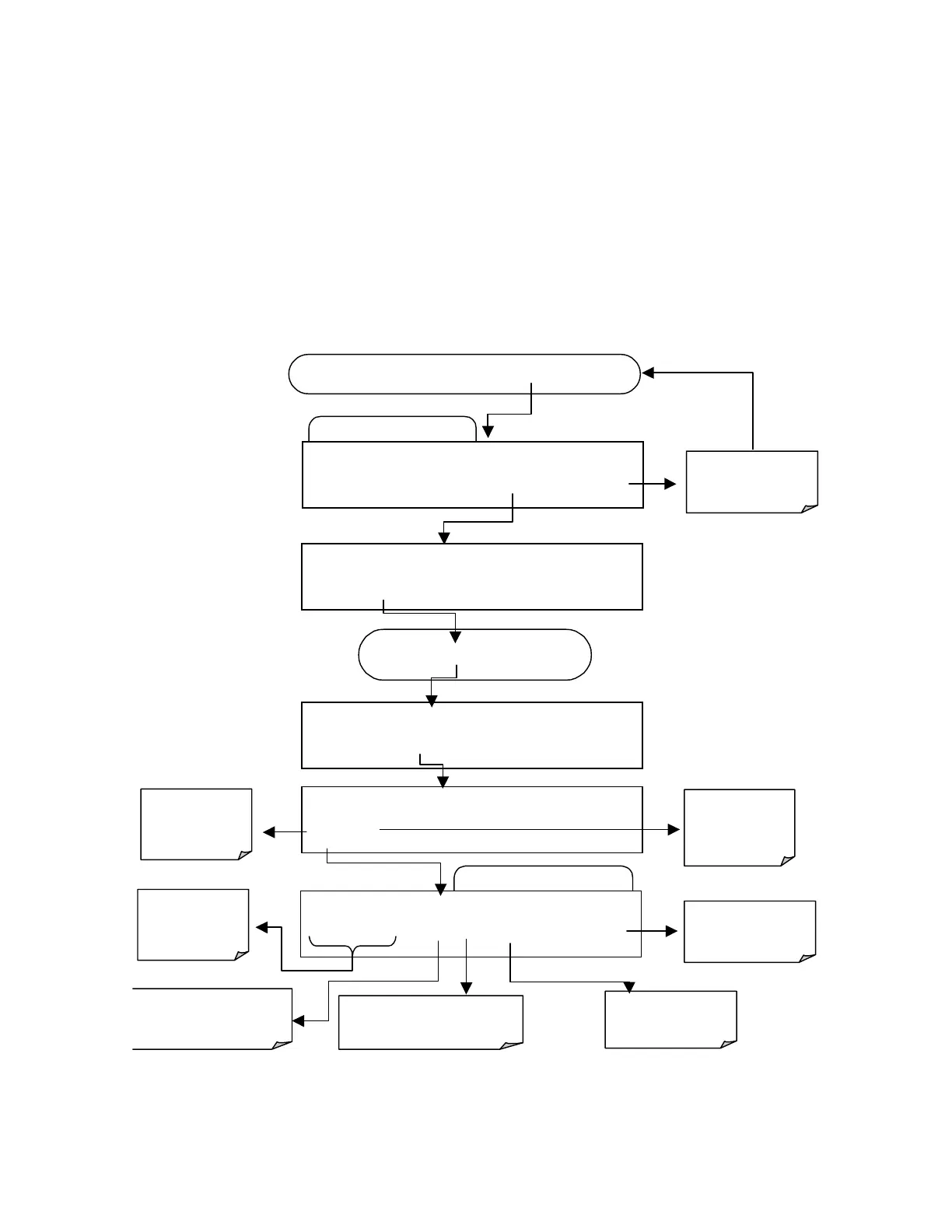
To modify, add or delete a parameter, follow the instruction shown in section 6.10.2.2
then press:
Edit Data Parameter Menu
Edit Data Channel Menu
SETUP X.X
0)
CONC: ATIMER, 2, 900
PREV NEXT INS DEL
EDIT
PRNT
EXIT
FROM THE DAS PASSWORD MENU
Exits to the main
Data Acquisition
menu
SETUP X.X
NAME:CONC
<SET
SET>
EDIT
PRINT EXIT
SETUP X.X
PARAMETERS:2
<SET SET>
EDIT
PRINT EXIT
SETUP X.X
0) PARAM=DETREP, MODE=INST
PREV NEXT
INS DEL EDIT EXIT
Press
SET>
key until…
SETUP X.X
EDIT PARAMS (DELETE DATA)
YES NO
NO returns to
the previous
menu and
retains all data.
Moves the
display between
available
Inserts a new Parameter
before the currently
displayed Parameter
Deletes the Parameter
currently displayed.
Use to configure
the functions for
this Parameter.
Exits to the main
Data Acquisition
menu
YES will delete
all data in that
entire channel.



 To Next Page