Model 100E Instruction Manual Operating Instructions
045150102 Rev XB1 115
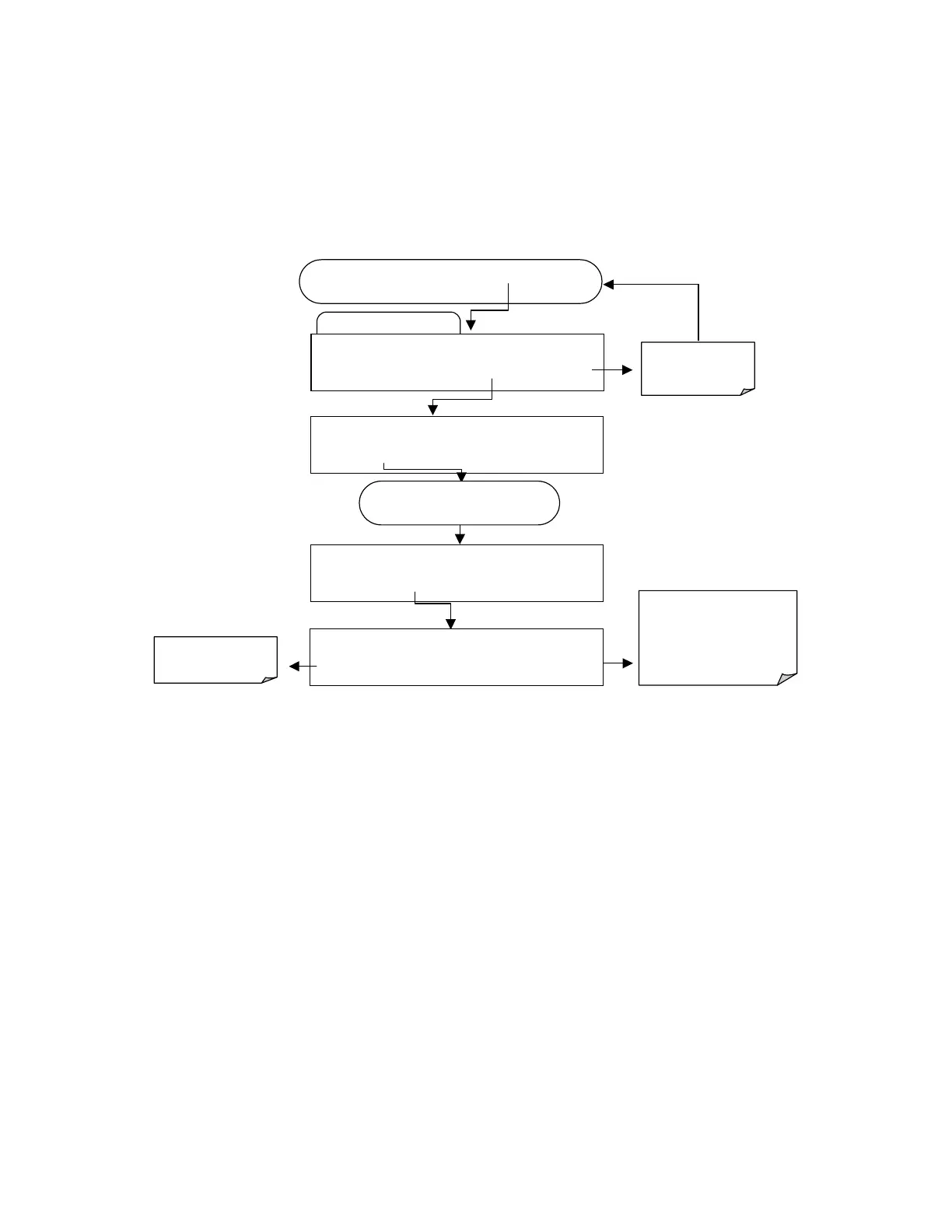
6.10.2.7. RS-232 Report Function
The M100E iDAS can automatically report data to the communications ports, where they
can be captured with a terminal emulation program or simply viewed by the user.
To enable automatic COM port reporting, follow the instruction shown in section 6.10.2.2
then press:
Edit Data Channel Menu
SETUP X.X
0)
CONC: ATIMER, 2, 900
PREV NEXT INS DEL
EDIT
PRNT
EXIT
FROM THE DAS PASSWORD MENU
Exits to the main
Data Acquisition
menu
SETUP X.X
NAME:CONC
<SET
SET>
EDIT
PRINT EXIT
SETUP X.X
RS-232 REPORT: OFF
<SET SET>
EDIT
PRINT EXIT
ENTR
accepts the new
setting and returns to the
previous menu.
EXIT
ignores the new setting
and returns to the previous
menu.
SETUP X.X
RS-232 REPORT: OFF
OFF
ENTR EXIT
Toggle key to turn
reporting ON or OFF
Press
SET>
key until…
6.10.2.8. Compact Report
When enabled, this option avoids unnecessary line breaks on all RS-232 reports. Instead
of reporting each parameter in one channel on a separate line, up to five parameters are
reported in one line, instead.
6.10.2.9. Starting Date
This option allows to specify a starting date for any given channel in case the user wants
to start data acquisition only after a certain time and date. If the Starting Date is in the
past, the iDAS ignores this setting.
6.10.2.10. Disabling/Enabling Data Channels
Data channels can be temporarily disabled, which can reduce the read/write wear on the
disk-on-chip. The ALL_01 channel of the M100E, for example, is disabled by default.



 To Next Page