Operating Instructions Model 100E Instruction Manual
118 045150102 Rev XB1
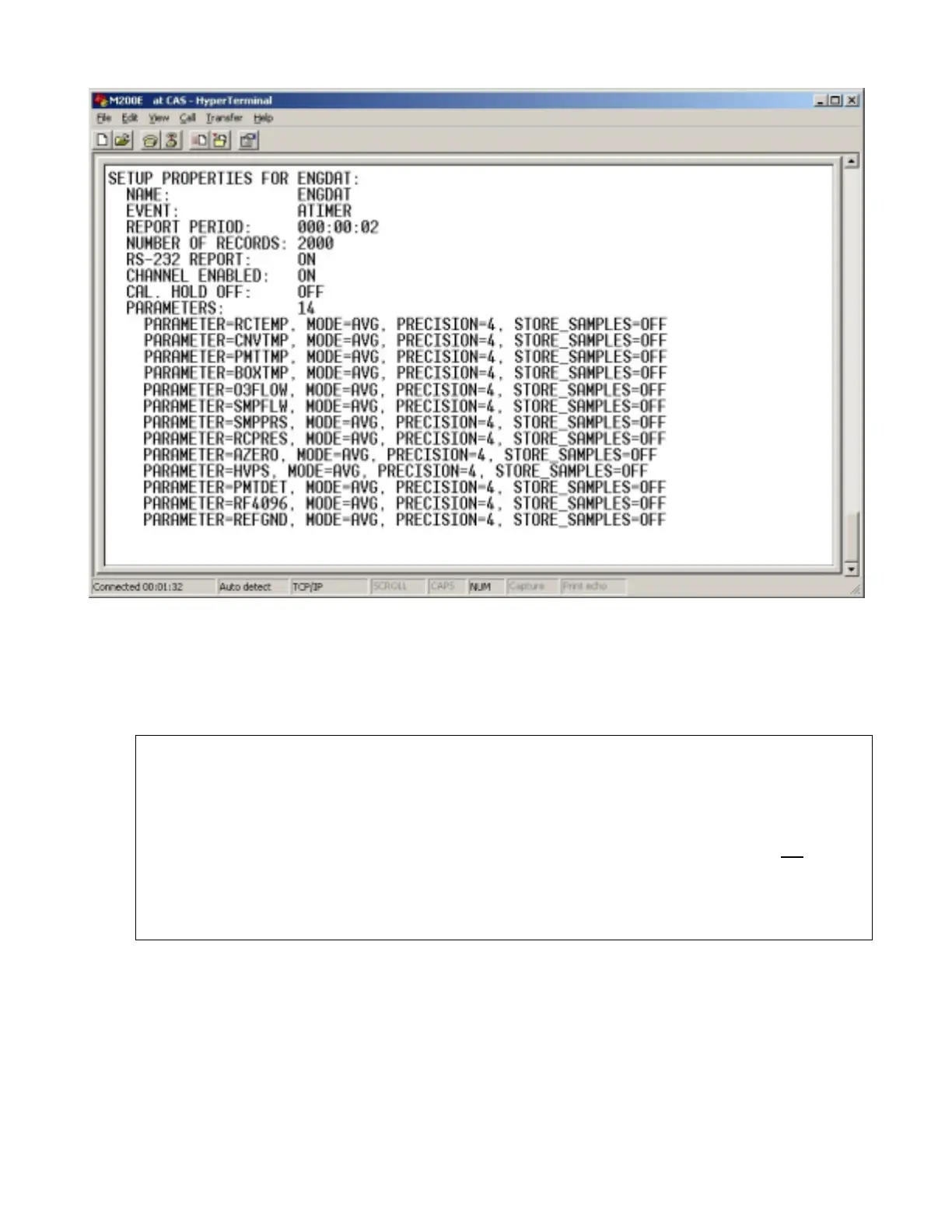
Figure 6-9: iDAS Configuration Through a Terminal Emulation Program.
Both procedures are best started by downloading the default iDAS configuration, getting
familiar with its command structure and syntax conventions, and then altering a copy of
the original file offline before uploading the new configuration.
CAUTION
Whereas the editing, adding and deleting of iDAS channels and
parameters of one channel through the front-panel keyboard can be done
without affecting the other channels, uploading an iDAS configuration
script to the analyzer through its communication ports will erase all
data,
parameters and channels by replacing them with the new iDAS
configuration. Backup of data and the original iDAS configuration is
advised before attempting any iDAS changes.



 To Next Page