Model 100E Instruction Manual Operating Instructions
045150102 Rev XB1 89
6.7.10. Test Channel Output
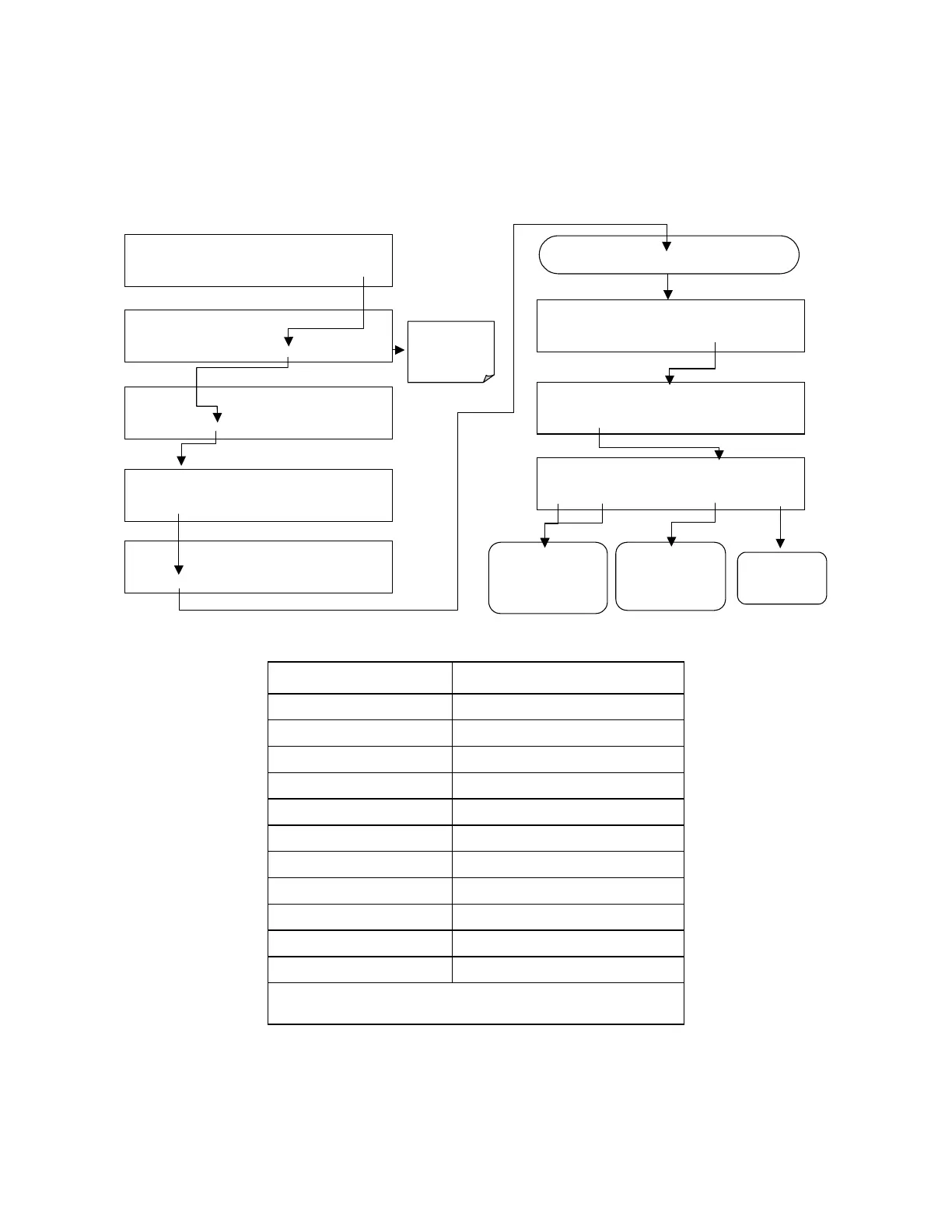
When activated, output channel A4 can be used to report one of the test functions
viewable from the SAMPLE mode display. To activate the A4 channel and select a test
function, follow this key sequence:
SAMPLE* RANGE = 500.000 PPB SO2 =X.XXX
< TST TST > CAL
SETUP
SETUP X.X
PRIMARY SETUP MENU
CFG DAS RNGE PASS CLK
MORE
EXIT
SETUP X.X
SECONDARY SETUP MENU
COMM VARS
DIAG
EXIT
DIAG
SIGNAL I / O
NEXT
ENTR
EXIT
DIAG
ANALOG OUTPUT
PREV
NEXT
ENTR
EXIT
DIAG TCHN
TEST CHANNEL: NONE
NEXT
ENTR
EXIT
DIAG
TEST CHAN OUTPUT
PREV
NEXT
ENTR
EXIT
EXIT
returns
to the main
SAMPLE
display
Continue to press
NEXT
until …
DIAG TCHN
TEST CHANNEL: PMT DETECTOR
PREV NEXT
ENTR EXIT
Press
PREV
or
NEXT
to move through the
list of available
parameters
(Table 6-9)
Press
EXIT
to
return to the
DIAG
menu
Press
ENTR
to
select the displayed
parameter and to
activate the test
Table 6-13: Test Parameters Available for Analog Output A4
TEST CHANNEL TEST PARAMETER RANGE
1
NONE Test channel is turned off
PMT READING
0-5000 mV
UV READING
0-5000 mV
SAMPLE PRESSURE
0-40 in-Hg-A
SAMPLE FLOW
0-1000 cm³/min
RCELL TEMP
0-70° C
CHASSIS TEMP
0-70° C
IZS TEMP
0-70° C
PMT TEMP
0-50° C
CHASSIS TEMP
0-70° C
HVPS VOLTAGE
0-5000 V
1
This refers to the voltage range of the parameter and
not the output signal of the test channel.
Once a TEST function is selected, the instrument begins to report a signal on the A4
output and adds TEST= to the list of test functions viewable on the display (just before
the TIME display).



 To Next Page