Operating Instructions Model 100E Instruction Manual
88 045150102 Rev XB1
6.7.9. Flow Calibration
The flow calibration allows the user to adjust the values of the sample flow rates as they
are displayed on the front panel and reported through COM ports to match the actual
flow rate measured at the sample inlet. This does not change the hardware measurement
of the flow sensors, only the software calculated values.
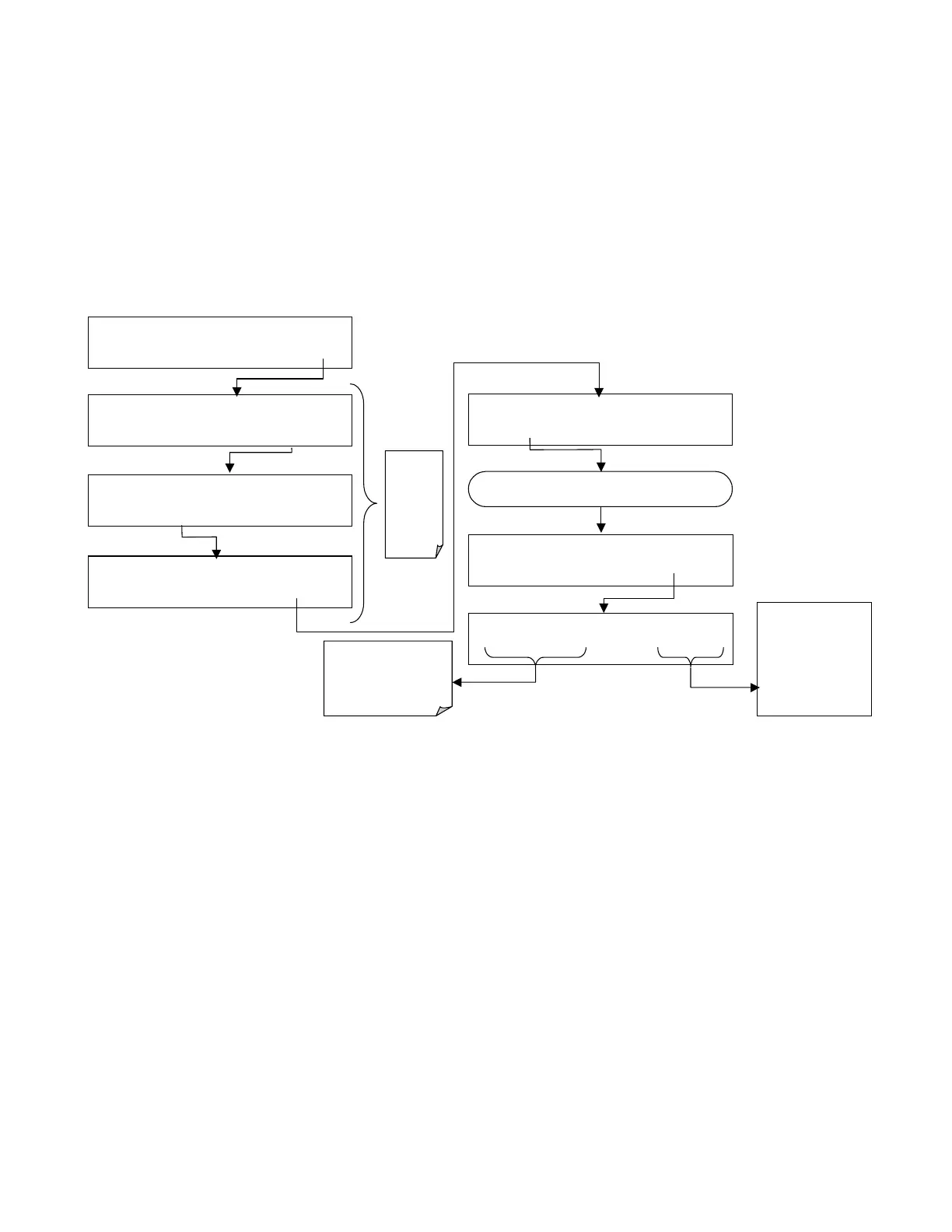
To carry out this adjustment, connect an external, sufficiently accurate flow meter to the
sample inlet (see Chapter 11 for more details). Once the flow meter is attached and is
measuring actual gas flow, press:
SAMPLE RANGE = 500.000 PPB SO2 =X.XXX
< TST TST > CAL
SETUP
SETUP X.X
PRIMARY SETUP MENU
CFG ACAL DAS RNGE PASS CLK
MORE
EXIT
SETUP X.X
SECONDARY SETUP MENU
COMM VARS
DIAG
EXIT
Exit at
any time
to return
to main
the
SETUP
menu
SETUP X.X
ENTER DIAG PASS: 818
8 1 8 ENTR
EXIT
DIAG
SIGNAL I / O
NEXT
ENTR
EXIT
Repeat Pressing
NEXT
until . .
.
DIAG
FLOW CALIBRATION
PREV NEXT
ENTR
EXIT
DIAG FCAL
ACTUAL FLOW: 607 CC / M
0 6 0 7 ENTR EXIT
E
NTR
accepts the
new value and
returns to the
previous menu
EXIT
ignores the
new value and
returns to the
previous menu
Adjust these values until
the displayed flow rate
equals the flow rate being
measured by the
independent flow meter.



 To Next Page