Model 100E Instruction Manual Operating Instructions
045150102 Rev XB1 109
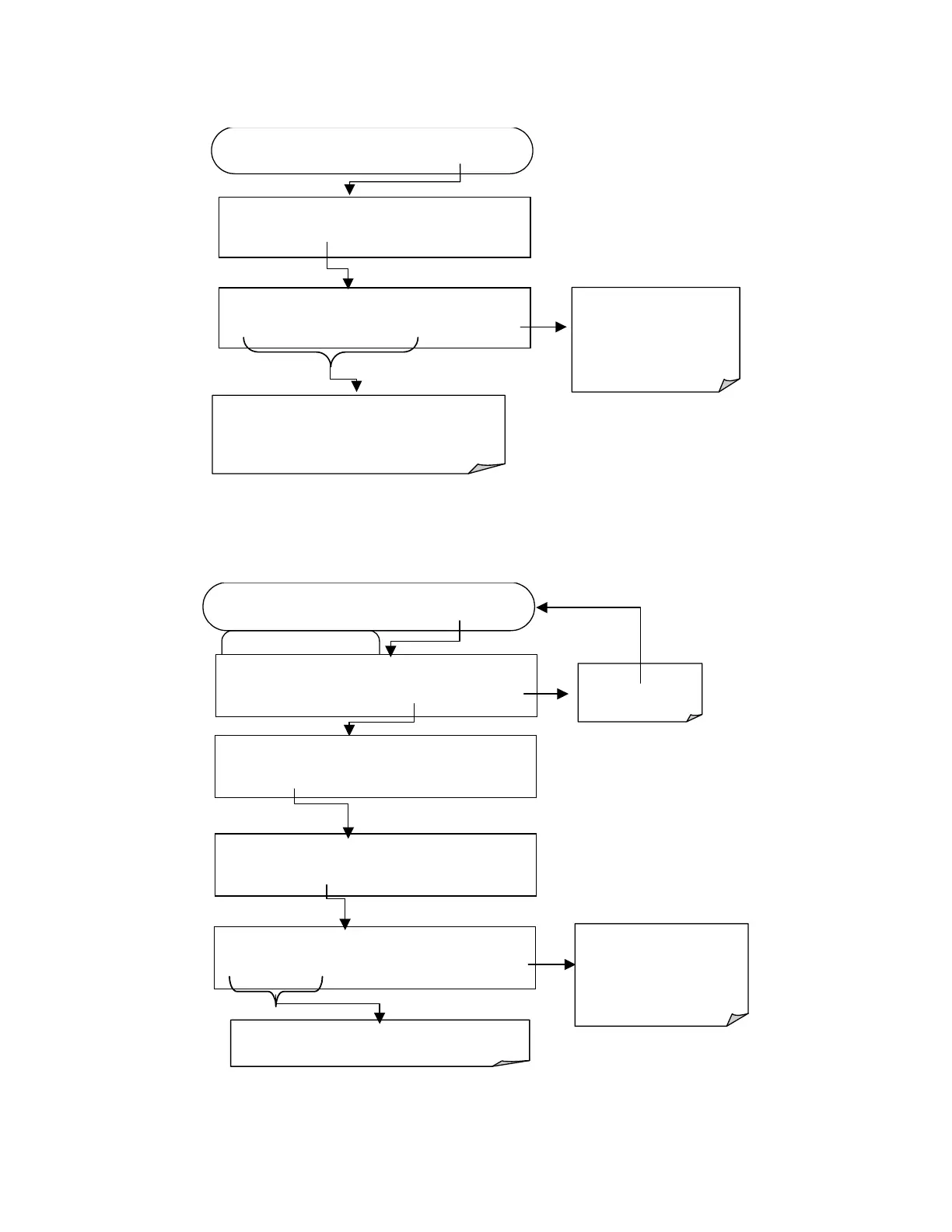
To edit the name of a data channel, follow the above key sequence and then press:
FROM THE PREVIOUS KEY SEQUENCE …
SETUP X.X
NAME:CONC
C O N C - - ENTR EXIT
ENTR
accepts the new string
and returns to the previous
menu.
EXIT
ignores the new string
and returns to the previous
menu.
Press each key
repeatedly to cycle through the
available character set:
0-9, A-Z, space ’ ~ !
# $ % ^ & * ( ) - _ = +[ ]
{ } < >\ | ; : , . / ?
SETUP X.X
NAME:CONC
<SET SET>
EDIT
PRINT EXIT
6.10.2.3. Trigger Events
To edit the list of data parameters associated with a specific data channel, press:
SETUP X.X EVENT:ATIMER
<PREV NEXT> ENTR EXIT
Edit Data Channel Menu
SETUP X.X 0) CONC: ATIMER, 2, 900
PREV NEXT INS DEL
EDIT
PRNT
EXIT
FROM THE DAS PASSWORD MENU
Exits to the Main
Data Acquisition
menu
Press each
k
ey
repeatedly to cycle through the
list of available trigger events.
SETUP X.X NAME:CONC
<SET SET> EDIT PRINT EXIT
SETUP X.X
EVENT:ATIMER
<SET SET> EDIT PRINT EXIT
ENTR accepts the new string
and returns to the previous
menu.
EXIT
ignores the new string
and returns to the previous
menu.



 To Next Page