Getting Started Model 100E Instruction Manual
36 045150102 Rev XB1
3.2.1. Startup
After electrical and pneumatic connections are made, turn on the instrument and pump
power. The exhaust and PMT cooler fans should start. The display should immediately
display a single, horizontal dash in the upper left corner of the display. This will last
approximately 30 seconds while the CPU loads the operating system.
Once the CPU has completed this activity it will begin loading the analyzer firmware and
configuration data. During this process, string of messages will appear on the analyzer’s
front panel display:
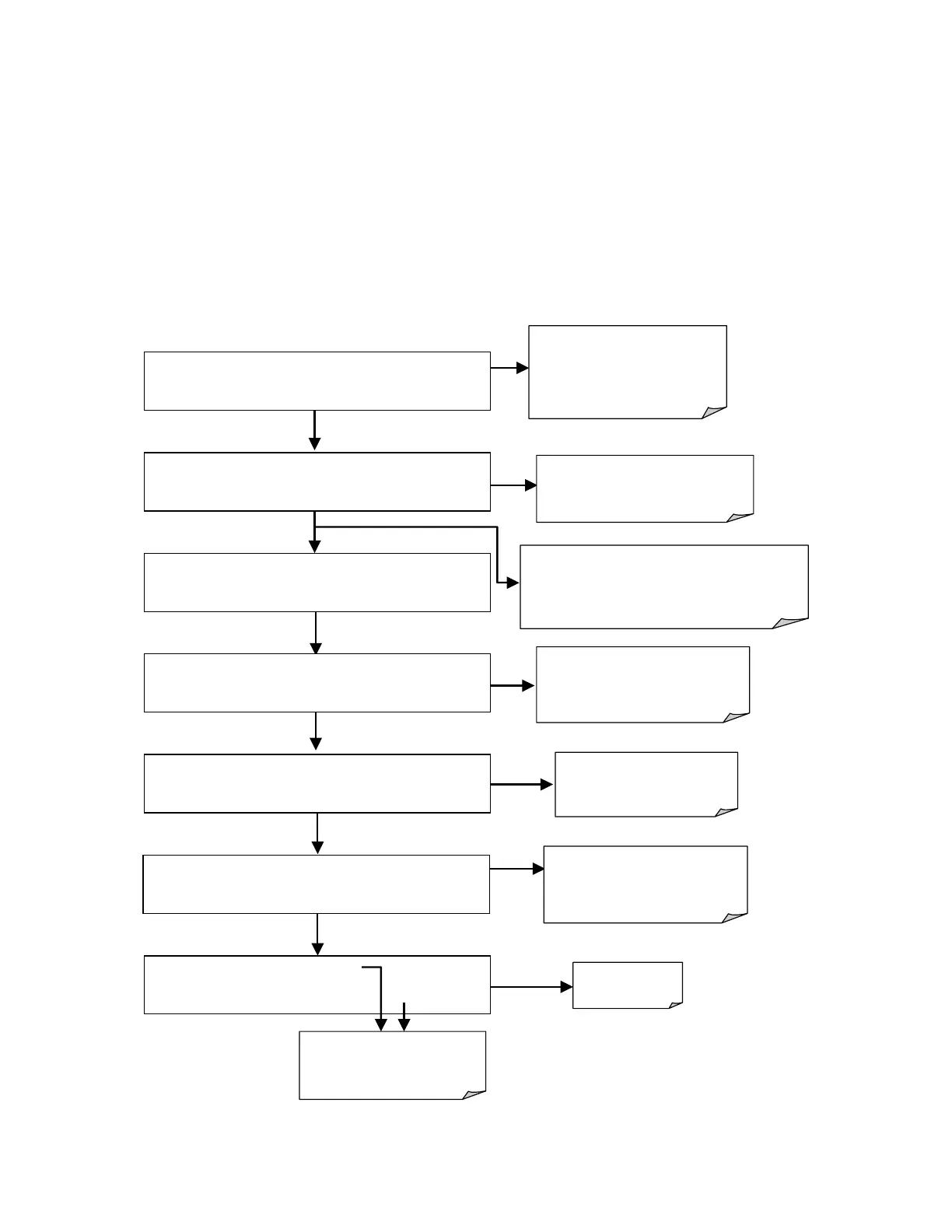
Firmware
full
booted
The revision level of the
firmware installed in your
analyzer is briefly displayed
SOFTWARE REVISION C.2
BOOT PROGRESS [XXXXXXXX 80% _ _]
The instrument is
loading the analyzer
firmware.
M200E NOX ANALYZER
BOOT PROGRESS [XXXXX 50%_ _ _ _ _]
The instrument is loading
configuration and calibration
data from the flash chip
STARTING INSTRUMENT W/FLASH : 1
System waits 3 seconds
then automatically begins
its initialization routine.
No action required.
System is checking the format
of the instrument’s flash
memory chip.
SELECT START OR REMOTE : 3
START .
CHECKING FLASH STATUS
: 1
STARTING INSTRUMENT CODE : 1
SAMPLE SYSTEM RESET SO2=X.XXX
TEST CAL CLR SETUP
If at this point,
**FLASH FORMAT INVALID**
appears, contact T–API customer service
Press CLR to clear initial
warning messages.
(see Section 3.2.3)



 To Next Page