Operating Instructions Model 100E Instruction Manual
114 045150102 Rev XB1
combined number of records would be exceeded. In this case, it is suggested to either
try from the front panel what the maximum number of records can be or use trial-and-
error in designing the iDAS script or calculate the number of records using the DAS or
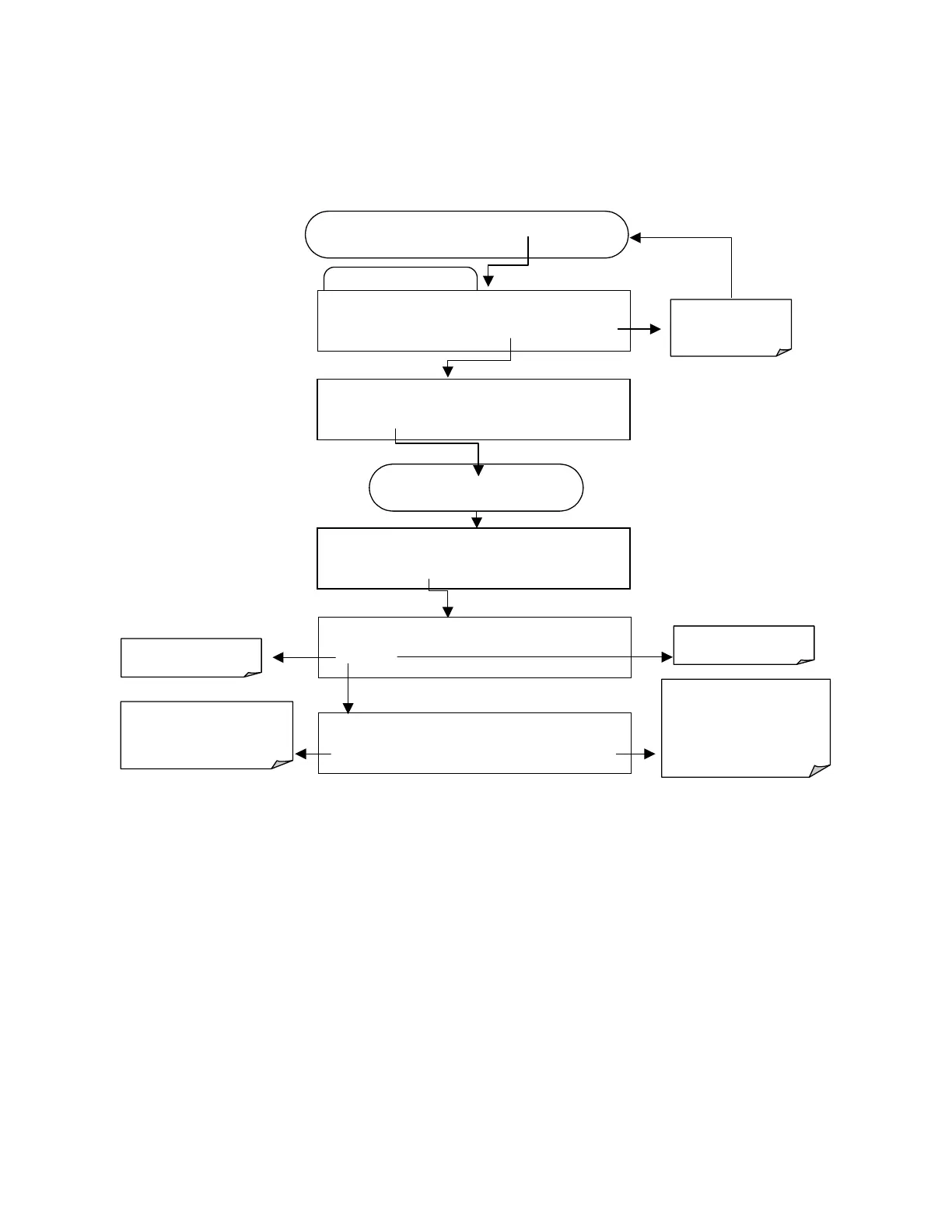
APICOM manuals. To set the number of records for one channel from the front panel,
press SETUP-DAS-EDIT-ENTR and the following key sequence.
Edit Data Channel Menu
SETUP X.X 0) CONC: ATIMER, 2, 900
PREV NEXT INS DEL
EDIT
PRNT
EXIT
FROM THE DAS PASSWORD MENU
Exits to the main
Data Acquisition
menu
SETUP X.X
NAME:CONC
<SET SET> EDIT PRINT EXIT
SETUP X.X NUMBER OF RECORDS:000
<SET SET>
EDIT
PRINT EXIT
SETUP X.X REPORT PERIODD:DAYS:0
0 0 0 0 0 ENTR EXIT
ENTR accepts the new
setting and returns to the
previous menu.
EXIT ignores the new setting
and returns to the previous
menu.
Toggle keys to set
number of records
(1-99999)
SETUP X.X
EDIT RECOPRDS (DELET DATA)
YES NO
NO returns to the
revious menu.
YES will delete all data
in this channel.
Press
SET>
key until…



 To Next Page