Getting Started Model 100E Instruction Manual
42 045150102 Rev XB1
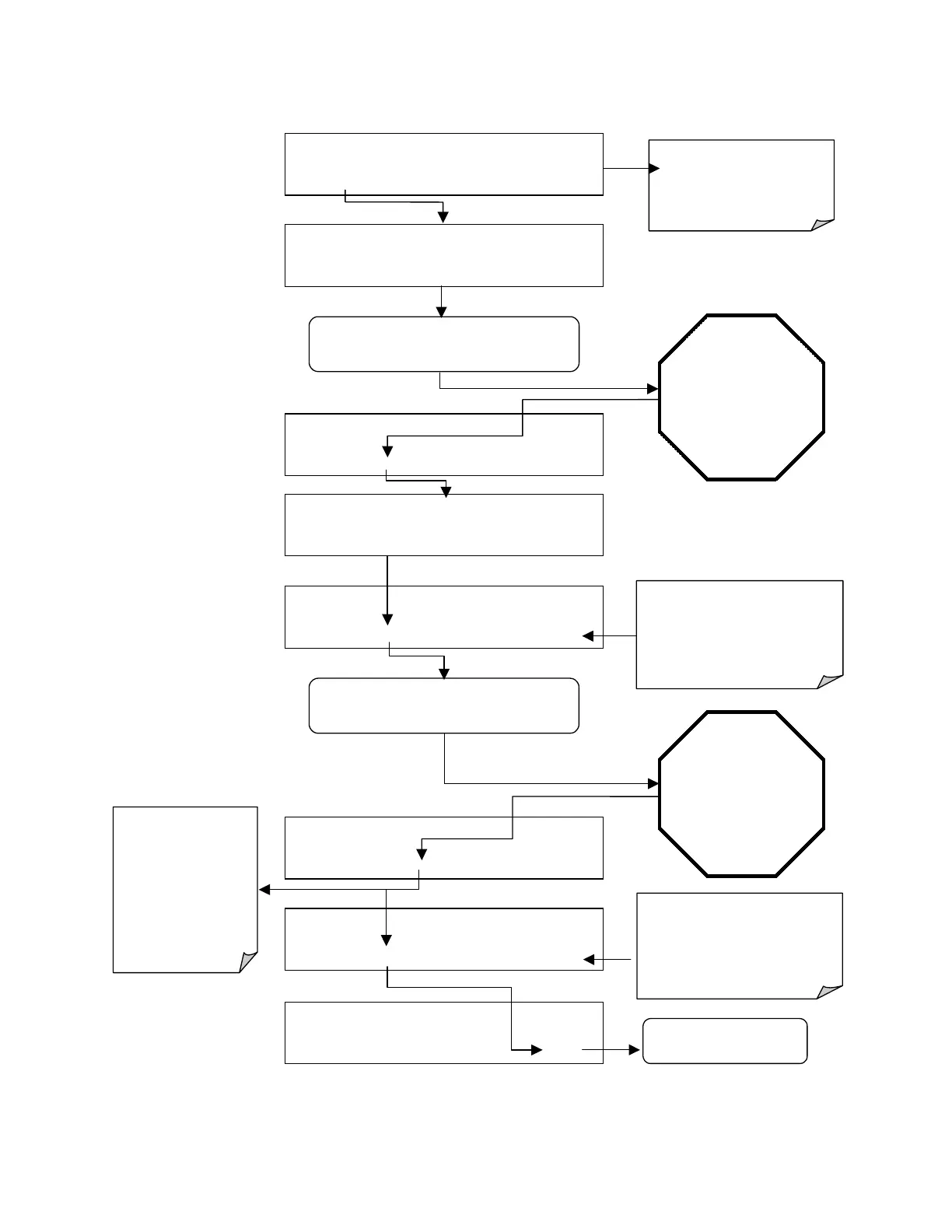
STEP THREE: Perform the zero/span calibration procedure:
M-P CAL
STABIL=X.XXX PPB
SO2 =X.XXX
< TST TST > ENTR CONC EXIT
M-P CAL STABIL=X.XXX PPB SO2 =X.XXX
< TST TST >
CAL
SETUP
M-P CAL STABIL=X.XXX PPB SO2 =X.XXX
< TST TST >
ZERO
CONC EXIT
EXIT returns to the main
SAMPLE
display
ACTION:
Allow zero gas to enter the sample port at the
rear of the instrument.
M-P CAL STABIL=X.XXX PPB SO2 =X.XXX
< TST TST > SPAN CONC EXIT
M-P CAL RANGE = 500.0 PPB SO2 =X.XXX
< TST TST > ENTR SPAN CONC EXIT
M-P CAL RANGE = 500.0 PPB SO2 =X.XXX
< TST TST > ENTR CONC
EXIT
Wait until STABIL
falls below 0.5 ppb.
This may take several
minutes.
The
SPAN
key now
appears during the
transition from zero to
span.
You may see both keys.
If either the ZERO or
SPAN buttons fail to
appear see Section 11
for troubleshooting tips.
SAMPLE* RANGE = 500.000 PPB SO2 =X.XXX
< TST
TST
> CAL
SETUP
SAMPLE
STABIL=X.XXX PPB
SO2 =X.XXX
< TST TST > CAL SETUP
Set the Display to show the
STABIL test function.
This function calculates the
stability of the NO/NO
x
measurement
Press ENTR to changes the
OFFSET & SLOPE values for the
SO
2
measurements.
Press EXIT to leave the calibration
unchanged and return to the
previous menu.
ACTION:
Allow span gas to enter the sample port at the
rear of the instrument.
The value of
STABIL may jump
significantly.
Wait until it falls back
below 0.5 ppb.
This may take several
minutes.
Press
ENTR to
change the
OFFSET & SLOPE values for the
SO
2
measurements.
Press EXIT to leave the calibration
unchanged and return to the
previous menu.
The Model 100E analyzer is now ready for operation.



 To Next Page