Model 100E Instruction Manual Operating Instructions
045150102 Rev XB1 79
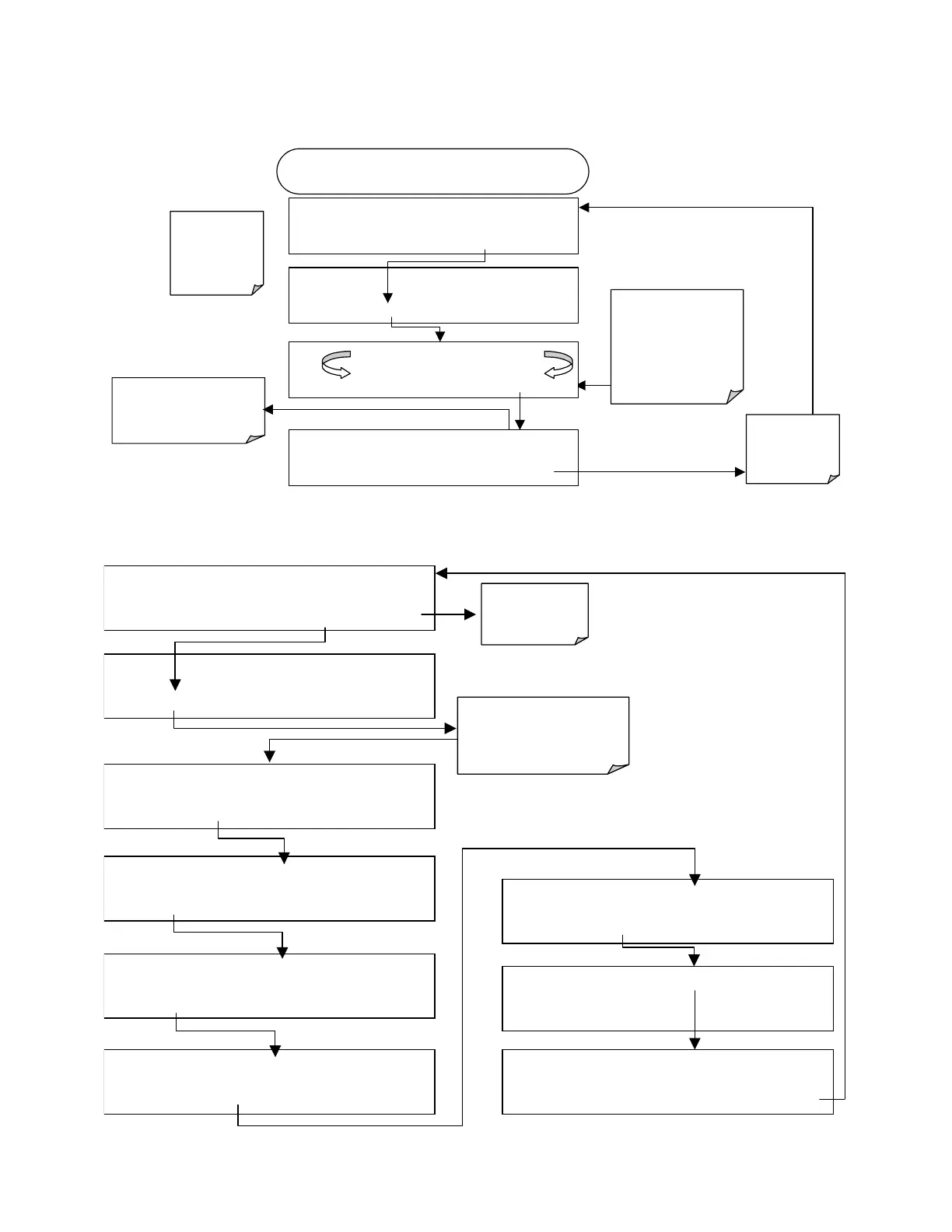
To calibrate the outputs as a group, activate the ANALOG I/O CONFIGURATION
MENU (see Section 6.7.1), then press:
DIAG AIO
AUTO
CALIBRATING CONC_OUT_1
AUTO
CALIBRATING CONC_OUT_2
AUTO CALIBRATING TEST_OUTPUT
Exit at any time
to return to the
main DIAG
menu
DIAG
ANALOG I / O CONFIGURATION
PREV
NEXT
ENTR
EXIT
DIAG AIO
AOUTS CALIBRATED:
NO
< SET
SET>
CAL
EXIT
If AutoCal has been
turned off for any
channel, the message
for that channel will be
similar to:
NOT AUTO CAL
CONC_OUT_1
Exit to return to
the I/O
configuration
menu
STARTING FROM DIAGNOSTIC MENU
(see Section 6.7.1)
If any of the channels have
not been calibrated this
message will read
NO
.
DIAG AIO AOUTS CALIBRATED:
YES
< SET
SET> CAL
EXIT
To automatically calibrate an single analog channel, activate the ANALOG I/O
CONFIGURATION MENU (see Section 6.7.1), then press:
DIAG AIO
CONC_OUT_2 CALIBRATED: NO
<SET
CAL
EXIT
DIAG AIO
AUTO CALIBRATING CONC_OUT_2
DIAG AIO CONC_OUT_2 CALIBRATED:
YES
<SET CAL
EXIT
DIAG
ANALOG I / O CONFIGURATION
PREV
NEXT
ENTR
EXIT
DIAG AIO AOUTS CALIBRATED:
NO
<
SET>
CAL
EXIT
DIAG AIO
CONC_OUT_2 RANGE: 5V
SET>
EDIT
EXIT
DIAG AIO
CONC_OUT_2:5V, CAL
< SET SET>
EDIT
EXIT
DIAG AIO
CONC_OUT_2 REC OFS: 0 mV
< SET
SET>
EDIT
EXIT
DIAG AIO
CONC_OUT_2 AUTO CAL: ON
< SET SET>
EDIT
EXIT
EXIT
to Return
to the main
Sample Display
Press
SET>
to select the
Analog Output channel to
be configured. Then Press
EDIT
to continue



 To Next Page