Model 100E Instruction Manual Operating Instructions
045150102 Rev XB1 97
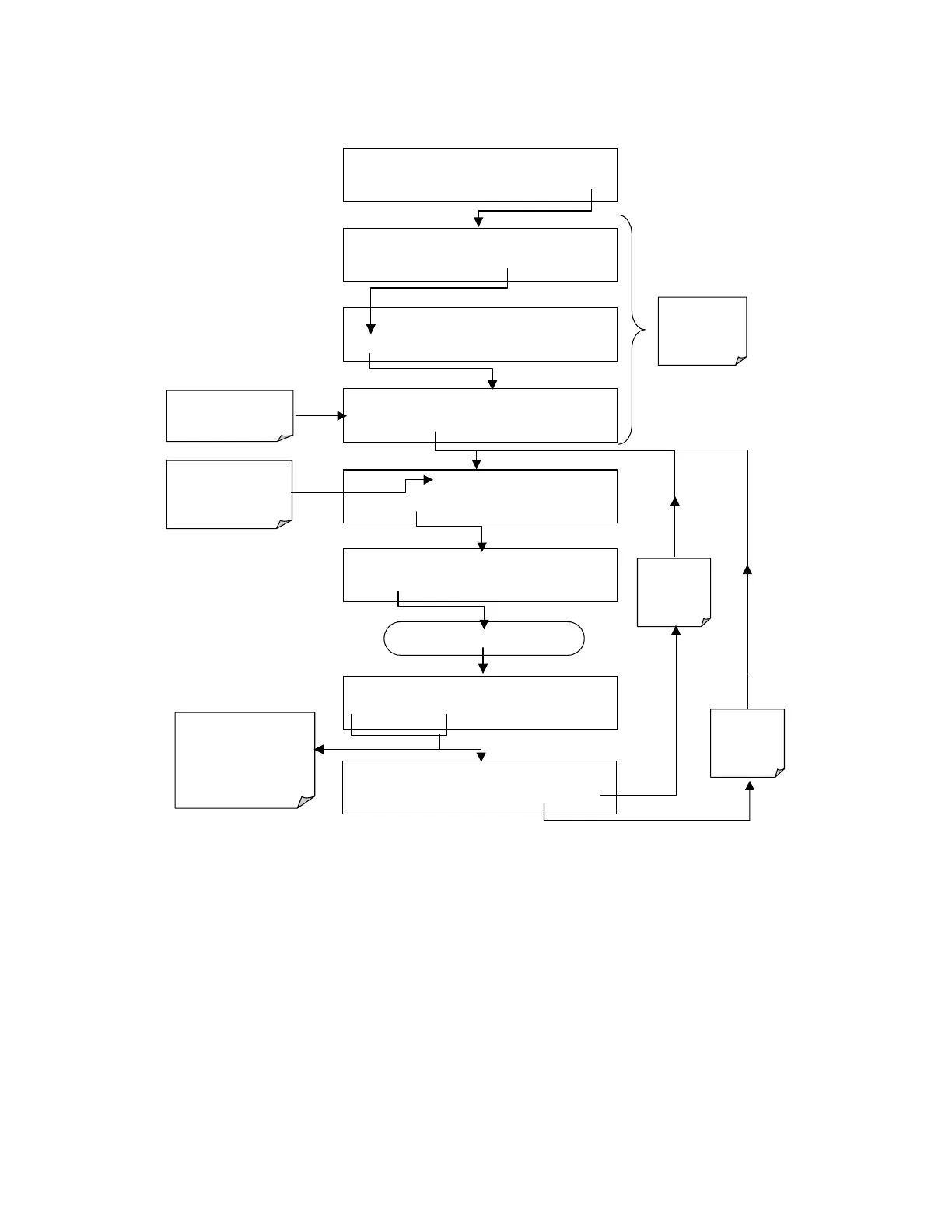
To select a set of communication mode for a one of the COMM Ports, such as the
ENABLE INTERNET mode as in the following example, press:
Use PREV and NEXT
keys to move between
available modes.
A mode is enabled by
toggling the ON/OFF
key.
Continue pressing next until …
SETUP X.X
PRIMARY SETUP MENU
CFG DAS RNGE PASS CLK MORE EXIT
SETUP X.X
SECONDARY SETUP MENU
COMM
VARS DIAG EXIT
SAMPLE* RANGE = 500.000 PPB SO2 =X.XXX
< TST TST > CAL SETUP
SETUP X.X COMMUNICATIONS MENU
ID COM1 COM2 EXIT
Select which COM
port to configure
SETUP X.X COM1 MODE:0
SET> EDIT EXIT
EXIT returns
to the
previous
menu
SETUP X.X COM1 QUIET MODE: OFF
NEXT OFF ENTR EXIT
SETUP X.X
COM1 COMPUTER MODE: ON
PREV NEXT ON ENTR EXIT
SETUP X.X COM1 ENABLE INTERNET:OFF
PREV NEXT OFF
ENTR EXIT
EXIT key
ignores
the new
settings
ENTR key
accepts
the new
settings
The sum of the mode
IDs of the selected
modes is displayed
here



 To Next Page