X35 Monitor Air Seeder Setup
6.13
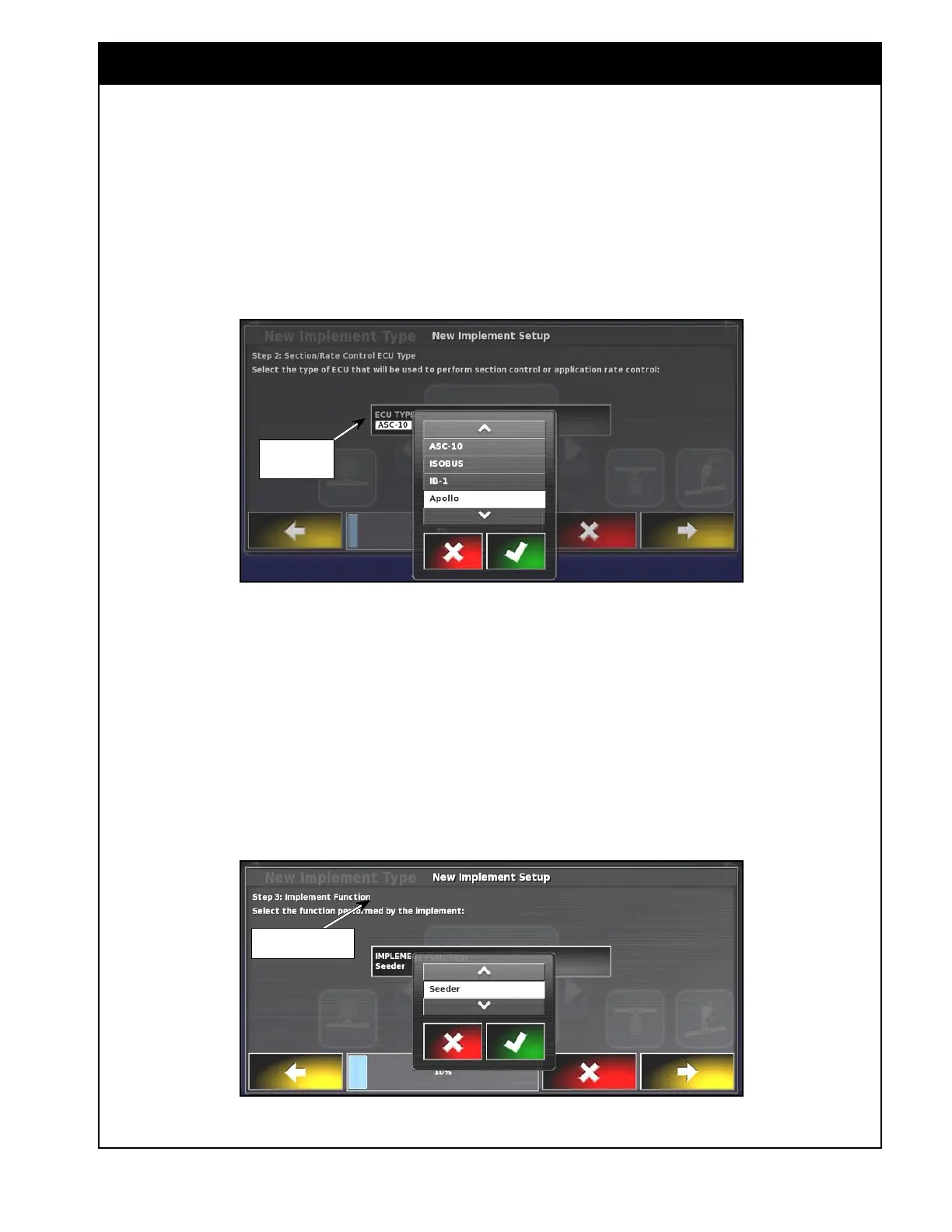
4. For ECU Type;
a. Refer to
Figure 6.13.
b. Select the "ECU Type" button to open a
drop down list.
c. Select Apollo for a new Bourgault air
seeder with the X35 console.
Figure 6.13 - ECU Type
ECU Type
Button
5. For Implement Function;
a. Refer to Figure 6.14.
b. Select the function performed by the
implement.
c. Selecting the "Implement Type" button will
open drop down list.
d. Select "Seeder".
Figure 6.14 - Function
Implement Type
Button



 To Next Page