6: PATHPILOT INTERFACE OVERVIEW
l Move files within the system.
For information, see "Preview G-Code Files" (page118);
"Manage System Files" (page156).
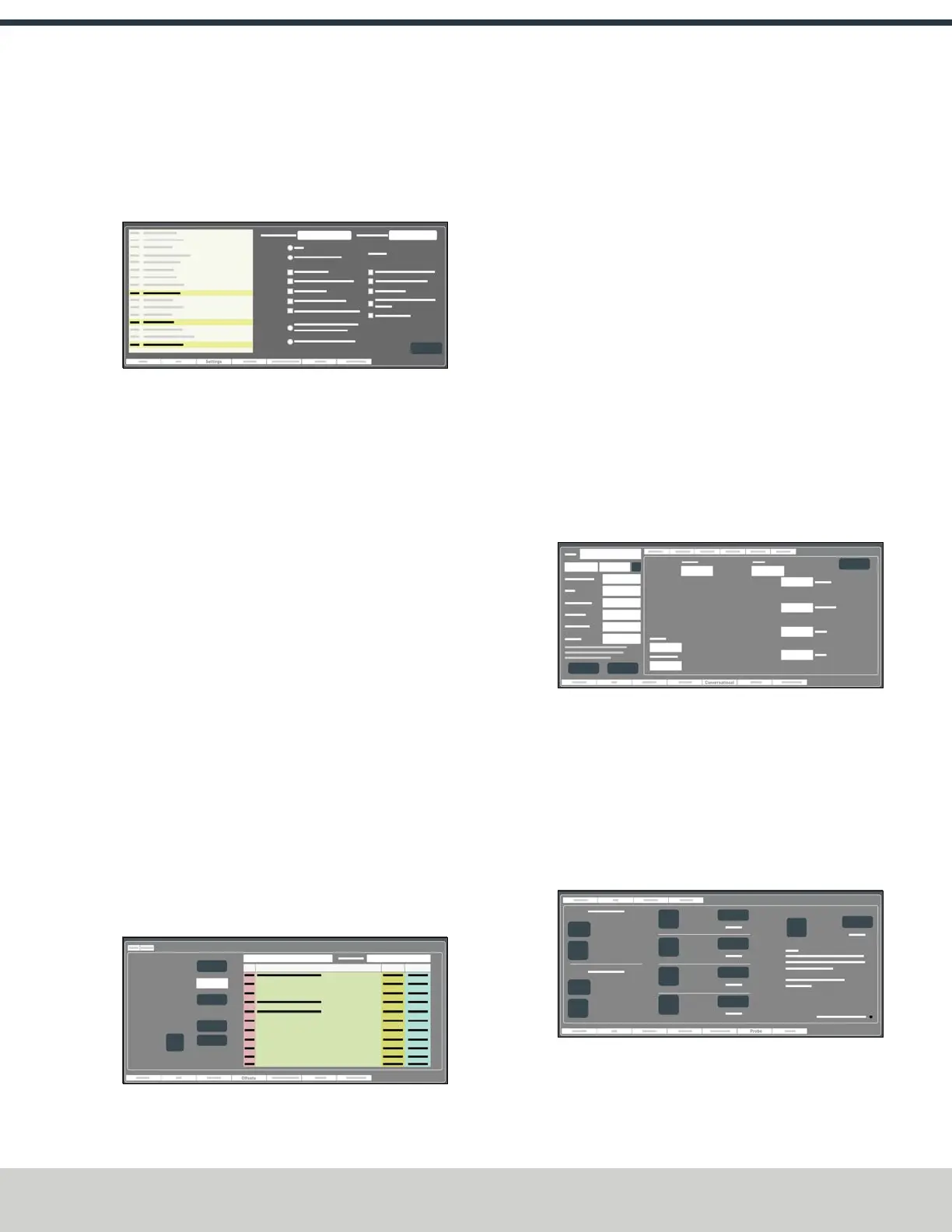
6.2.3 Settings Tab
Figure 6-5: Settings tab.
From the Settings tab, you can do the following activities:
l Change the network name with which you're using
PathPilot.
For information, see "Change the Network Name"
(page134).
l Change the screen's layout orientation (landscape or
portrait).
For information, see Change the Screen Orientation.
l Configure PathPilot for the accessories you're using.
For information, see Enable the On-Screen Keyboard;
"Enable the USBM-Code I/OInterface Kit" (page135);
Use a USB Camera; "Specify the Tool Change Method"
(page134); "Select the Spindle Type" (page134).
l Turn on feeds and speeds suggestions when using
conversational programming.
For information, see "Enable Feeds and Speeds
Suggestions in Conversational Routines" (page154).
l Specify the way in which you want to use a G30 move.
For information, see "Limit G30 Moves" (page152).
l Identify the available G-code modes that you can use.
For information, see "View Available G-Code Modes"
(page144).
6.2.4 Offsets Tab
Figure 6-6: Offsets tab.
From the Offsets tab, you can do the following activities:
l Make and restore backup files of your settings.
For information, see "Create Backup Files" (page156);
"Restore Backup Files" (page157).
l Import and export .csv files of your tool table.
For information, see "Import and Export the Tool Table"
(page158).
l Work with a table of tool descriptions and tool offsets.
For information, see "Set Tool Length Offsets"
(page165).
l Use an ElectronicTool Setter (ETS) to measure tools.
For information, see "Use an ElectronicTool Setter (ETS)
to Measure Tools" (page167).
l Preset a G30 position.
For information, see "Use a G30 Position" (page150).
l Read the currently programmed work offsets.
For information, see "View Work Offsets" (page144).
6.2.5 Conversational Tab
Figure 6-7: Conversational tab.
From the Conversational tab, you can do the following
activities:
l Use different functions to create simple G-code
programs in PathPilot.
For information, see "About Conversational
Programming" (page123).
6.2.6 Probe Tab
Figure 6-8: Probe tab.
From the Probe tab, you can do the following activities:
©Tormach® 2024
Specifications subject to change without notice.
Page 111 UM10811: 1500MX Operator's Manual (Version 0424A)
For the most recent version, see tormach.com/support



 To Next Page