l Configure and control a probe to help perform certain
functions.
For information, see "Use a Probe with PathPilot"
(page137).
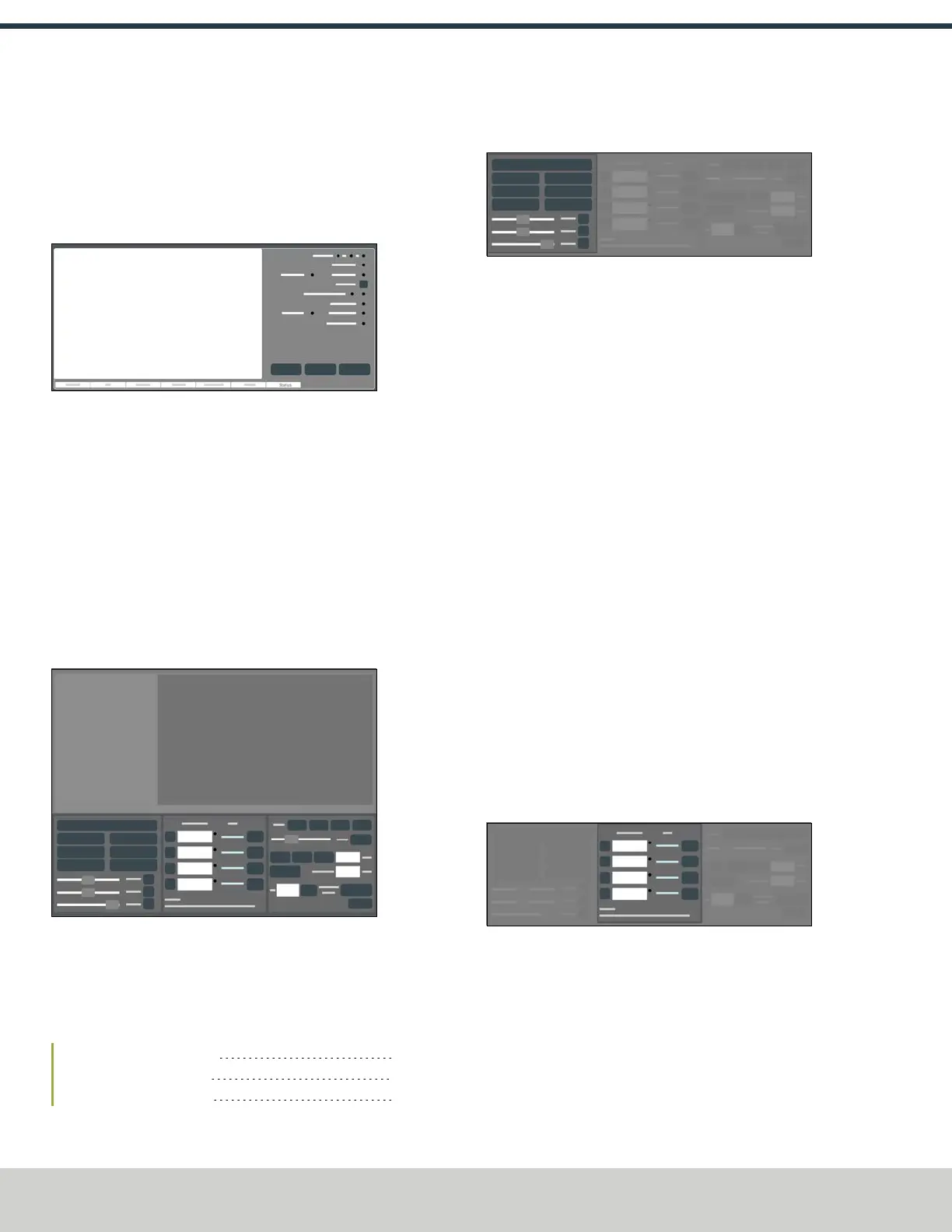
6.2.7 Status Tab
Figure 6-9: Status tab.
From the Status tab, you can do the following activities:
l View diagnostic machine information.
l Read error messages.
l Configure your internet connection.
For information, see "Enable an Internet Connection"
(page135).
l Update or install a previous version of PathPilot.
For information, see "Manage PathPilot Versions" (on
the next page).
6.3 PERSISTENT CONTROLS
Figure 6-10: Persistent Controls section.
The areas that display in the Persistent Controls section don't
change (unlike the Notebook section). They display regardless
of the activity you're doing. Activities are grouped into the
following areas:
6.3.1 Program Control Area 112
6.3.2 Position Status Area 112
6.3.3 Manual Control Area 113
6.3.1 Program Control Area
Figure 6-11: Program Control area.
From the Program Control area, you can do the following
activities either before starting or while running a G-code
program:
l Reset the machine.
For information, see "Bring the Machine Out of Reset"
(page144).
l Start, stop, or pause a G-code program.
For information, see "Start a Program" (page146); "Stop
Machine Motion" (page147); "Use the Feed Hold
Function" (page147).
l Turn coolant on or off.
For information, see "Operate the Coolant Pump"
(page170).
l Use overrides to change the feed rate, spindle speed,
and maximum velocity.
For information, see "Use the Feed Rate Override
Function" (page148); "Use the Maxvel Override
Function" (page148); "Use the Spindle Override
Function" (page149).
l Manually control a G-code program.
For information, see "Use M01 Break Mode" (page148);
"Use Single Block Mode" (page149).
6.3.2 Position Status Area
Figure 6-12: Position Statusarea.
From the Position Status area, you can do the following
activities either before starting or after running a G-code
program:
l Reference the machine axes.
For information, see "Reference the Machine"
(page162).
©Tormach® 2024
Specifications subject to change without notice.
Page 112 UM10811: 1500MX Operator's Manual (Version 0424A)
For the most recent version, see tormach.com/support
6: PATHPILOT INTERFACE OVERVIEW



 To Next Page