7: PATHPILOT TOOLS AND FEATURES
Do one of the following:
o
Use a G30 command in a G-code program.
o
Select Go To G30.
Figure 7-85: Go to G30 button.
Note: The G30 position defaults to only
moving the Z-axis.
About G30
A G30 command in a G-code program moves the machine to a
preset position. For more information on setting a G30
position, see "Use a G30 Position" (on the previous page).
Use a G30 move to start a coordinated movement of the axes.
You can limit the movement to only the Z-axis. For
information, see "Limit G30 Moves" (on the next page).
Tip! It's useful to program a G30 move right before a
tool change so that the machine can jog to a safe tool
change position.
7.5.11 View the Tool Length
Identify the Tool Length read-only DROfield.
Figure 7-86: Tool Length DROfield.
If the tool offset matches the number of the tool in the
Tool DROfield, the text is light blue on a gray
background.
If the tool offset doesn't match the number of the tool in
the Tool DRO field, the text is orange on a red
background.
7.5.12 Manually Enter Commands
You can send G-code commands directly to the machine by
using the MDI Line DROfield. For information, see "About the
MDI Line DROField" (below).
To manually enter commands:
1. Select the MDI Line DROfield.
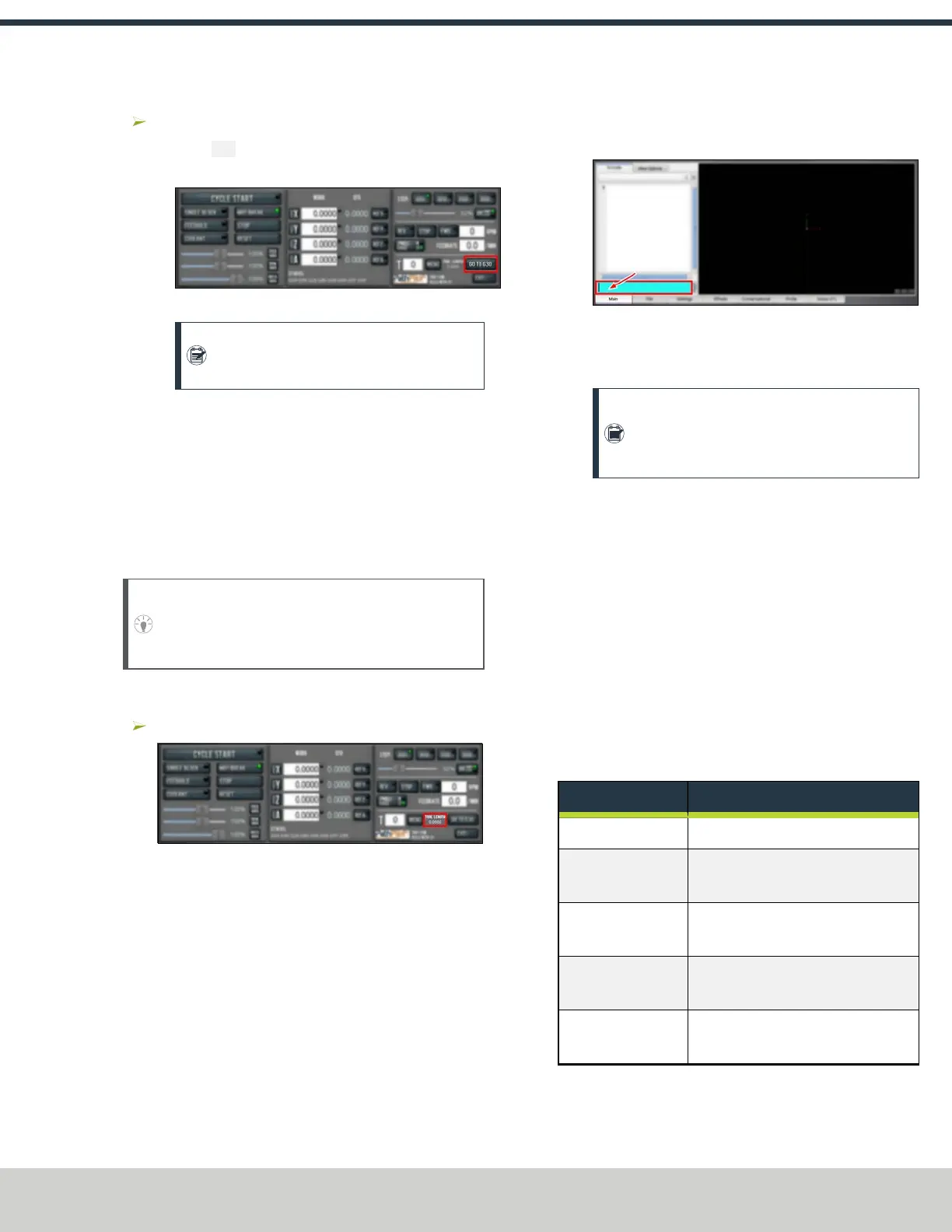
Figure 7-87: MDI Line DROfield.
The DROfield highlights.
2. Type the command.
Note: You can use the Backspace, Delete,
LeftArrow, and RightArrow keys to correct
typing errors.
3. You must press the Enter key to execute the command.
To abandon the command, press Esc.
About the MDI Line DROField
The MDILine DROfield allows you to send commands (or,
manual data input) directly to PathPilot. For information, see
"Manually Enter Commands" (above).
The MDILine DROfield saves up to 100 of your most recent
commands, which are saved after a power cycle.
When you select the MDILine DROfield, all keystrokes are
used within the field — so, you can't jog the machine.
Admin Commands Reference
Use the following commands in PathPilot:
Admin Command Use to...
ADMIN CALC
Open the calculator.
ADMIN CONFIG
Change the configuration of the
PathPilot interface.
ADMIN DATE
Customize the PathPilot controller's
date and time.
ADMIN DISPLAY
Customize the PathPilot controller's
screen display.
ADMIN DROPBOX
Connect your controller to a Dropbox
account.
©Tormach® 2024
Specifications subject to change without notice.
Page 151 UM10811: 1500MX Operator's Manual (Version 0424A)
For the most recent version, see tormach.com/support



 To Next Page