About Feed Rates
A feed rate is the velocity at which the workpiece can be fed
against the tool in the machine's spindle.
Motion Feed Rate
Coordinated linear motion of one or
more axis (X-axis, Y-axis, or Z-axis)
Inches per minute
(G20) or
millimeters per
minute (G21)
Rotational axis motion of one axis (A-
axis)
Degrees per
minute
Coordinated linear motion of one or
more axis (X-axis, Y-axis, or Z-axis)
with simultaneous rotational axis
motion (A-axis)
Usually
programmed in
inverse time feed
rate mode (G93)
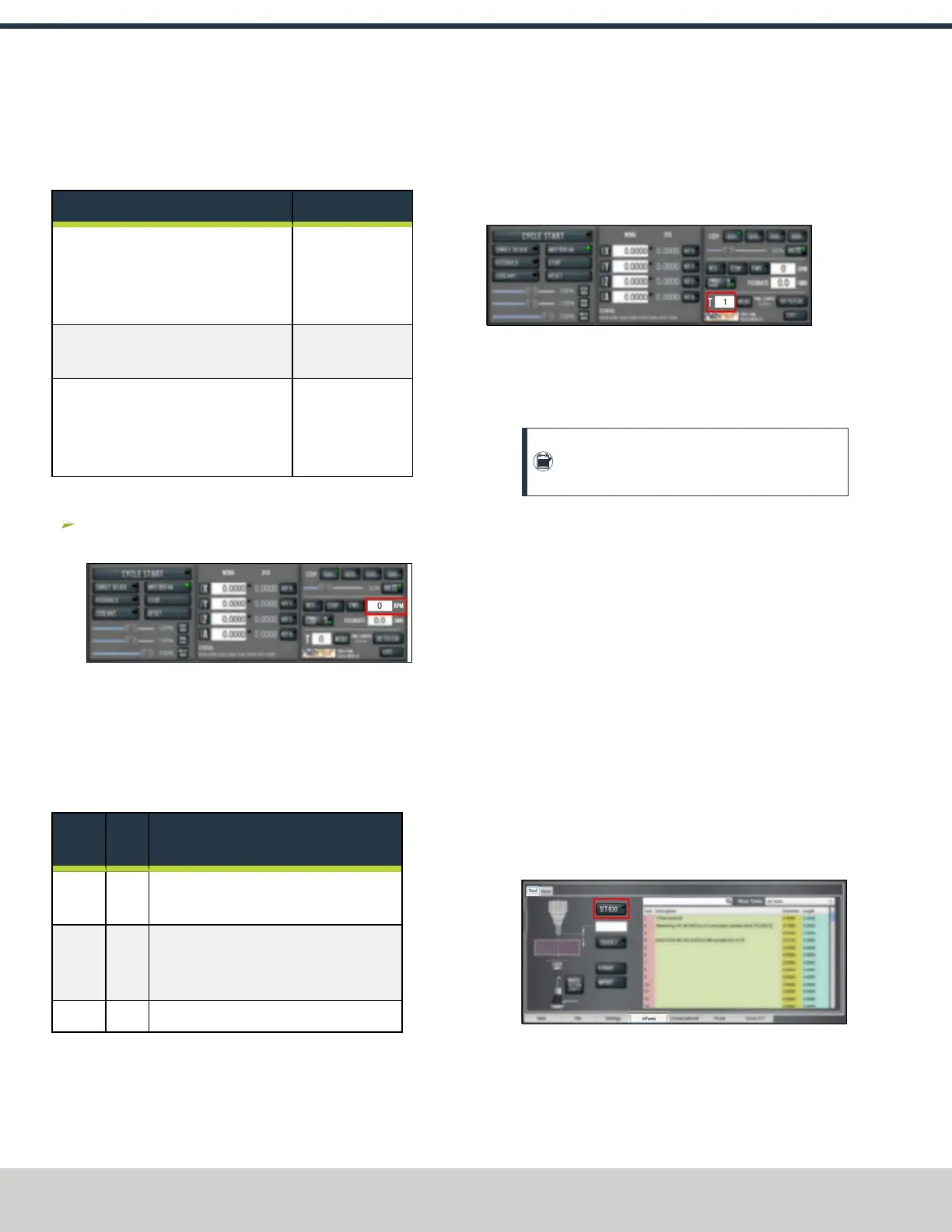
7.5.8 Change the Spindle Speed
In the Spindle RPMDROfield, type in a spindle speed.
Then select the Enter key.
Figure 7-82: Spindle RPMDROfield.
For information, see "About Spindle Controls" (below).
About Spindle Controls
A spindle speed is the rate at which the spindle rotates.
Use the FWD, REV, and Stop buttons to manually control the
spindle.
Button
G-
Code
Use to...
FWD M03 Start the spindle clockwise at the RPM
specified in the Spindle RPMDROfield.
REV M04 Start the spindle counterclockwise at the
RPM specified in the Spindle RPM DRO
field.
Stop M05 Stop the spindle.
The FWD andREV buttons and the Spindle RPMDROfield
don't operate if selected when:
l A G-code program is running.
l Using manual data input (MDI) commands.
7.5.9 Change the Tool Number
The Tool DROfield shows the tool currently in the spindle.
Figure 7-83: Tool DRO field.
To change the tool number (and apply its tool length offset):
1. In the Tool DRO field, type a number (the valid range is
from 0-1000). Then select the Enter key.
Note: You can also select M6 G43. For
information, see "About M6 G43" (below).
About M6 G43
The M6 G43 button is a shortcut used to do the following:
l Change the number of the currently-loaded tool in the
spindle to the number typed in the Tool DRO field. This is
the equivalent of an M06 command.
l Apply the tool length offset for that tool typed in the
Tool DROfield. For more information on tool length
offsets, see "Set Tool Length Offsets" (page165). This is
the equivalent of a G43 command.
7.5.10 Use a G30 Position
The Go to G30 button moves the machine to a predefined G30
position. For information, see "About G30" (page152).
To set a G30 position:
1. Jog the machine to the desired G30 position.
2. From the Offsets tab, select Set G30.
Figure 7-84: Set G30 button.
To go to a set G30 position:
©Tormach® 2024
Specifications subject to change without notice.
Page 150 UM10811: 1500MX Operator's Manual (Version 0424A)
For the most recent version, see tormach.com/support
7: PATHPILOT TOOLS AND FEATURES



 To Next Page