Note: If the machine isn't moving, the feed hold
function doesn't have an effect.
You can use the feed hold function either while a program is
running or while you are using manual data input (MDI)
commands. If the program is running a spindle-synchronized
move, the feed hold function is delayed until the move is
complete.
7.5.2 Use the Feed Rate Override Function
To use the feed rate override function:
Using the Feed Rate Override slider, change the
programmed feed rate by a specific percentage.
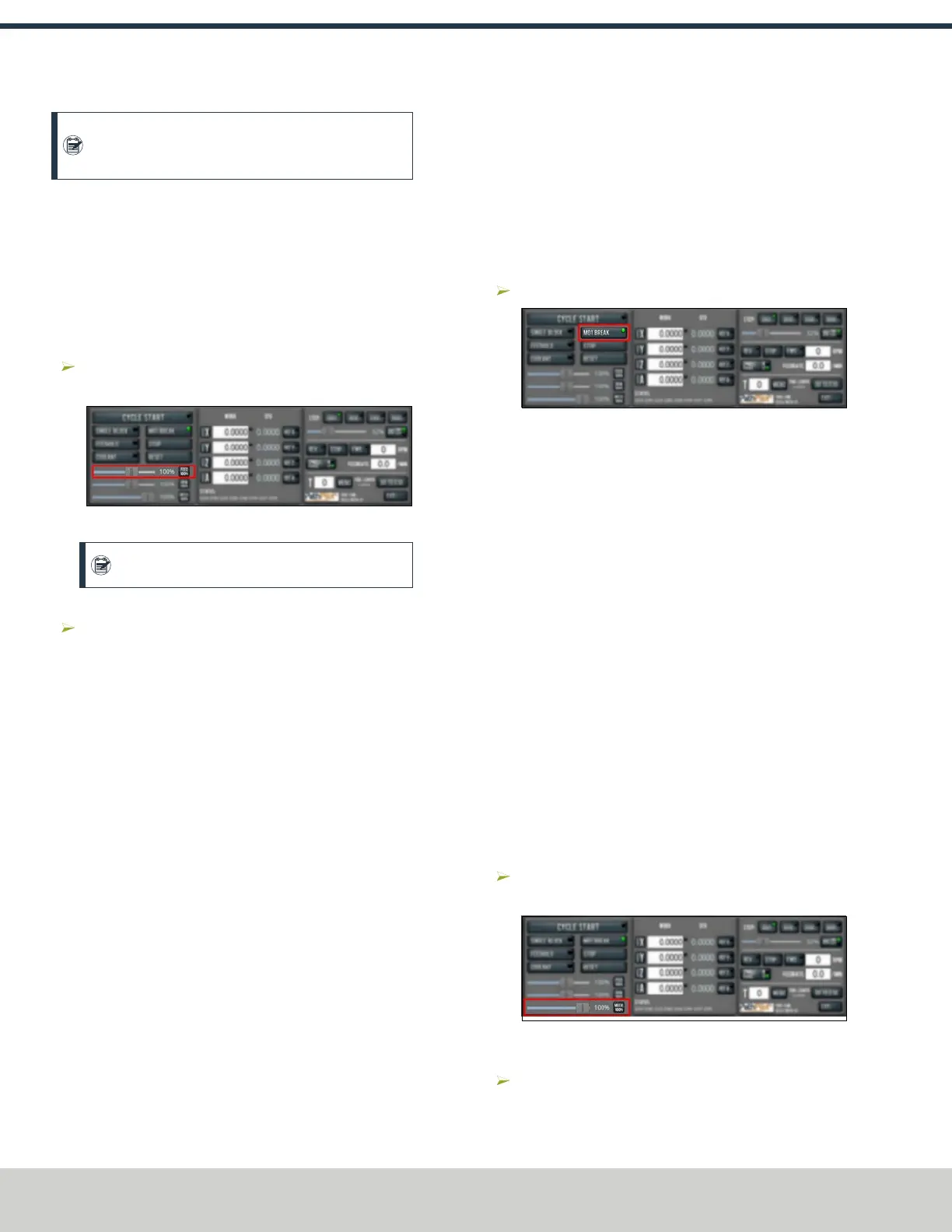
Figure 7-76: FeedRate Override slider.
Note: Percentages range from 1-200%.
To remove the feed rate override function:
Select Feed 100%.
The feed rate returns to 100% of its programmed value
(it's no longer overriden).
For more information on the feed rate override function, see
"About Feed Rate Override" (below).
About Feed Rate Override
You can use the feed rate override function while you're doing
any of the following activities:
l Using manual data input (MDI) commands
l Jogging
l Running a program with G01, G02, or G03 commands
The feed rate override function does not affect G00 (rapid)
commands. It's ignored if:
l The program is running a spindle-synchronized move
l An M48 (disable feed and speed overrides) command is
used
To indicate lack of motion or unusual levels, the slider turns
yellow when it's either at 0% or above 100%.
The Feed Rate Override slider and Feed 100% button work
similarly to the spindle override controls. They affect the
commanded feed rate by a percentage from 1-200%. The feed
rate override works for MDI, jogging, and G-code program
G01/G02/G03 moves. The override has no effect on G00
(rapid) moves.
7.5.3 Use M01 Break Mode
Select M01 Break.
Figure 7-77: M01 Break button.
For more information on using M01 break mode, see "About
M01 Break" (below).
About M01 Break
When the M01 break mode is active, the M01 Break button's
light is on. When the M01 break mode is inactive, the M01
Break button's light is off.
M01 break mode enables any M01 (optional stop) commands
that are programmed in the G-code file. You can turn M01
break mode on or off either before starting a program or while
a program is running.
l
When M01 Break is Active Machine motion stops
after PathPilot reaches an M01 command, and the Cycle
Start button flashes. For information, see "About Cycle
Start" (page146).
l
When M01 Break is Inactive PathPilot ignores all
programmed M01 commands.
7.5.4 Use the Maxvel Override Function
To use the maxvel override function:
Using the Maxvel Override slider, change the maximum
velocity by a specified percentage.
Figure 7-78: Maxvel Override slider.
To remove the maxvel override function:
Select Maxvel 100%.
©Tormach® 2024
Specifications subject to change without notice.
Page 148 UM10811: 1500MX Operator's Manual (Version 0424A)
For the most recent version, see tormach.com/support
7: PATHPILOT TOOLS AND FEATURES



 To Next Page